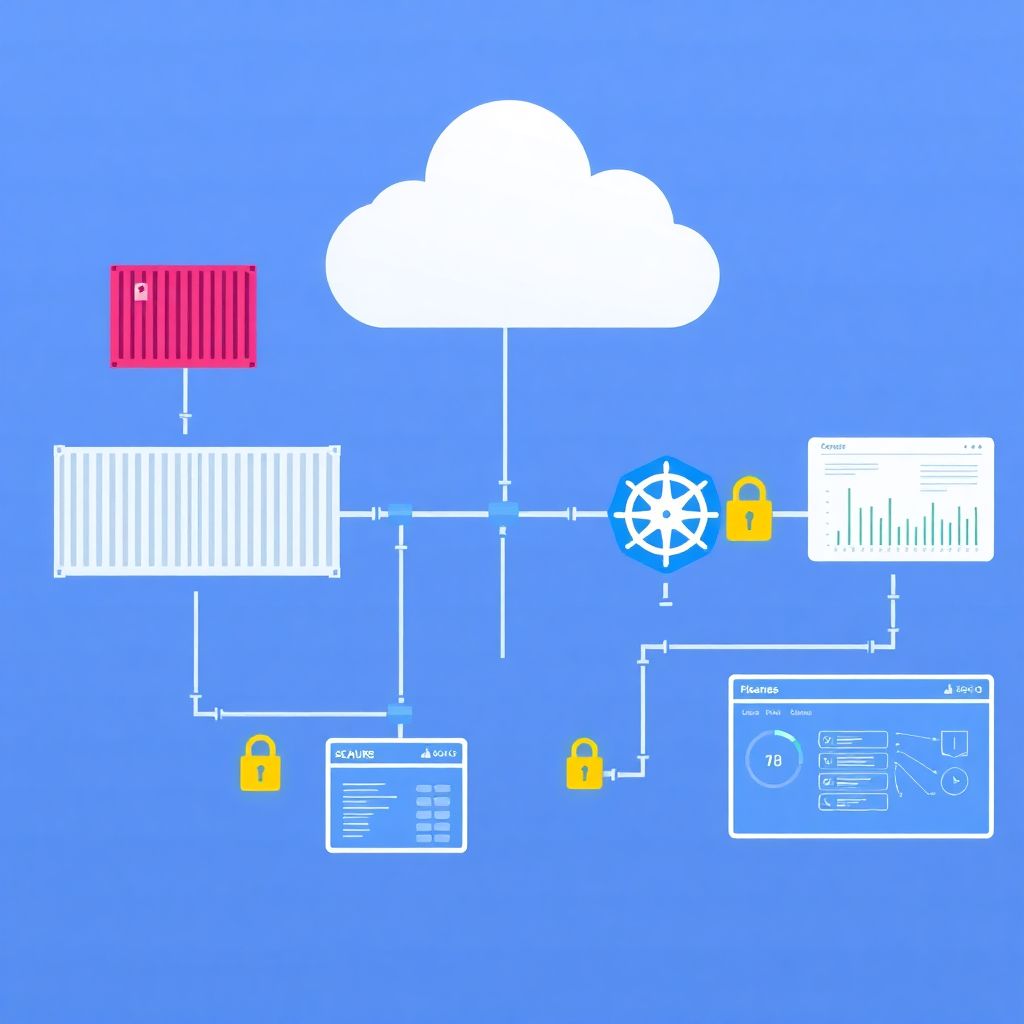
Cloud container security is about controlling risk from image creation to production orchestration: verify image provenance, scan and harden during build, lock down registries, protect CI/CD secrets, enforce policies at runtime, and monitor continuously. This step‑by‑step guide focuses on practical controls that fit typical pt_BR cloud environments and managed Kubernetes services.
Security milestones across the container lifecycle
- Choose trusted base images, generate SBOMs, and sign images to prove provenance.
- Integrate dependency and image scanning into CI for every commit and build.
- Harden and govern container registries with strong authentication and immutability.
- Protect CI/CD secrets, use ephemeral credentials, and gate deployments by policy.
- Apply runtime controls in orchestration: admission policies, RBAC, and network policies.
- Implement continuous monitoramento e proteção de imagens de containers em nuvem with alerting and response.
- Review incidents to refine baselines, reduce blast radius, and prioritize high‑impact risks.
Securing the image supply chain: provenance, SBOMs and signing
Image supply‑chain security is essential when you run production workloads, share images across teams or tenants, or use public registries. It is especially relevant if you rely heavily on open source images and third‑party vendors inside a Kubernetes cluster.
It is usually not worth implementing full signing and SBOM workflows for:
- Short‑lived experiments or labs without internet exposure or sensitive data.
- Local development on personal machines without connection to shared registries.
- Legacy workloads being decommissioned soon, where changes add more risk than benefit.
For most real workloads in segurança de containers na nuvem, you should:
- Start from minimal, trusted base images
Prefer distro‑less, minimal, and vendor‑maintained images. Avoid random images from public registries without provenance or maintenance guarantees. - Generate SBOMs during builds
Use SBOM tools (for example, Syft or similar) in CI to produce a bill of materials for each image. Store SBOMs next to images or in a dedicated artifact store. - Sign images with strong keys
Adopt container image signing (for example, Cosign or Notary v2) tied to your organization. Use hardware‑backed or cloud KMS keys instead of long‑lived local keys. - Enforce signature verification at deploy time
Use admission controllers or policy engines to reject unsigned or untrusted images from production namespaces. - Limit image sources in clusters
Restrict imagePullSecrets and registry allow‑lists so that workloads only pull from approved platforms de segurança de containers docker and private registries.
Comparative view of common controls and tools
| Control / Tool Type | Example Tool or Approach | Main Focus (Scan / Sign / Enforce) | Strengths | Typical Limitations |
|---|---|---|---|---|
| Image scanner | Trivy‑class vulnerability scanners | Scan | Easy integration into CI; broad ecosystem coverage; good for fast feedback on dependencies. | Can generate many findings; needs tuning to reflect exploitability and real blast radius. |
| SBOM generator | Syft‑style tools | Scan | Improves visibility into components; helps in responding to new vulnerabilities. | Does not mitigate risk alone; requires processes and policies to act on the data. |
| Image signer | Cosign‑like signing tools | Sign | Cryptographically proves provenance; integrates with cloud KMS; supports policy checks. | Key management complexity; organizational discipline required to avoid bypasses. |
| Policy engine | OPA Gatekeeper / Kyverno‑style tools | Enforce | Flexible rules, including signature checks; strong fit with solução de segurança para orquestração de containers. | Policies can be brittle if not tested; risk of blocking deployments if misconfigured. |
| Runtime threat detection | Falco‑class agents | Enforce | Detects suspicious behavior at runtime; useful when build controls are not enough. | Requires tuning to avoid noise; does not replace basic hardening and patching. |
Build-time defenses: dependency management, scanning and hardening
Before tightening registries and runtime controls, ensure your build pipeline is ready. You will need:
- Access and permissions
- Administrative or maintainer access to your CI/CD platform (GitHub Actions, GitLab CI, Azure DevOps, Jenkins, etc.).
- Permissions to configure container registries (cloud‑native or self‑hosted).
- Access to Kubernetes clusters (dev, staging, production) used in your ferramentas de segurança para Kubernetes em nuvem setup.
- Build and scan tooling
- Container build tools (Docker, BuildKit, Kaniko, or cloud‑native build services).
- Image and dependency scanners integrated into CI.
- Static analysis or linters for Dockerfiles and Kubernetes manifests.
- Security‑centric build patterns
- Multi‑stage Dockerfiles that compile artifacts separately from runtime images.
- Non‑root users inside containers; explicit USER instructions.
- Minimal exposed ports and environment variables; avoid embedding secrets.
- Risk‑based vulnerability management
- Policies that prioritize vulnerabilities with known exploits or remote code execution impact.
- Decision criteria for accepting risk when compensating controls exist (network segmentation, strong IAM).
- Logging and traceability
- Build logs archived with image hashes and SBOM references.
- Audit trails of who approved promotions from staging to production.
Focus on reducing both exploitability and blast radius: limit which vulnerabilities can be exploited and how far an attacker can move if a container is compromised.
Registry governance: authentication, immutability and policy enforcement
Registry governance is where many pt_BR teams can improve segurança de containers na nuvem quickly with moderate effort. The steps below are safe, incremental, and reversible when applied first to non‑production environments.
Risk considerations before you change registry settings
- Misconfigured access control can block builds and deployments; always test changes in a staging registry first.
- Turning on image immutability may break scripts that rely on overwriting tags like latest.
- Strict policy enforcement without exception procedures can slow incident response and hotfixes.
- Audit logging and rollback plans are critical; every major change should be documented and reviewable.
- Map registries, projects and tenants
Create an inventory of all registries (cloud‑managed and self‑hosted), projects, and repositories.- Identify which images are used by which clusters and namespaces.
- Mark registries that store production images versus development or sandbox images.
- Note any public repositories used by external customers or partners.
- Enforce strong authentication and least‑privilege access
Configure identity providers and roles so that only CI/CD and approved admins can push images.- Use service principals or robot accounts with scoped permissions instead of sharing human credentials.
- Grant pull‑only access to most workloads; reserve push/delete for CI and registry admins.
- Rotate credentials regularly and remove unused accounts.
- Enable image immutability and content trust
Prevent destructive changes in critical repositories.- Enable tag immutability for production repositories so tags cannot be overwritten.
- Adopt signing for images and configure registries to surface signature and provenance metadata.
- Use semantic versioning and avoid relying on latest in production.
- Set up automated image scanning in the registry
Activate built‑in or integrated scanners to analyze images as they are pushed.- Configure policies to block high‑risk images from promotion to production registries.
- Prioritize vulnerabilities based on exploitability and component exposure.
- Route scanner findings into your central ticketing or alerting system.
- Define promotion flows between registries
Separate development, staging, and production images with explicit promotion steps.- Use CI/CD pipelines to copy images from dev to staging to prod registries after passing tests.
- Record who approved each promotion, including image digest, SBOM hash, and signing information.
- Keep retention policies different per environment to manage storage and compliance.
- Integrate registry policies with orchestration
Connect your registry controls with your solução de segurança для orquestração de containers.- Use admission controllers to allow only images from approved registries and repositories.
- Tag images with environment metadata to simplify cluster‑side policies.
- Align registry project boundaries with Kubernetes namespaces and RBAC.
- Harden logging, monitoring and incident procedures
Ensure visibility and response paths are defined and tested.- Send registry access logs and scan results to your SIEM or logging platform.
- Define runbooks for leaked credentials, malicious image discovery, and rollback.
- Perform periodic reviews of access rights and policy exceptions.
CI/CD security: secrets handling, ephemeral credentials and policy gates
After securing builds and registries, confirm that your CI/CD pipelines enforce security without blocking delivery unnecessarily. Use this checklist to validate:
- Secrets are stored in dedicated vaults or encrypted stores, not in plain text in repositories or environment variables.
- Ephemeral credentials are used for registry, cloud, and cluster access, with limited scope and automatic expiry.
- Pipeline logs never print tokens, passwords, or private keys; masking is enabled for sensitive variables.
- Pull requests trigger security scans (SAST, image scanning) before merge, not only before deployment.
- Deployment jobs call policy gates that check image signatures, allowed registries, and vulnerability thresholds.
- Manual approvals are required for promotions into production for high‑risk services or compliance‑sensitive data.
- Rollback pipelines are pre‑defined and tested so you can revert to known‑good images safely.
- Branch protection rules prevent direct pushes to main branches used for production builds.
- All CI/CD agents and runners are patched regularly and isolated from production workloads.
- Audit logs for pipeline changes are enabled and regularly reviewed by security and platform teams.
Runtime protection for orchestration: admission controls, network policies and RBAC
Runtime is where attackers attempt to move laterally and escalate privileges. In cloud clusters, especially when using ferramentas de segurança para Kubernetes em nuvem from cloud providers or third parties, these misconfigurations are common and should be avoided:
- Granting cluster‑admin to service accounts used by applications or CI/CD, instead of narrow RBAC roles.
- Running containers as root or with privileged: true when not strictly necessary.
- Allowing pods to mount the host filesystem or Docker socket without a clear operational need.
- Using overly permissive NetworkPolicies, or none at all, effectively recreating a flat network.
- Disabling admission controllers or policy engines for convenience during incidents and never re‑enabling them.
- Relying only on perimeter firewalls, ignoring pod‑level segmentation and namespace isolation.
- Mixing production and non‑production workloads in the same cluster or node pools without strong isolation.
- Not restricting which namespaces can use hostNetwork, hostPID, or privileged security contexts.
- Deploying third‑party sidecars or agents without reviewing their RBAC, capabilities, and update processes.
- Failing to set resource limits, enabling denial‑of‑service conditions between tenants or services.
Detection, response and forensics in production clusters
Detection and forensics approaches vary depending on your maturity, budget, and regulatory requirements. Combine options rather than choosing only one, and always test them in low‑risk environments first.
- Cloud‑native logging and basic alerting
Use your cloud provider tooling to centralize Kubernetes and container logs, configure simple anomaly rules, and forward to a SIEM. Suitable for teams starting with cloud containers or with limited resources. - Runtime threat detection agents
Deploy kernel‑level or eBPF‑based agents that detect suspicious behaviors (unexpected shells, crypto‑mining patterns, privilege escalation). Recommended for production clusters and multi‑tenant environments where blast radius must be tightly controlled. - Full‑stack observability with security overlays
Use observability platforms integrated with security features to correlate traces, metrics, and logs with security events. Appropriate when you already run large‑scale microservices or have strict availability requirements. - Managed container security platforms
Adopt managed plataformas de segurança de containers docker that cover registry scanning, admission policies, runtime detection, and compliance reporting. Useful for organizations that prefer opinionated defaults over building and integrating many tools.
Practical answers to recurring operational dilemmas
Should I block deployments on every critical vulnerability found in an image?
Not automatically. Consider exploitability, exposure, and compensating controls. For internet‑facing services or workloads with sensitive data, stricter gates make sense. For internal low‑risk services, allow temporary exceptions with tracked deadlines to remediate.
Is it safe to use public images as base for production containers?
It can be safe if you restrict to well‑maintained, official images and always scan and harden them. Avoid random images with unclear maintainers, and treat public bases as untrusted until verified and signed in your own pipeline.
How many Kubernetes clusters do I need to separate environments securely?
Use at least logical isolation between dev, staging, and production; physical separation with distinct clusters is preferable for high‑risk workloads. Consider operational overhead, but never mix highly sensitive production workloads with experimental or shared tenant workloads in the same trust zone.
Where should container image scanning run: CI, registry, or cluster?
Use all three if possible, with different purposes. CI scans provide fast feedback, registry scans protect promoted images, and optional cluster‑level scans validate running images. Start with CI and registry, then add runtime visibility when mature enough.
Do I still need host security if I use managed Kubernetes in the cloud?
Yes, but responsibilities change. Cloud providers handle part of the host hardening, while you focus on container configuration, RBAC, network policies, and image security. For self‑managed nodes, maintain OS patching, minimal packages, and restricted access.
How do I avoid policy engines breaking my production deployments?
Introduce policies in audit mode first, monitor violations, then move non‑critical rules to enforce. Version policies, test them in pre‑production clusters, and define emergency bypass procedures with approvals and logging for critical incidents.
What is the best first step if my organization is just starting with container security?
Begin with a minimal pipeline: trusted base images, CI‑driven scanning, and basic registry governance. These controls are low risk, deliver quick wins, and prepare the ground for stricter runtime controls and advanced monitoring later.