
SIEM-SOAR cloud integration means centralizing security telemetry from AWS, Azure and GCP into a SIEM, then using SOAR to automate triage and response with safe, well‑scoped actions. For teams in Brazil, start small with high‑value use cases, enforce least privilege, test playbooks in “dry‑run” mode, and continuously tune detections.
Concise technical summary of SIEM-SOAR cloud integration
- Decide between hybrid, multi‑cloud or cloud‑native SIEM-SOAR based on data location, regulatory constraints and existing on‑prem tooling.
- Standardize ingest from all cloud providers using normalized schemas and consistent enrichment (identity, asset, geography).
- Design SOAR playbooks in tiers: notify → contain → remediate, with approval gates for destructive actions.
- Apply strict least‑privilege roles for all automations and maintain complete audit trails of every action.
- Plan for scale: log volume bursts, cross‑region latency, retention policies and provider API rate limits.
- Track KPIs such as mean time to detect, mean time to respond and percentage of alerts auto‑closed with human review.
- Iteratively expand integração SIEM SOAR em nuvem from a few critical use cases instead of “big‑bang” migration.
Reference architectures: hybrid, multi-cloud and cloud-native patterns
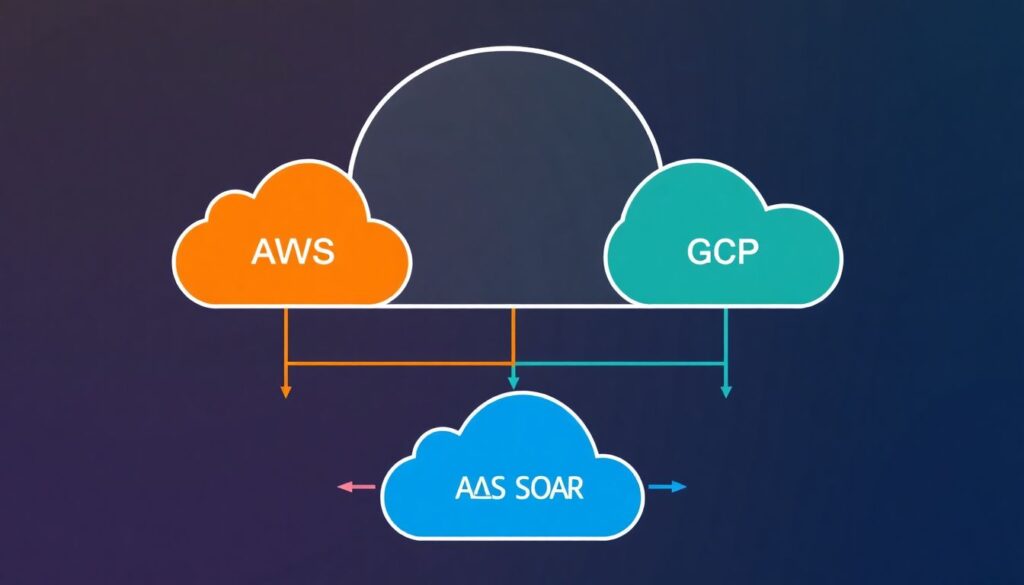
Choosing the right arquitetura SIEM SOAR com provedores de nuvem determines complexity, cost and risk. Below are three typical patterns and when they fit Brazilian organizations.
| Pattern | Description | When it fits | Watch‑outs |
|---|---|---|---|
| Hybrid SIEM with cloud connectors | Existing on‑prem SIEM ingests logs from AWS, Azure, GCP; SOAR may be on‑prem or SaaS. | Enterprises with strong on‑prem SIEM investment and strict data residency or latency needs. | High egress from cloud; complex VPN/PrivateLink; on‑prem scaling limits. |
| Multi‑cloud centralized SIEM-SOAR in one cloud | Single SIEM-SOAR stack (for example in Azure) collects from all providers via secure endpoints. | Organizations with primary presence in one cloud that also use another provider for specific workloads. | Cross‑cloud bandwidth and latency; dependency on one provider for security visibility. |
| Cloud‑native SIEM-SOAR per provider | Use plataformas SIEM SOAR cloud native from each CSP and federate only high‑value alerts. | Large multi‑cloud with strong native services usage; need to keep raw data inside each CSP. | Tool sprawl; fragmented analytics; complex governance across platforms. |
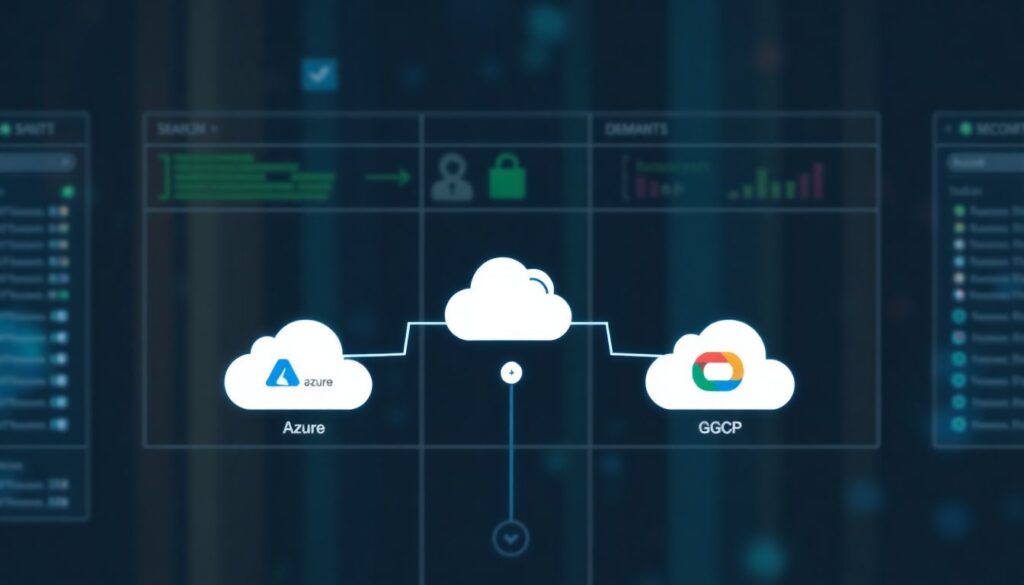
Mapping to soluções SIEM SOAR para AWS Azure GCP usually looks like:
- AWS: CloudTrail, CloudWatch, VPC Flow Logs, GuardDuty → centralized SIEM; playbooks triggering Lambda, SSM automation, Security Hub actions.
- Azure: Activity Logs, Azure AD, Defender for Cloud → SIEM; SOAR actions through Logic Apps, Azure Functions, Graph API.
- GCP: Audit Logs, VPC Flow Logs, Security Command Center → SIEM; orchestration via Cloud Functions and APIs.
When you should not attempt a complex multi‑cloud design yet:
- If you lack an inventory of all cloud accounts/subscriptions/projects and owners.
- If you do not have a baseline incident response process documented offline.
- If there is no dedicated team to maintain SIEM content and SOAR playbooks.
- If data residency and privacy obligations are not clearly understood with Legal and Compliance.
Risk‑conscious mitigations for architecture choices
- Start with a single “anchor” provider and one region, then extend the architecture incrementally.
- Document data flows (including cross‑border transfers) before enabling large log exports.
- Use provider‑native private endpoints (AWS PrivateLink, Azure Private Link, Private Service Connect in GCP) instead of exposing SIEM-SOAR over the internet.
- Define exit criteria: when and how you could move off a chosen SIEM-SOAR without losing logs.
Ingest, normalization and enrichment: collecting telemetry from AWS, Azure, GCP
To connect melhores ferramentas SIEM SOAR para segurança em nuvem you need clear data requirements, proper access and consistent schemas.
Core telemetry you should plan to ingest
- Control‑plane logs:
- AWS CloudTrail (organization‑wide, all regions).
- Azure Activity Logs and Azure AD sign‑ins.
- GCP Cloud Audit Logs (Admin + Data where allowed).
- Network and access logs:
- VPC/VNET flow logs and load balancer access logs.
- VPN/Direct Connect/ExpressRoute/Interconnect logs if used.
- Security‑service alerts:
- AWS GuardDuty, Azure Defender, GCP Security Command Center.
- Web application firewalls, API gateways, DDoS protections.
- Identity and endpoint:
- IdP (Azure AD, Okta etc.) and OSQuery/EDR telemetry.
Access, identities and connectivity requirements
- Create dedicated “log export” identities in each provider:
- AWS IAM role with external ID for SIEM; policies limited to log read and delivery.
- Azure service principal with minimal Graph and Log Analytics permissions.
- GCP service account scoped to the required projects and log buckets.
- Prefer push‑based exports (for example, to an event hub or storage bucket) over pull when possible to reduce open inbound endpoints.
- Where pull is required, restrict source IPs and use mutual TLS where the SIEM supports it.
- Encrypt all log storage at rest using provider‑managed keys at minimum; consider customer‑managed keys for sensitive environments.
Normalization and enrichment strategy
- Adopt a common schema (for example ECS‑like fields) across clouds:
- Map principal → user.account.id / user.account.name.
- Map source/destination IPs and ports consistently.
- Standardize resource identifiers (ARN, Azure Resource ID, GCP URI) into a single asset_id field.
- Enrich on ingest rather than in every query:
- Join with CMDB or cloud asset inventory to tag environment (prod/dev), owner and data sensitivity.
- Resolve public IPs to geolocation and threat‑intel reputation once and store the result.
- Define clear retention policies per log type (for example security alerts longer than raw network logs) aligned with regulation in Brazil.
Risk‑conscious mitigations for ingest and enrichment
- Enable new high‑volume logs (such as VPC flow logs) only in selected accounts/projects first and measure impact.
- Set hard per‑source and per‑tenant quotas in SIEM to prevent runaway costs from misconfigured logging.
- Regularly review service principals and roles; remove unused export identities promptly.
- Keep a data catalogue that clearly states which log types may contain personal data and where they are stored.
Automation design: playbooks, runbooks and safe orchestration across providers
Before the step‑by‑step, be explicit about risks and constraints of cross‑cloud automation.
Key risks and constraints to acknowledge up front
- Over‑privileged SOAR identities can delete or modify production resources at scale if a playbook misfires.
- Unreviewed automations may violate internal change‑management or regulatory requirements.
- Cross‑region and cross‑cloud calls introduce latency and can fail partially, leaving inconsistent states.
- Abuse of provider APIs (too many calls) can hit rate limits, slowing down both security and business workloads.
- Lack of robust logging of SOAR actions makes root‑cause analysis difficult after an incident.
Step‑by‑step guide to designing safe, cloud‑aware playbooks
- Define a small, high‑value use case.
Start with one scenario, for example “suspicious login from new country” or “public S3 bucket in production”. Document the desired outcome, inputs (alerts, logs) and manual steps currently performed by analysts. - Map provider‑specific actions and APIs.
For each cloud, list which actions are safe to automate:- AWS: tag resources, isolate EC2 via security groups, disable access keys, add GuardDuty findings comments.
- Azure: add user to restricted group, disable sign‑in, apply NSG rule, lock storage containers.
- GCP: quarantine VM via firewall tag, disable service accounts, change IAM bindings.
- Create dedicated SOAR service identities with least privilege.
Build one identity per cloud and per playbook family (for example “read‑only investigations”, “containment actions”). Attach only the permissions strictly needed for those actions and deny high‑risk operations (for example permanent deletions). - Design the playbook as stages: detect → validate → respond.
For each stage:- Detect: trigger from a specific SIEM rule or CSP native alert.
- Validate: enrich with identity, asset and geography; apply simple sanity checks; possibly involve an analyst.
- Respond: perform one or more actions, with approvals for high‑impact steps.
- Implement “dry‑run” and simulation first.
Configure the SOAR so that the playbook:- Logs all intended actions to a test channel (for example Slack/Teams) without touching resources.
- Captures all parameters (resource IDs, user IDs, IPs) in a structured way for review.
- Runs against synthetic alerts or a test environment initially.
- Add human approval and escalation flows.
For irreversible actions, require an on‑call analyst to approve via ticket or chat integration. Include clear timeouts and fallback behavior (for example “if no approval in 30 minutes, keep monitoring only”). Document who can approve what. - Harden error handling and idempotency.
Ensure that if an API call fails, the playbook:- Retries a limited number of times with backoff.
- Does not create duplicate resources or conflicting rules when retried.
- Logs failures with enough context (correlation IDs, resource names) for troubleshooting.
- Instrument the playbook with metrics and logging.
Track execution counts, success/failure rates, median execution time and distribution by cloud provider. Send SOAR action logs back to the SIEM so that security automation itself is monitored. - Gradually increase autonomy level.
Move from:- Notify only → suggest actions.
- Auto‑contain in low‑risk environments (non‑prod, low impact accounts).
- Auto‑remediate in critical paths only after several weeks of stable operation.
Risk‑conscious mitigations for orchestration
- Maintain a central catalogue of all active playbooks, their triggers and maximum impact (for example “can quarantine up to N VMs”).
- Perform quarterly reviews of SOAR roles and permissions and rotate sensitive credentials.
- Implement “kill switch” procedures: how to quickly disable a misbehaving playbook across regions.
- Always run new playbooks with restricted scope (single account/subscription/project) before organization‑wide rollout.
Security, access and compliance: identity, least privilege and audit trails
This section focuses on validating that your integration is secure and compliant. Use the checklist below as a recurring control, especially for regulated Brazilian industries.
Verification checklist for secure SIEM-SOAR cloud integration
- All SIEM and SOAR identities in AWS, Azure and GCP are non‑human, named and mapped to owners and purposes.
- Each automation role follows least privilege: permissions are limited to specific actions and resources, with explicit denies for destructive operations.
- Multi‑factor authentication is enforced for all admin users who can change SIEM rules, SOAR playbooks or cloud‑side logging configurations.
- Every action performed by SOAR in any cloud is logged and searchable in the SIEM with who/what/when/where details.
- Changes to SIEM detection rules and SOAR playbooks are managed via version control and change‑management tickets.
- Log retention and data locality configurations are documented and aligned with Brazilian data‑protection requirements and contractual obligations.
- Network paths between clouds and SIEM-SOAR are encrypted, avoid public IP exposure where possible and are protected by firewalls or security groups.
- Third‑party vendors involved in the SIEM-SOAR stack are reviewed for data‑processing agreements and security certifications relevant in Brazil.
- Regular access reviews verify that analysts, engineers and automation identities still require the privileges they hold.
- Backup and disaster‑recovery procedures for SIEM and SOAR configuration are tested at least annually.
Risk‑conscious mitigations for security and compliance
- Adopt “infrastructure as code” for SIEM parsers, rules and SOAR playbooks to ensure traceability.
- Tag and segregate log data that may contain personal data, applying stricter controls and limited access.
- Coordinate with Legal/Compliance before exporting sensitive logs across borders or into third‑party SaaS SIEMs.
- Run periodic tabletop exercises using real SOAR playbooks to validate that they support, not break, incident response policies.
Operational reliability: scaling, latency, data retention and failure modes
Even the best detections fail if the underlying pipelines and automations are unreliable. Below are frequent operational mistakes and how to avoid them.
Common operational mistakes to avoid
- Underestimating log volume growth, causing ingestion or storage limits to be hit during real incidents.
- Ignoring cloud provider API rate limits, leading to failed SOAR actions during large‑scale response.
- Building cross‑region data flows without considering latency added to time‑sensitive playbooks.
- Not monitoring health of log forwarders, connectors or event hubs, resulting in silent data loss.
- Using the same retention for all log types, either exploding costs or deleting high‑value security data too early.
- Hard‑coding region names, account IDs or subscription IDs inside playbooks, blocking re‑use and breaking during reorganizations.
- Lacking clear procedures for partial outages where either SIEM or SOAR is down but cloud workloads must continue.
- Failing to test disaster scenarios (for example SIEM region loss) for critical incident response workflows.
Risk‑conscious mitigations for reliability
- Establish capacity baselines: typical and peak events per second per provider; re‑evaluate after new major workloads go live.
- Implement “dead‑letter” queues for failed log events and SOAR actions, and alert on accumulation.
- Use provider‑specific backoff strategies and retry logic to respect API rate limits.
- Set differentiated retention by log category, with colder storage for long‑term analytics where supported.
- Instrument end‑to‑end synthetic alerts that test detection and automation pipelines continuously.
- Document manual fallbacks for key playbooks (who to call, which console actions to take if SOAR is unavailable).
Concrete examples: deployment blueprints, scripts and measurable KPIs
Below are practical deployment options and how they map to typical constraints. They illustrate different ways to use integração SIEM SOAR em nuvem without over‑engineering.
Comparison of common SIEM-SOAR deployment approaches
| Approach | Tooling example | Data flow | Cost and complexity notes |
|---|---|---|---|
| Central SIEM in Azure, SOAR SaaS | Cloud‑hosted SIEM in Azure + vendor SOAR | AWS/Azure/GCP logs → event hubs/storage → SIEM; alerts → SOAR via API/webhook; SOAR → CSP APIs. | Good for organizations primarily on Azure; moderate egress costs from AWS/GCP; central management but third‑party dependency. |
| Native per‑cloud SIEM/SOAR with alert federation | Native CSP security centers + lightweight central SIEM | Each cloud logs to its own platform; only high‑severity alerts are pushed to a central SIEM for correlation. | Lower cross‑cloud traffic; leverages plataformas SIEM SOAR cloud native; higher complexity in governance. |
| Single SaaS SIEM-SOAR platform | Vendor SaaS that ingests from AWS, Azure, GCP | Agent/agentless collectors per cloud → internet or private links → SaaS; unified rules and playbooks. | Simpler operations and faster rollout; need careful data‑protection review and connectivity planning. |
Example: suspicious cloud console login playbook (conceptual)
- Trigger: Alert in SIEM from Azure AD sign‑in logs or AWS CloudTrail indicating login from new country and risky IP.
- Enrichment:
- Fetch user identity details and group memberships.
- Check recent activity across AWS, Azure and GCP for the same user or IP.
- Response tiers:
- Tier 1: Notify analyst and user via email/Teams/Slack; create ticket.
- Tier 2 (after analyst approval): Force password reset or sign‑out, require MFA re‑registration.
- Tier 3 (for confirmed compromise): Disable the account, invalidate long‑lived tokens, block IP range at WAF or firewall layer.
Example: storage bucket/container exposure remediation
- Trigger: CSP alert that an S3 bucket, Azure Blob container or GCS bucket has become publicly accessible.
- Automated checks:
- Verify environment tag (prod vs dev) and data classification.
- Check recent changes in IaC repos to see if exposure is intentional.
- Safe actions:
- For non‑prod: immediately remove public access and notify owner.
- For prod: alert with high severity, suggest remediation, require approval before applying policy changes.
Measurable KPIs for SIEM-SOAR cloud programs
- Mean time to detect and mean time to respond for cloud‑specific incidents, segmented by provider (AWS, Azure, GCP).
- Percentage of cloud alerts closed by automation with analyst verification versus fully manual handling.
- Number of misconfigured cloud resources detected and successfully remediated per month.
- Volume of alerts per analyst per shift before and after automation rollout.
- Incidents caused by mis‑configured playbooks (aim for zero; track “near misses”).
Risk‑conscious mitigations for blueprint selection
- Pilot each blueprint with a non‑critical business unit or environment before committing organization‑wide.
- Align blueprint choice with internal skills: do not adopt heavily customized open‑source stacks without engineering capacity.
- Keep an updated mapping between chosen blueprint and responsible teams (cloud, security operations, networking).
- Reassess blueprint fit annually, especially after major cloud adoption changes or mergers.
Operational pitfalls and short, actionable clarifications
How do I choose between native cloud tools and a third‑party SIEM-SOAR?
Use native tools where you want deep integration and minimal setup, and a third‑party where you need unified views across AWS, Azure and GCP or want to avoid vendor lock‑in. For many Brazilian teams, a hybrid of native controls plus a central SIEM-SOAR works best.
Is it safe to let SOAR automatically block users or shut down resources?
Only after you have staged validations, clear approval flows and strong testing. Start with notifications and low‑risk actions, then gradually enable auto‑containment for well‑understood scenarios. Always keep a manual override path.
What is the minimum I need to start integração SIEM SOAR em nuvem?
You need reliable log collection from at least one cloud, a basic incident response process, and one or two well‑defined use cases. Avoid trying to automate everything; focus on repetitive, high‑volume tasks like user enrichment or simple containment.
How do I prevent SIEM costs from exploding with multi‑cloud logs?
Scope logging carefully: exclude noisy, low‑value events, apply sampling for very verbose sources and use tiered storage where available. Regularly review top talkers and adjust CSP logging settings and SIEM ingestion filters.
How should I involve other teams in SIEM-SOAR projects?
Involve cloud, network, identity and application owners early. Share runbooks, agree on which actions can be automated, and define on‑call responsibilities. Collaboration reduces friction when SOAR touchpoints affect production systems.
Can I rely only on cloud‑native alerts instead of building my own SIEM rules?
Cloud‑native alerts are a strong baseline but not enough. You still need custom detections aligned with your environment, such as organization‑specific risky actions or combinations of events across providers.
What is a realistic timeline to see value from SIEM-SOAR integration?
Value can appear within weeks if you limit scope to a few targeted use cases and providers. Large, full‑coverage integrations will take longer and should be planned as an incremental roadmap with clear milestones.