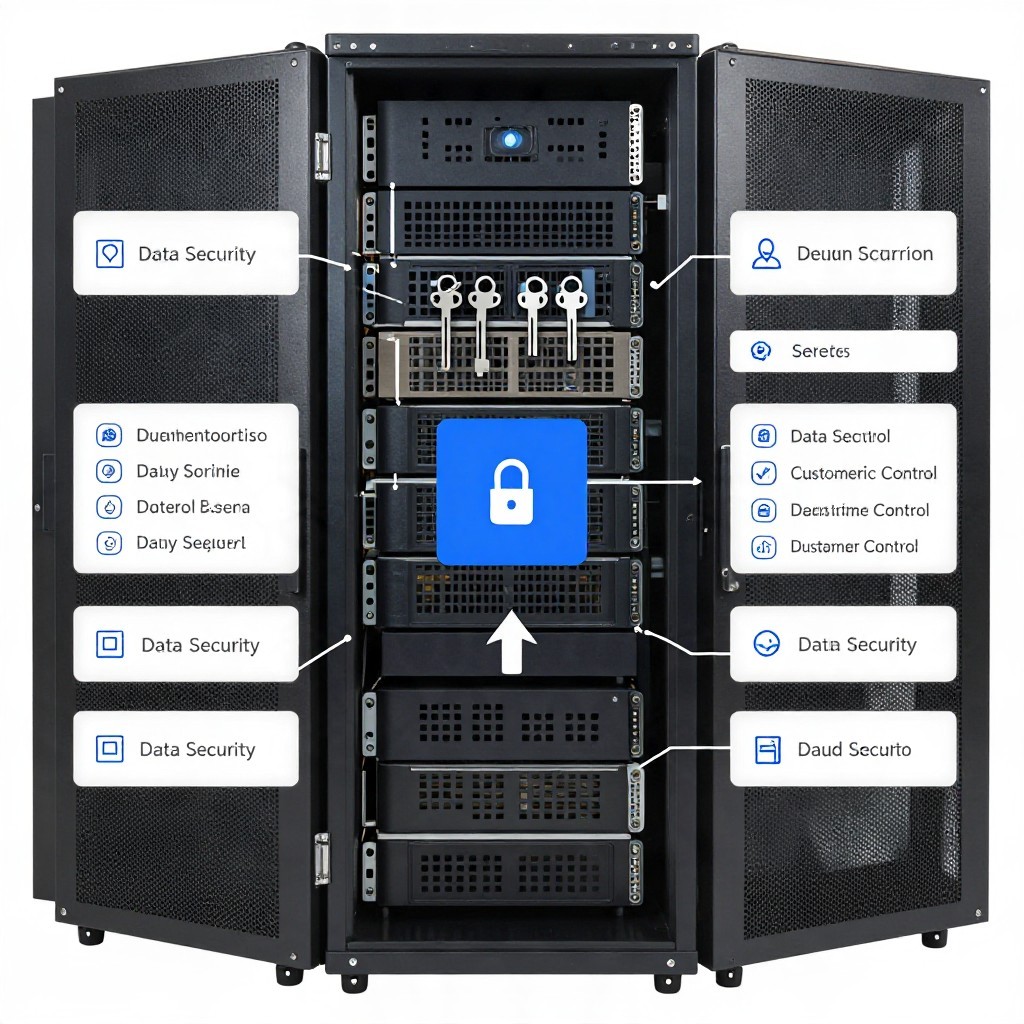
For most cloud workloads, provider-managed encryption is the lowest-effort starting point; customer-managed keys add control and auditability but also cost and operational work. Customer-supplied keys can provide tighter control over key material, with greater integration demands. Choose based on data sensitivity, contractual requirements, service support, and whether your team can reliably manage key access, rotation, recovery, and monitoring.
The Encryption Decisions That Shape Cloud Cost and Control
- Encrypt data at rest and protect network traffic in transit; these controls address different exposure points.
- Provider-managed keys usually reduce setup and ongoing operational effort.
- Customer-managed keys offer more control over permissions, rotation, and audit evidence, but can introduce additional fees and failure modes.
- Customer-supplied keys keep key material under closer customer control, where supported, but require careful integration and availability planning.
- Start with data sensitivity and workload requirements, then compare the total cost of key storage, use, audits, and operations.
At-Rest and In-Transit Encryption: What Each Protects
Encryption at rest protects stored data, such as databases, object storage, snapshots, and backups. Encryption in transit protects data moving between clients, services, and systems, typically through protocols such as TLS. Neither control replaces the other: a workload may need both.
When comparing criptografia em repouso e em trânsito na nuvem, assess these criteria:
- Data sensitivity: Identify whether the workload contains personal, financial, health, confidential, or publicly available information.
- Exposure points: Map storage locations, backups, replicas, application connections, and service-to-service traffic.
- Compliance and contracts: Confirm required encryption controls, evidence, and customer or regulator expectations.
- Key control: Decide whether provider control is sufficient or whether your organization needs to manage permissions and key lifecycle.
- Service compatibility: Verify that each cloud service supports the key option you intend to use.
- Availability needs: Consider what happens to workloads if a key is disabled, deleted, inaccessible, or unavailable across regions.
- Team capacity: Account for the people and processes needed to configure, monitor, rotate, and recover keys.
- Total cost: Include key storage, API use, logging, audit work, integration, and operational effort.
Provider-Managed Keys: Lower Operational Overhead, Less Direct Control
Provider-managed encryption is often the practical budget-first choice when the cloud service encrypts data by default and the organization does not need direct control over key lifecycle. Options vary by service, so confirm what each one supports before standardizing.
| Option | Who it suits | Advantages | Limitations | When to choose it |
|---|---|---|---|---|
| Provider-managed keys | Teams prioritizing low effort and straightforward protection | Usually simple to enable; provider handles key operations | Less direct control over key policy and lifecycle; may not meet specific control requirements | Choose for lower-sensitivity workloads when service defaults satisfy policy and compliance needs |
| Customer-managed keys in a cloud KMS | Organizations needing policy control and audit visibility | Customer can manage permissions and key lifecycle within the service’s capabilities | May add key, API, logging, and administration costs; misconfiguration can disrupt access | Choose when internal policy or audit needs justify the extra control and operational work |
| Customer-supplied keys | Teams requiring closer control of key material and able to support integrations | Key material can remain under customer control, depending on service design | Limited service availability; more demanding delivery, recovery, and availability planning | Choose only when the service supports the model and key-material control is a concrete requirement |
| Application-managed encryption | Workloads with specific encryption requirements beyond storage-level controls | Can protect data before it reaches a cloud storage service | More application complexity; key loss or faulty implementation can make data unusable | Choose for defined use cases where application-level protection is required and can be maintained |
For many teams, provider-managed keys keep both direct spend and operational effort lower. Customer-managed options may be worthwhile, but the cost comparison should include the time needed to operate them, not only the price of key services.
Customer-Managed and Customer-Supplied Keys: Costs, Responsibilities, and Trade-offs
Customer-managed keys generally refer to keys controlled through a cloud key-management service, where customers configure access and lifecycle settings while the service performs key operations. Customer-supplied keys are different: the customer provides key material to a service that supports that model. The precise handling varies by provider and product, so check service documentation and contract terms.
- If a workload has ordinary sensitivity and no requirement for customer-controlled key policies, then provider-managed keys are a reasonable budget-first option.
- If audit or internal policy requires customer-controlled permissions or rotation, then consider customer-managed keys and budget for monitoring and administration.
- If a contract requires the organization to retain control of key material, then assess customer-supplied keys only for services that explicitly support them.
- If a workload is highly sensitive and the team has mature key operations, then customer-managed or customer-supplied keys may provide useful additional control, subject to service capabilities.
- If the team cannot support key recovery, access reviews, and incident response, then avoid adding customer-controlled key dependencies until those processes are in place.
Budget option: use provider-managed keys where they meet the workload’s requirements, and reserve customer-managed keys for systems with a clear control or audit need. Premium option: use customer-controlled key models for selected sensitive workloads when the added control is justified and the organization can fund reliable operations. Neither approach is universally best.
Managed vs. Customer-Controlled Keys Across Cloud Services
Compare the key model service by service. A cloud provider may offer different controls for storage, databases, backups, and managed applications, and a key option available for one service may not be available for another.
- List the data stores, backups, and network paths in scope.
- Check whether each service encrypts data at rest and supports encryption in transit for its relevant connections.
- Identify requirements for customer control, audit evidence, key-material custody, and key rotation.
- Confirm which key models each service supports, including any restrictions on replication, backups, or recovery.
- Estimate direct costs and staff effort for key setup, access reviews, monitoring, and incident response.
- Test key disablement and recovery procedures in a controlled environment before relying on them for production.
When evaluating gerenciamento de chaves de criptografia na nuvem, include operational ownership in the design: someone must monitor key use, review permissions, and respond to failures. Teams comparing chaves gerenciadas vs chaves próprias na nuvem should also verify how each service defines those terms rather than assuming provider terminology is uniform.
Cost Comparison: Key Storage, API Calls, Audits, and Operations
Cloud encryption costs are not limited to a key’s listed price. Depending on provider and service, customer-controlled key models can add charges for key storage or operations, while audit evidence, integration, and staffing create further costs. Review the pricing and service documentation that applies to the workload.
- Choosing customer-managed keys for every workload without a control requirement.
- Comparing key-service fees while ignoring staff time for administration and incident handling.
- Overlooking API or request charges where the provider’s pricing model includes them.
- Failing to estimate audit, logging, and access-review effort.
- Assuming every cloud service supports the same key options or lifecycle controls.
- Disabling or deleting a key without confirming the effect on stored data, backups, and recovery.
- Using customer-supplied keys without a tested plan for delivery, availability, and restoration.
- Buying advanced controls before identifying the workload, threat, or policy requirement they address.
When comparing soluções de criptografia em nuvem para empresas, request a workload-specific estimate that includes both provider charges and the team’s ongoing responsibilities. Compare serviços de gerenciamento de chaves na nuvem on supported services, access controls, audit capabilities, recovery behavior, and pricing-not on feature names alone.
Choosing a Key Strategy by Data Sensitivity and Team Capacity
Provider-managed keys are often the best fit for routine workloads where low cost and low operational effort matter most. Customer-managed keys may be better for workloads needing additional policy control or auditability, while customer-supplied keys may fit narrower cases requiring closer custody of key material. The strongest choice is the one that satisfies the workload’s requirements and that the team can operate reliably.
Practical Answers on Cloud Encryption Keys
Is encryption at rest enough for cloud data?
No. It protects stored data, while encryption in transit protects data moving between systems. Assess both according to the workload’s data flows and requirements.
Are provider-managed keys less secure?
Not inherently. They can provide appropriate protection with less operational effort, but they offer less direct customer control over key lifecycle than customer-managed options.
What is the main difference between customer-managed and customer-supplied keys?
Customer-managed keys are controlled through a cloud key-management service, within its supported controls. Customer-supplied keys involve the customer providing key material to a compatible service; handling and retention depend on that service.
Do customer-managed keys always cost more?
They may introduce additional service charges and administrative effort, but pricing depends on the provider, service, and usage. Compare the total workload cost rather than assuming a fixed premium.
When should a small team use provider-managed keys?
Use them when service defaults satisfy policy and contractual needs, and the team wants to minimize key-management work. Reassess if data sensitivity or control requirements change.
Can a disabled key interrupt access to data?
It can, depending on the service and key configuration. Confirm the consequences and test recovery procedures before changing key state in production.
Should every cloud service use the same key model?
Not necessarily. Select a model based on each service’s capabilities, data sensitivity, control requirements, cost, and operational support.