Why a security checklist matters more than your migration toolset
Moving workloads from a familiar data center to the cloud feels a bit like moving house: everyone talks about the boxes and the truck, but the real drama happens with the contracts, locks and alarms. The same with cloud: people obsess over performance and cost, while security decisions made in the first 60 days will haunt (or save) you for years. A pragmatic checklist forces you to slow down just enough to avoid classic “lift-and-regret” scenarios, especially with old but critical systems that nobody dares to touch in production.
—
H2 – Before you migrate: map what you’re really protecting
H3 – Classify data and applications (not all workloads are equal)
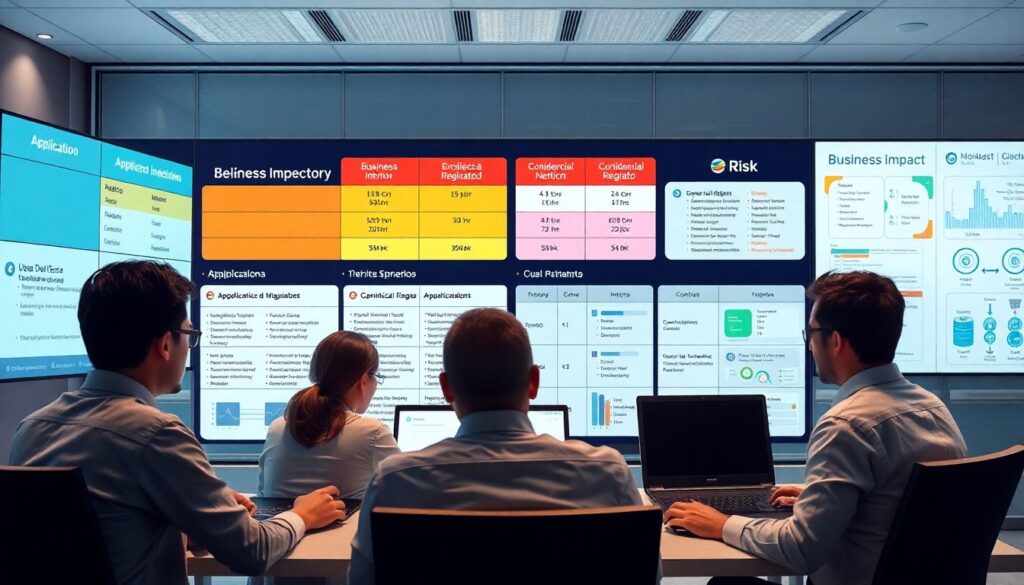
Before touching any VPN or migration tool, you need a brutally honest inventory. In practice, this is where many teams cut corners. Classify each application by data sensitivity (público, interno, confidencial, regulado) and business impact if it goes down for 4, 24 or 72 hours. In one bank project, this exercise turned a “move everything in six months” plan into three waves, because core payment systems could not tolerate more than 15 minutes of downtime, while reporting BI could wait days.
Technical detail
– Map data flows: which apps read/write PII, financial data, or health info.
– Identify external dependencies: payment gateways, legacy LDAP, mainframe, third‑party APIs.
– Tag assets in CMDB or IaC (e.g. Terraform tags: `data_class=regulated`, `rto=4h`).
This mapping becomes the backbone of your security requirements during migration and in the target cloud.
—
H3 – Decide the migration pattern and security implications
“Lift-and-shift” is tempting, especially for aplicações legadas, but it drags every bad habit from the data center into your shiny VPC. Replatforming or partial refactoring often reduces risk: for example, replacing hardcoded credentials in config files with a cloud secrets manager before the move. In a real project with a retail company, we cut 60% of firewall rules simply by adopting managed database services and private endpoints instead of exposing old SQL servers through a jungle of NATs.
Technical detail
– For each app, pick a pattern: rehost, replatform, refactor, retire.
– Document which controls will change: WAF vs classic appliance, IAM vs local users, KMS vs file‑level encryption.
– Define “minimum viable security” per wave: encryption, IAM, monitoring, backups, network isolation.
—
H2 – Network and identity: the new perimeter
H3 – Design network segmentation first, routes later
In on‑prem environments, flat networks with 10+ years of exceptions are common. Reproducing that in the cloud is a security disaster. Start with tiers: web, app, data, and shared services. In a migration for an insurance client, we set three VPCs (prod, non‑prod, shared) with only private connectivity between them and the data center. Result: during a later incident, an infected on‑prem host could not reach any production workload in the cloud.
Technical detail
– Use separate accounts/subscriptions per environment (prod vs dev) and per business domain.
– Enforce security groups / NSGs as the *primary* firewall, not just the old appliance replicated in the cloud.
– Log all network flows (VPC Flow Logs / NSG Flow Logs) from day one, even if you don’t yet analyze them deeply.
—
H3 – Identity and access management: kill shared admin accounts
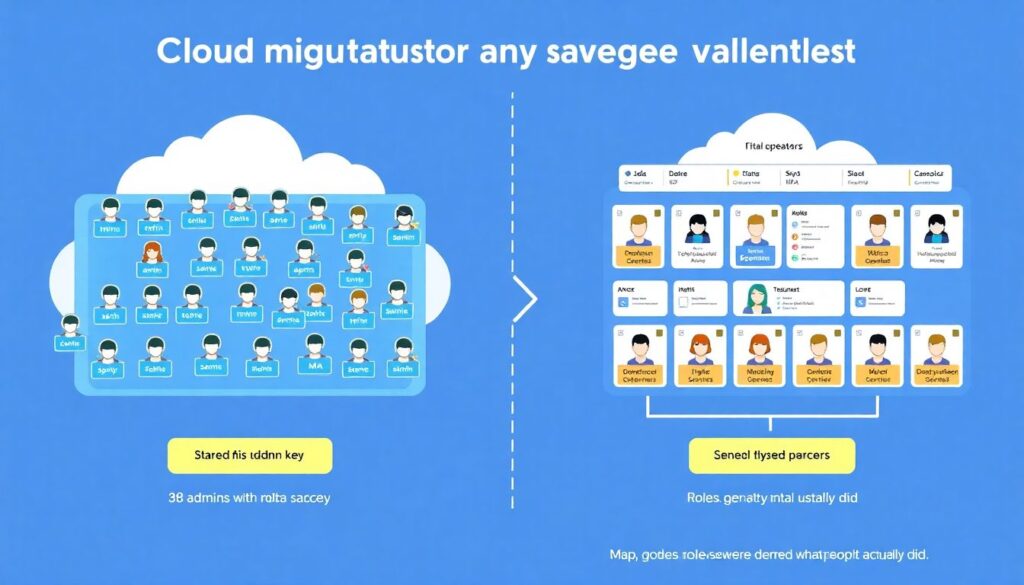
Cloud migration is the perfect excuse to drop shared “admin” accounts and move to individual identities with MFA and role‑based access control. In one projeto de migração, we cut the number of administrators from 38 to 9 real operators with audited access, just by mapping what people *actually* did in the last 90 days and removing unused rights. Nobody was fired; we just ended the culture of “everyone is domain admin, just in case”.
Technical detail
– Integrate IAM with corporate IdP (AD, Azure AD, Okta) and enable MFA by policy, not “best effort”.
– Use roles for tasks: `MigrationOperator`, `ReadOnlyAuditor`, `SecurityEngineer`; avoid user‑attached policies.
– Enforce just‑in‑time elevation (PIM) for high‑risk roles and log every use.
—
H2 – Data protection: encryption, keys and real‑world trade‑offs
H3 – Encryption in transit and at rest as non‑negotiables
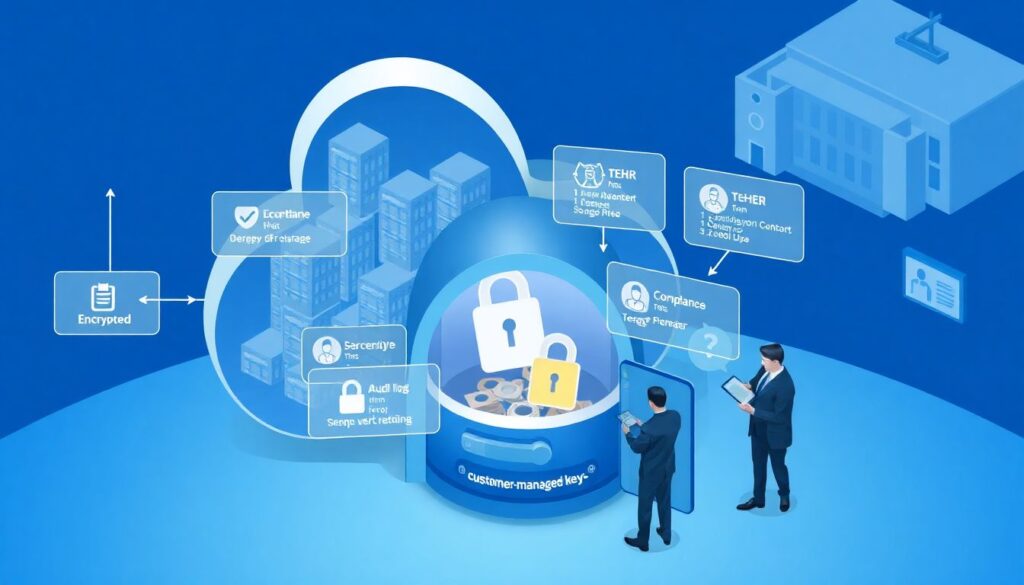
Most cloud providers make it easy to tick the “encrypted” box, but the nuance is in key ownership and rotation. For regulated workloads, regulators may expect customer‑managed keys and auditable rotation. In a healthcare case, the audit passed only after we could show logs proving who could access the KMS keys, when they rotated and which backup sets used which key IDs. “It’s encrypted somewhere in the cloud” didn’t satisfy anyone.
Technical detail
– Enforce TLS 1.2+ for all inbound and outbound traffic; block plaintext ports by default security groups.
– Use KMS or equivalent for at‑rest encryption; define rotation (e.g. every 12 months) and alias naming.
– Keep key usage logs in a separate, immutable log account or subscription with restricted access.
—
H3 – Managing secrets during and after migration
A classic anti‑pattern: exporting VMs or containers with `.env` files and `web.config` stuffed with passwords, API keys and connection strings. During a large migração de aplicações on-premise para nuvem we scanned images before upload and found more than 500 live credentials, including production database logins in a test VM snapshot. That alone justified delaying the go‑live by two weeks to clean up safely.
Technical detail
– Implement a secrets manager (AWS Secrets Manager, Azure Key Vault, GCP Secret Manager) *before* the first wave.
– Automate secret injection at runtime (sidecars, environment variables) instead of baking them into images.
– Rotate any credential that ever appeared in source code, ticket systems or exported VM images.
—
H2 – Application layer: hardening beyond the OS
H3 – Modernizing security for legacy applications
Older applications often assume they run behind a corporate firewall and do zero input validation. When exposed through public endpoints in cloud, they become ideal targets. serviços de migração para nuvem de aplicações legadas with a strong security focus will usually start by fronting these apps with a web application firewall and strict authentication, even if the internal code will be fixed later. The cost is small compared to a single SQL injection incident.
Technical detail
– Place a WAF in front of any HTTP/HTTPS workload; start with “monitor” mode and tighten gradually.
– Enforce strong auth (OIDC/SAML) at the edge using app gateways or API gateways, even for old apps.
– Use RASP or runtime agents for critical legacy workloads that can’t be quickly refactored.
—
H3 – Secure CI/CD for migrated workloads
Moving to cloud often coincides with setting up pipelines. That’s a huge opportunity to embed security checks early. In a project with 120+ microservices, enabling dependency scanning and basic SAST in CI caught dozens of vulnerable libraries before they ever reached a Kubernetes cluster. The team initially feared “slowing down delivery”; two months later they were grateful that prod stopped being the main scanner.
Technical detail
– Integrate SCA (Software Composition Analysis) and SAST into CI; fail builds on critical issues.
– Sign artifacts (containers, images) and enforce signature verification in deployment.
– Give pipelines least‑privilege roles; avoid “god‑mode” service accounts deploying everywhere.
—
H2 – Monitoring, logging and incident readiness
H3 – Build observability before the big cutover
Security without visibility is just wishful thinking. During migration, you’ll run in hybrid mode, with half of logs on‑prem and half in the cloud. Plan a landing zone not only for workloads, but also for logs. In a telecom migration, we mirrored critical security logs from SIEM on‑prem to a cloud‑native SIEM, then ran them in parallel for three months; that overlap caught misconfigured firewalls and missing DNS records before customers noticed.
Technical detail
– Centralize logs from IaaS, PaaS, WAF, IAM, KMS, and OS into a single analytics platform.
– Define a minimal set of alerts: new public endpoints, security group changes, failed logins, key policy changes.
– Enable DNS, flow logs and load balancer logs even if your team hasn’t tuned all dashboards yet.
—
H3 – Incident response adapted to the cloud model
Playbooks written for a classic data center (“pull the plug from rack B5”) don’t work in cloud. You need procedures to quarantine instances, rotate compromised credentials, snapshot disks for forensics and scope blast radius using tags. In an e‑commerce breach simulation, the only reason the team met its 4‑hour SLA was because they had rehearsed “compromised workload in VPC X” with clear runbooks and pre‑approved security roles.
Technical detail
– Create IR playbooks for: credential leak, exposed storage bucket, WAF alert, suspicious admin activity.
– Pre‑define “quarantine” security groups and automation to move instances into them.
– Store forensics data (snapshots, logs) in a dedicated, locked‑down account with separate keys.
—
H2 – Governance, vendors and external support
H3 – Choosing cloud providers with security, not just price, in mind
When comparing os melhores provedores de nuvem para migração segura de aplicações empresariais, go beyond the marketing checklists. Look at compliance certifications, native security tooling, integration with your IdP and the maturity of regional data centers you’ll actually use. One financial institution initially chose a cheaper region, but moved workloads again after discovering limited KMS options and no local HSM support for their regulatory needs.
Technical detail
– Validate required certifications: ISO 27001, SOC 2, PCI DSS, HIPAA, regional equivalents.
– Check per‑region features: KMS, HSM, private connectivity, key import, customer‑managed encryption.
– Evaluate cost of security tooling (SIEM, WAF, scanners) as part of total cost of ownership.
—
H3 – When to bring in external specialists
Not every company needs a massive task force, but some scenarios are clearly beyond a small internal team. If you’re under heavy regulation, running critical infrastructure or have decades‑old legacy, consultoria de segurança em migração para cloud can accelerate decisions and reduce blind spots. A empresa especializada em migração de data center para nuvem that has done 20–30 similar moves will usually have playbooks, scripts and “lessons learned” that you’d need years to accumulate.
Technical detail
– Ask partners about prior incidents and what they changed afterwards; avoid anyone who claims “zero issues ever”.
– Demand clear RACI for security controls during and after migration.
– Ensure they use recognized ferramentas de segurança para migração de aplicações on-premise para nuvem, not ad‑hoc scripts without documentation.
—
H2 – Building your practical security checklist
H3 – A realistic phased checklist you can actually follow
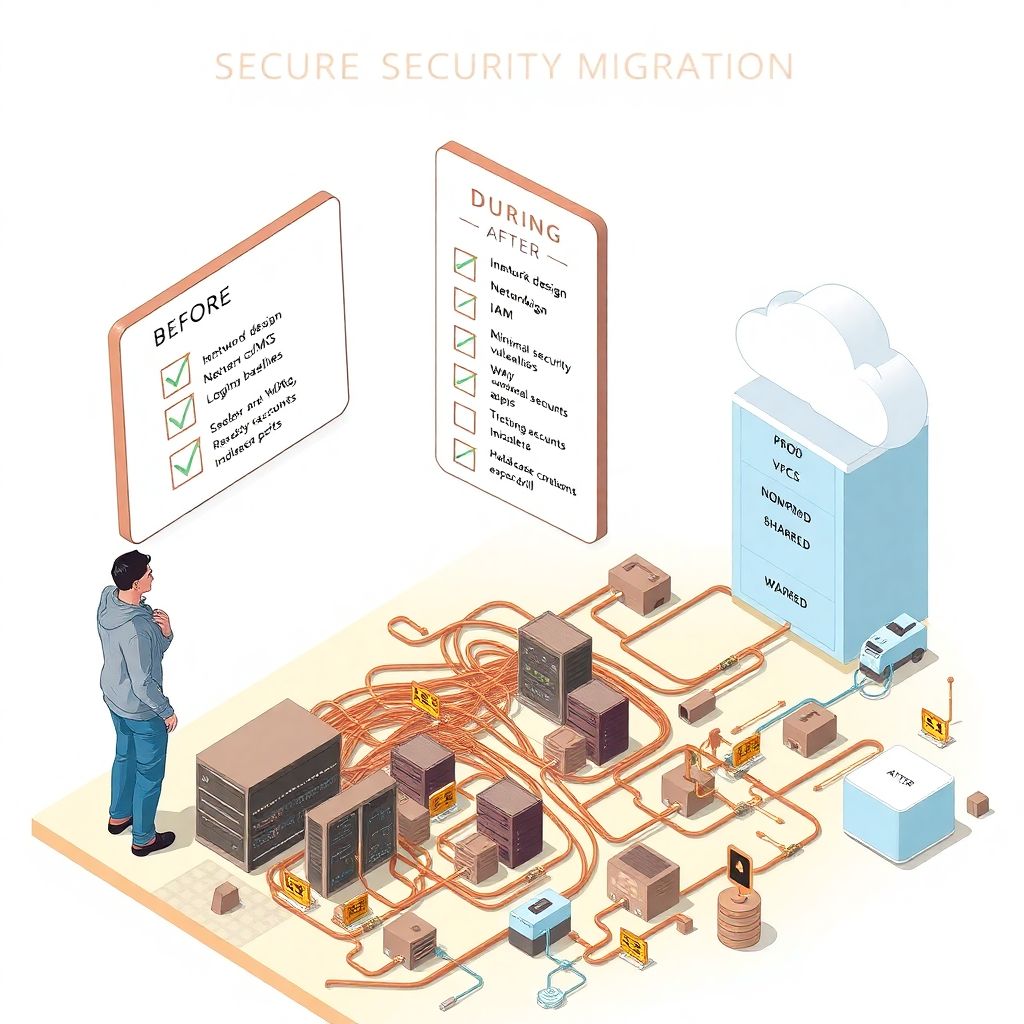
Instead of a 200‑item theoretical checklist, break work into phases. Before migration: inventory, classification, network and IAM design, secrets and KMS setup, logging baseline. During migration: enforce encryption, WAF in monitor mode, minimal security groups, pilot apps with canary users, run vulnerability scans on migrated workloads. After migration: hardening, tightening firewall rules, enabling stricter WAF rules, tuning alerts and running at least one incident drill.
Technical detail
– Track checklist items in your usual tool (Jira, Azure Boards, Trello) with a “security gate” for each wave.
– Define clear exit criteria per app: “no critical vulns”, “all secrets in vault”, “logs streaming to SIEM”.
– Review the checklist after each migration wave and update based on what really worked or hurt.
—
H2 – Wrapping up: secure migration as an ongoing habit
Security in cloud migration isn’t a one‑time auditorium presentation; it’s a series of small, disciplined choices: saying no to shared accounts, refusing to lift‑and‑shift flat networks, insisting on logs before production, rehearsing incidents before a real attacker does it for you. With a living checklist, grounded in your actual applications and constraints, the move from on‑premises to the cloud stops being a leap of faith and becomes a controlled transition, where you can explain every risk you took—and every one you deliberately avoided.