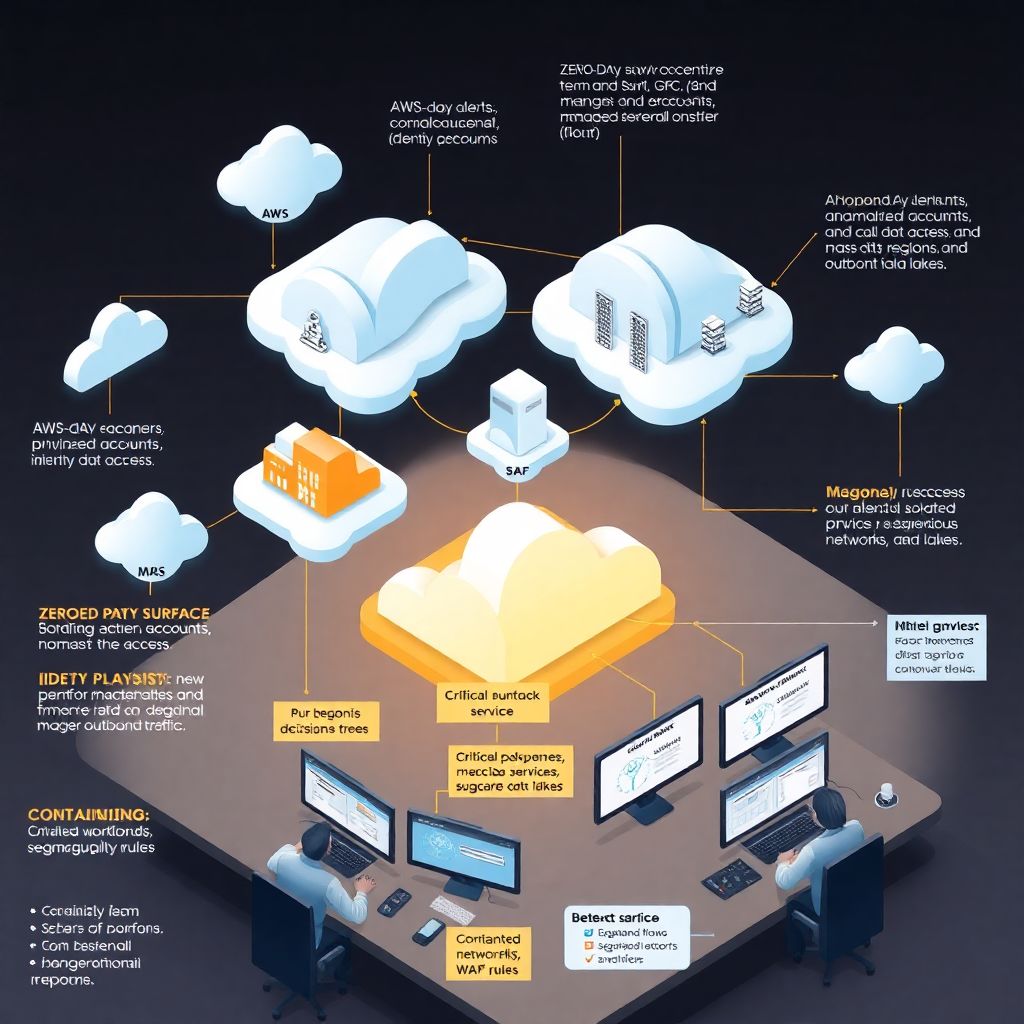
Why zero-days in managed cloud are a different beast
Zero-day flaws are scary anywhere, but in managed cloud services they hit differently. You’re not just dealing with your own stack; you also depend on your provider, your MSSP, and often several third‑party platforms. When a zero-day pops up, you need to know very quickly: are we exposed, who is responsible for what, and how do we reduce risk right now? Good serviços gerenciados de nuvem segurança setups assume that zero-days are inevitable and design playbooks, visibility and communication channels before anything happens, so the incident becomes a controlled fire drill instead of total chaos across teams and vendors.
—
Step 1: Map your managed cloud attack surface
Inventory what is actually managed – and by whom
Before you talk about monitoring or response, you must know exactly which cloud workloads, accounts and tools are under managed service contracts. List all workloads in AWS, Azure, GCP and SaaS where a provider has admin or security responsibility. Clarify which layers they cover: IaaS, containers, databases, identity, logging, or only network. Many teams assume “the MSP has it” and then discover mid‑incident that critical systems sit outside their scope. Zero‑days love those blind spots, so keep this inventory fresh and tied to contracts and runbooks, not just a static spreadsheet.
Identify critical business services and data paths
Next, connect that inventory to business impact. For each managed environment, identify which products, customer journeys or internal processes would break if it went down or got compromised. Rank systems by data sensitivity and revenue dependency, not only by technical complexity. In a real zero-day in cloud services, you will not be able to patch or harden everything at once. Prioritizing identity providers, payment flows and data lakes that hold regulated or strategic data will give you a rational order of actions when stress is high and time is short.
—
Step 2: Build practical zero-day monitoring in managed cloud
Combine native cloud tools with managed MDR
For effective monitoramento de vulnerabilidades zero day em nuvem, rely on layers, not a single magic product. Use native tools like CloudTrail, CloudWatch, Azure Monitor and GCP Security Command Center, but enrich them with serviços gerenciados de detecção e resposta em nuvem mdr. A good managed MDR provider will correlate logs across tenants, detect anomalous behavior linked to exploit chains and push prioritized alerts, not just raw events. Your job is to ensure log sources are properly onboarded, noisy events are tuned, and alert routing to on‑call teams is tested frequently.
Define specific signals of zero-day exploitation
You usually won’t see “zero-day exploit detected” as an event. Instead, you watch for behavior: new privileged accounts, unusual API calls, mass data access, suspicious outbound traffic. Sit down with your empresa de segurança em cloud gerenciada and agree on concrete detection patterns for your environment: what abnormal IAM changes look like, which regions you never use, which service accounts should never access the internet. Document these patterns in your runbooks; when a new advisory comes out, you can quickly adapt them instead of improvising under pressure.
—
Step 3: Prepare a zero-day response playbook
Create a dedicated zero-day runbook, not a generic one
Generic incident response plans are helpful but usually too vague for the speed zero-days demand. Write a specific zero-day playbook for your managed cloud that starts from an external advisory (e.g., from vendor, CERT, or your MDR) and walks through triage, containment, hardening and communication. Include decision trees: when to block traffic, when to rotate keys, when to isolate workloads. Keep it focused on actions that are feasible within your shared‑responsibility model, so you don’t promise steps that only the cloud provider can actually perform.
Agree roles with providers before you need them
The worst moment to read your contract is during an active exploit. Clarify with each provider who makes which decisions and in what time frames. Who can trigger emergency configuration changes? Who can temporarily break SLAs to increase logging or isolation? Who talks to the cloud vendor if the issue is in a managed PaaS layer? Add named contacts, escalation paths and time expectations into the playbook. Run at least one joint exercise per year so your team and the managed service teams know how to work together when minutes really matter.
—
Step 4: Execute detection and triage when an alert lands
First 30–60 minutes: verify scope, don’t panic-patch
When your MDR or SIEM raises a high‑severity alert suggesting a zero-day exploit chain, focus first on confirming what’s real. Check which accounts, regions and services the alert touches, and immediately cross‑reference with your critical systems list. Avoid the reflex of patching or rebooting everything – that may destroy forensic evidence or cause self‑inflicted outages. Ask your serviços gerenciados de nuvem segurança partner to freeze relevant logs, start a dedicated incident channel, and provide an initial hypothesis: targeted attack, opportunistic scan, or noisy false positive.
Collect enough evidence to choose a containment strategy
Within the first few hours, you should gather a minimum evidence pack: affected identities, timelines of suspicious events, key configuration snapshots, and indicators of compromise. Many empresa de segurança em cloud gerenciada teams will automate this, but you must verify it truly covers your multi‑account reality. Use this evidence to decide between “surgical” containment (disable a subset of accounts, block specific APIs) or broader measures like network segmentation or temporary read‑only modes. Record decisions as you go; leadership and auditors will ask “why that step, at that time.”
—
Step 5: Contain and harden without breaking the business
Isolate, then gradually restore functionality
For proteção contra ataques zero day em ambiente cloud, containment often means temporarily restricting features or access paths users rely on. Be transparent internally: mark systems as “under restricted mode” and explain that this is a risk reduction step, not random downtime. Work with your managed providers to isolate only what is necessary – for example, moving high‑risk services behind additional WAF rules or blocking unmanaged IP ranges. Each containment move should have a paired rollback step defined in advance, so you don’t leave risky “temporary” hacks in place.
Patch, compensate, then close gaps in design
Sometimes the vendor patch appears quickly; sometimes you rely on compensating controls like WAF signatures, conditional access or strict IAM changes. Apply them first to test or lower‑risk environments if timing allows, but don’t block critical remediation waiting for full testing when exploitation is active in the wild. After immediate fire‑fighting, review architecture: did over‑permissive roles, flat networks or missing segmentation make the impact worse? Convert the lessons into backlog items with owners and deadlines; zero-day handling only improves if it changes how you build and approve cloud services.
—
Step 6: Communicate clearly with the business
Tailor messages for executives, ops and customers
Communication is where many technically solid responses stumble. For executives, use simple framing: what happened, what is the impact on data and services, what are we doing now, what might change in the next 24–72 hours. For operations teams, give very concrete instructions: what configuration freezes are in place, where approvals are required, how to report suspicious behavior. If customer impact is likely, prepare FAQ‑style talking points with your legal and comms teams; in a managed cloud context, customers don’t care whose platform broke, only how you protect their data.
Avoid blame games, focus on shared responsibility

In managed environments, zero-days often hit third‑party components you don’t fully control. Resist the temptation to publicly blame the cloud or the MSP; regulators and partners look for competence and transparency, not finger‑pointing. Internally, be honest about responsibility: if you disabled a recommended security control, own that; if the vendor violated their own hardening guide, document it with evidence. Turn this into concrete enhancements to your shared‑responsibility matrices, so next time everyone knows exactly which guardrails must remain non‑negotiable.
—
Common mistakes to avoid
– Treating zero-days as purely “vendor problems” and not checking your own configurations and privileges.
– Relying only on signatures or vulnerability scanners that cannot see active exploitation behavior.
– Over‑communicating raw technical details to executives, creating confusion instead of clarity.
Even experienced teams fall into these traps when stress is high. Build checklists into your runbooks that literally ask: “Are we assuming the provider will fix everything?” or “Have we validated that containment actions were actually applied in all accounts?” These small guardrails prevent emotional reactions from derailing what should be a calm, methodical response that protects both data and business operations when the next zero-day inevitably shows up.
—
Practical tips for beginners
Start small, but start now
If you’re new to cloud security, don’t wait for a perfect setup. Begin with three essentials: central logging from all managed accounts, a basic incident chat channel shared with your MSP or MDR, and a one‑page zero-day checklist covering “who calls whom” and “which systems matter most.” As you learn more, expand into playbooks, simulations and more advanced detections. The important part is having something living on paper before the first 2 a.m. alert arrives – you can refine it with every new advisory and incident.
Use every zero-day as a learning accelerator
Each major zero-day in the news – even if it doesn’t hit you – is a free training opportunity. Walk through your playbook as if you were affected: Where would logs come from? Which managed services would be in scope? How fast could your empresa de segurança em cloud gerenciada adjust detections? Capture gaps and schedule fixes. Over time, this habit turns scary headlines into structured drills, and your organization becomes steadily more confident at monitoring, responding and communicating when real zero-day threats hit your managed cloud environments.