Why cloud secret management suddenly became everyone’s problem
If you run anything serious in the cloud today, you’re doing gestão de segredos na nuvem whether you like it or not. API keys, database passwords, OAuth tokens, SSH keys, encryption keys – all of that is “secret material” that attackers love, and that compliance teams lose sleep over.
Over the last few years, several incident post‑mortems have shown the same pattern: an access token in source code, a forgotten credential in CI logs, or a shared admin password in a wiki page. Various industry surveys consistently report that leaked credentials are involved in a large share of breaches; some put it at well over half of successful attacks on cloud workloads. That’s why secret management went from “nice security add‑on” to “foundational cloud hygiene”.
The risk landscape in numbers
Security vendors and cloud providers converge on a few trends, even if the exact percentages differ:
– Public code scans routinely find tens of thousands of new leaked secrets per day across GitHub and similar platforms.
– Breach reports show credential abuse as one of the top initial access vectors, particularly for ransomware and cryptomining incidents in cloud environments.
– Regulatory pressure is rising: newer cloud security baselines (like CIS, NIST and cloud provider benchmarks) explicitly call out centralized secret management, rotation, and auditability.
So, ignoring secret management is increasingly equivalent to ignoring backups: you might get away with it for a while, but the odds are moving against you.
—
What “secrets in the cloud” really are
Most teams think “passwords and API keys” and stop there. In reality, modern aplicações cloud juggle several categories of secrets.
Types of secrets you actually need to worry about
Long list, short summary:
1. Static application credentials
Database passwords, 3rd‑party API tokens, SMTP credentials, internal service accounts. These used to live in `.env` files; now they often need central management across dozens of services and environments.
2. Dynamic and short‑lived credentials
Generated on the fly and automatically expired: per‑deployment database users, ephemeral cloud access tokens, short‑lived certificates. These reduce blast radius but require tighter integration with your infrastructure.
3. Cryptographic material
TLS certificates, private keys, JWT signing keys, data‑at‑rest encryption keys. These often intersect with dedicated key‑management systems (KMS, HSMs).
4. Human credentials and break‑glass access
Admin passwords, emergency access tokens, and VPN certificates that people use directly. These need stronger governance and audit trails.
Once you see the full scope, it’s obvious why teams reach for ferramentas para gerenciamento de segredos em ambientes cloud instead of trying to glue together ad‑hoc scripts and environment variables.
—
The main schools of thought: config files, cloud‑native services, and dedicated vaults
At a high level, there are three approaches in the wild. Most organizations end up with a hybrid, but it’s worth understanding the extremes first.
1. “Just put it in config” (what many teams still do)
The traditional approach is simple: secrets live in environment variables, config files, CI/CD variables, or parameter stores without strict cryptographic guarantees. It works, until it doesn’t.
The upside is obvious: no new system to learn, easy for developers, and almost zero direct cost. The downside is less visible: it’s hard to rotate secrets consistently, to see who accessed what, and to prevent accidental exposure in logs, crash reports, or debug dumps. From an economic standpoint, you save on tooling but pay in security risk and operational drag – especially once auditors start asking hard questions.
2. Cloud‑native secret managers (AWS Secrets Manager, Azure Key Vault, etc.)
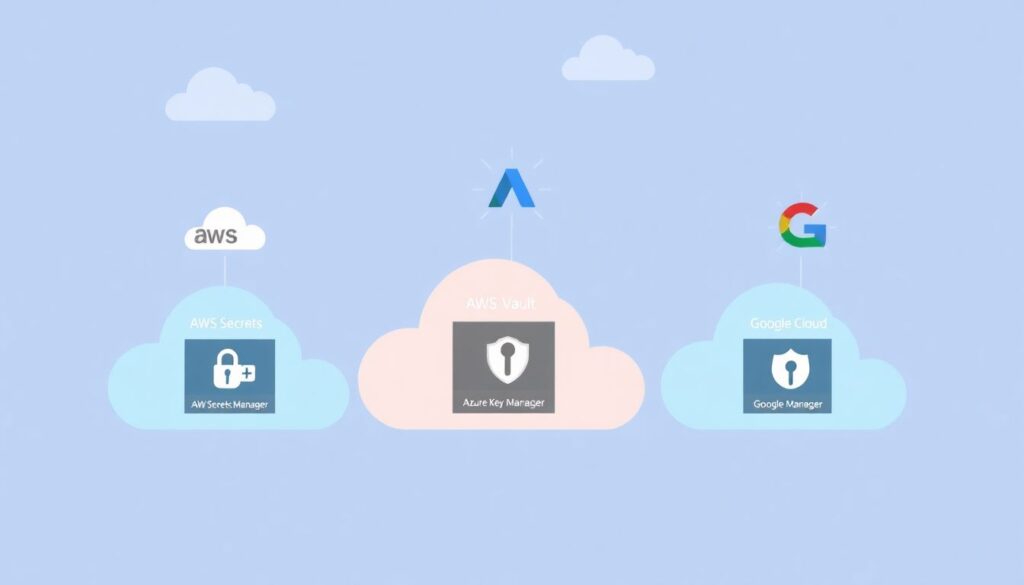
Cloud providers realized this pain and built managed services that hide a lot of complexity. AWS Secrets Manager, Azure Key Vault and Google Secret Manager handle storage, encryption, fine‑grained IAM, and often automatic rotation.
The attraction is clear: fully managed, pay‑as‑you‑go pricing, integrated monitoring and IAM, and minimal operations overhead. For many teams, especially those all‑in on a single cloud, this is the “90% solution” that balances security and simplicity.
3. Dedicated, cloud‑agnostic vaults (HashiCorp Vault and similar)
Then there are tools like HashiCorp Vault: powerful, flexible, and opinionated about zero‑trust principles. They’re built to be the central brain for secrets across multiple clouds, on‑prem, and legacy systems.
The trade‑off is also clear: you gain advanced capabilities (dynamic secrets, PKI, fine‑grained policy, multi‑cloud consistency) at the cost of running and maintaining a critical piece of infrastructure, or paying for a managed offering.
This sets up the central comparison many teams make today: hashicorp vault vs aws secrets manager. It’s less about “which is better” and more about “which fits the constraints of your architecture, skills, and compliance obligations.”
—
HashiCorp Vault in practice: power with complexity attached
What Vault brings to the table
Vault is designed with a security‑first mindset:
– Strong cryptographic foundations: sealed/unsealed states, integrated HSM/KMS support, and careful key handling.
– Dynamic secrets: it can create on‑demand database users, short‑lived cloud IAM credentials, and per‑client tokens that auto‑expire.
– Pluggable backends: supports databases, message queues, cloud providers, PKI, transit encryption, and more.
– Policy‑driven access: granular access rules, namespaces, and tight integration with identity providers.
From a security architecture perspective, this allows you to shrink the window of exposure drastically. A leaked database password that expires in five minutes is a very different problem from one that lives for years.
Operational and economic aspects of Vault
Vault’s biggest cost is not the license; it’s the humans and infrastructure needed to run it correctly. You need to:
– Maintain a highly available, well‑monitored cluster.
– Manage upgrades, storage backends, disaster recovery, and performance tuning.
– Train developers and platform teams to integrate with it safely.
For large organizations, especially multi‑cloud or hybrid ones, this investment often pays off. You centralize governance, gain consistent audit trails, and enable standardized workflows across teams. For smaller teams, the TCO can look heavy compared to managed services.
Economically, you’re trading cloud vendor lock‑in for operational overhead and (potentially) HashiCorp licensing. In regulated industries, this trade is often acceptable because consistent, auditable control over secrets can reduce compliance friction and the risk of high‑impact breaches.
—
AWS Secrets Manager: convenience with strong integration
How AWS Secrets Manager fits into AWS‑centric architectures
If most of your workloads live on AWS, using AWS Secrets Manager is almost the default. It blends into IAM, CloudWatch, and your existing deployment tooling.
The big win is integration: you can grant a Lambda function access to a secret via IAM, have the secret rotated automatically with a Lambda rotation function, and see access logs in CloudTrail – all using AWS‑native tools. There’s no need to open extra network paths, manage another cluster, or build custom authentication flows for apps already running under AWS IAM roles.
Como usar AWS Secrets Manager para aplicações de forma pragmática
In practical terms, como usar aws secrets manager para aplicações usually boils down to three habits:
1. Reference secrets by ARN or name, not by hardcoded values, so you can rotate them without touching application code.
2. Use IAM roles for your workloads (EC2, ECS tasks, Lambda) instead of embedding long‑lived access keys, so AWS handles authentication to Secrets Manager.
3. Attach rotation policies to critical secrets (databases, 3rd‑party APIs); AWS can call a rotation Lambda that updates both the secret and the target system.
From a cost angle, AWS Secrets Manager charges per secret and per 10K API calls, plus whatever your rotation Lambdas cost. For medium‑sized deployments, this is usually negligible compared to engineering time saved. For extremely secret‑heavy architectures (tens of thousands of secrets with high call volume), you may start to notice the bill and look at alternatives like parameter stores or custom caching layers.
—
HashiCorp Vault vs AWS Secrets Manager: how to choose strategically
Decision factors beyond feature checklists
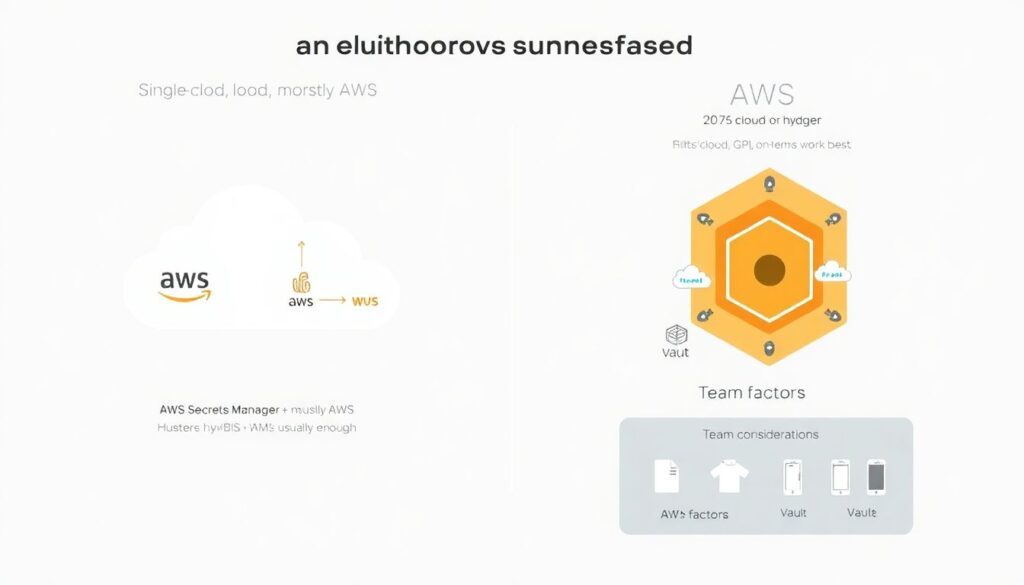
Feature matrices are useful, but they often miss the main drivers that should guide your decision:
1. Cloud footprint
– Single‑cloud, mostly AWS? AWS Secrets Manager (plus KMS and IAM) is likely enough.
– Multi‑cloud or hybrid? Vault’s provider‑agnostic design and dynamic backends shine.
2. Team maturity and skills
– Small team with limited ops bandwidth? A managed cloud service is easier to adopt.
– Dedicated platform/SRE group with security expertise? Vault can be absorbed into the platform and exposed as a service.
3. Compliance and governance
– Strict regulatory regimes, complex multi‑tenant setups, or strict separation of duties? Vault’s fine‑grained policies and namespaces are attractive.
– More standard compliance needs that map well to AWS controls? AWS Secrets Manager with proper configuration will satisfy most auditors.
4. Economic model
– Want to minimize operational headcount? Pay per secret/API call and let AWS run everything.
– Want to avoid deep dependency on a single vendor and are willing to invest in internal capabilities? Vault lets you spread workloads across providers.
In practice, many enterprises run both: Vault as the global backbone for secrets, and AWS Secrets Manager for local integration and specific AWS‑only workloads, with clear boundaries and synchronization policies.
—
Other tools and patterns in the ecosystem
Cloud provider portfolios and OSS solutions
AWS, Azure, and Google each offer multiple options: Secret Manager‑style services, KMS for key management, and parameter stores or config services. On top of that, there are open‑source tools like Mozilla SOPS, Sealed Secrets for Kubernetes, and secret‑injection sidecars that decrypt at runtime.
Kubernetes, in particular, changed the expectations: instead of baking secrets into containers, teams now frequently pull them at startup or inject them via mutating webhooks that talk to a centralized vault or cloud secret service.
This fragmentation is why it’s useful to think in terms of patterns (pull vs push, static vs dynamic, app vs platform responsibility) rather than just brand names.
—
Best practices that actually move the needle
Operational habits: keep it simple and boring

Melhores práticas de segurança para segredos na nuvem sound grand, but most of the real gains come from a few disciplined habits executed consistently:
1. Centralize, don’t scatter
Use one primary system of record for secrets per environment (Vault, AWS Secrets Manager, or equivalent). Avoid credentials in wikis, ticketing systems, or scattered CI variables.
2. Automate rotation
Humans should not be manually rotating production passwords on a calendar. Use rotation hooks, CI jobs, or scheduled functions wired into your secret store.
3. Treat secret access as a product API
Define a clear way for applications to request secrets (libraries, sidecars, SDKs). Hide the underlying provider from application developers as much as possible.
4. Instrument everything
Ensure access is logged, anomalies are detectable, and you can answer “who accessed what, when, and from where?” quickly during an incident.
5. Plan for incident response
Have playbooks for mass rotation, revocation, and temporary elevation. It’s much cheaper to design this calmly than to invent it during an active breach.
Architectural principles: reduce blast radius by design
Beyond process, good architecture defangs secret leaks:
– Least privilege per secret: one database user per service, restricted to what it actually needs.
– Short‑lived credentials and dynamic issuance: where possible, trade static credentials for tokens that expire quickly.
– No secrets baked into images or code: they should be fetched at deploy or startup time under strong identity, never committed to git.
This is where dedicated vaults and cloud secret managers converge: both can enforce these patterns once you wire your workloads to them.
—
Market trends, forecasts, and the money question
Where the secret‑management market is headed
Analysts who track cloud security see secret management moving along a familiar curve:
– Adoption is accelerating as platform teams standardize internal “security platforms” that bundle identity, policy, and secrets.
– Vendors are consolidating: identity providers, CI/CD platforms, and cloud security posture management tools are adding integrated secret stores or at least deep integrations.
– Forecasts over the next five years generally predict strong double‑digit annual growth for secret‑management‑related products, driven by DevSecOps and compliance.
In parallel, some capabilities are being “absorbed” into the cloud fabric: more runtimes now offer identity‑based access to data stores without the app ever handling raw passwords (for example, IAM‑auth to databases or managed identity‑based connections). Secret management doesn’t disappear, but it increasingly hides under the hood.
Economic impact on organizations and the industry
From an organizational perspective, the economics break down into three buckets:
1. Direct tooling costs
Licenses, managed service fees, and infrastructure to run vaults. For most medium‑to‑large organizations, this is a rounding error compared to cloud spend, but it’s still a line item.
2. Engineering and operations effort
Designing workflows, migrating existing secrets, integrating with CI/CD, and training teams. This is the largest one‑time cost, but its payoff shows up in faster audits, fewer emergency rotations, and less time spent debugging weird credential issues.
3. Risk and compliance reduction
Harder to quantify but hugely relevant: reducing breach likelihood, limiting blast radius, and making regulatory audits smoother. For regulated sectors, strong secret management can avoid fines, reputational damage, and months of remediation.
At the industry level, we’re seeing a quiet shift: as secret management becomes standard, security baselines rise. Attacks that rely on brute‑forcing long‑lived credentials or scraping static keys from images become less effective. Attackers adapt, of course, but the bar for “basic hygiene” gets higher, which is good news for everyone except would‑be intruders.
—
Putting it all together: a pragmatic path forward
Most teams don’t need perfection; they need a clear, realistic path that fits where they are today.
For AWS‑centric stacks, starting with AWS Secrets Manager (and related services) is usually the quickest win. As you grow into multi‑cloud or more complex regulatory environments, layering or transitioning to a centralized vault like HashiCorp Vault becomes attractive.
The key is to decide on a primary pattern and not let secrets sprawl into every tool that accepts a string. Once you treat secret access as a carefully designed service in your platform – with clear ownership, automation, and guardrails – the specific choice of technology matters less than the discipline with which you apply it.