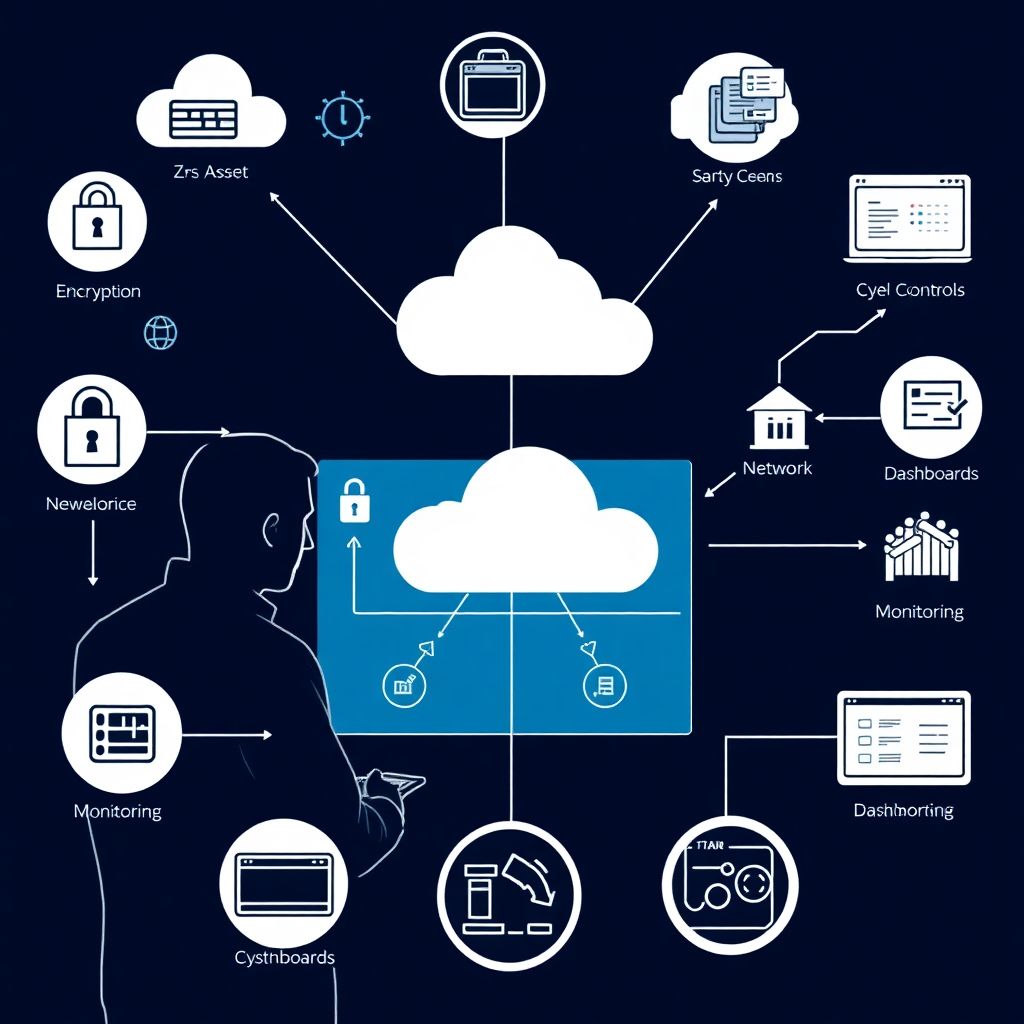
A practical security checklist for migrating legacy applications to the cloud focuses on: knowing all assets and data, tightening identities and access, segmenting networks, enforcing encryption, hardening code and dependencies, and validating everything post-migration with monitoring. These steps apply whether you use internal teams or consultorias especializadas in migração de aplicações legadas para nuvem serviços.
Migration security snapshot
- Document every legacy asset, data flow and business owner before any move.
- Standardise identity and access control across on-prem and cloud (SSO, MFA, RBAC).
- Design network segmentation for least privilege between users, apps and data.
- Enforce encryption in transit and at rest with managed cloud services.
- Harden legacy applications, libraries and images before exposing them to the internet.
- Plan validation tests, logging and monitoring before cutover, not after.
- If needed, engage consultoria de migração para cloud modernização de sistemas legados with proven security practices.
Pre-migration asset and risk inventory
This phase fits organisations planning migração de aplicações legadas para nuvem serviços where legacy systems are business-critical or handle personal data (including LGPD-regulated data in Brazil). It is not suitable to skip or compress; avoiding proper inventory typically leads to missed exposures and uncontrolled data replication in the cloud.
Use this compact responsibility checklist to structure your pre-migration work:
| Item | Risk | Owner | Verification step | Status |
|---|---|---|---|---|
| Legacy app list completed | Unknown attack surface | App portfolio manager | Cross-check against CMDB and billing records | Planned / In progress / Done |
| Data classification per system | Sensitive data exposed | Data protection officer | Review classification vs. LGPD/data policies | Planned / In progress / Done |
| External dependencies mapped | Hidden trust relationships | Integration architect | Validate list with integration diagrams | Planned / In progress / Done |
| Current security controls documented | Missed gaps during design | Security architect | Compare with cloud target controls | Planned / In progress / Done |
| Business criticality rating set | Wrong migration priority | Business owner | Sign-off from process stakeholders | Planned / In progress / Done |
For each legacy application, capture at minimum:
- Business owner, technical owner and support contacts.
- Data types handled (PII, financial, health, logs, telemetry).
- Inbound and outbound integrations (IPs, protocols, authentication).
- Current hosting model (VM, bare metal, shared hosting, mainframe).
- Security controls in place (firewalls, WAF, IAM, encryption, backups).
In Brazil, many teams rely on an empresa especializada em migração de legado para AWS Azure Google Cloud to accelerate this discovery. Even then, keep ownership: insist that every inventory item has a named internal owner and an explicit go/no-go migration criterion.
Identity and access control strategy
Before touching workloads, stabilise identity. The goal is to avoid a parallel universe of accounts between on-prem and cloud when you start using ferramentas de migração de aplicações legadas para cloud.
Prepare the following elements:
- Central identity provider (IdP)
- Standardise on AD/Azure AD, Google Workspace, Okta or similar.
- Plan federation with each cloud provider (SAML/OIDC).
- Role-based access control (RBAC) model
- Define roles for admins, developers, DevOps, security and auditors.
- Map roles to groups in the IdP; avoid direct user-to-permission mapping.
- Multi-factor authentication (MFA)
- Enforce MFA for all privileged roles and console access.
- Prefer phishing-resistant methods where available (security keys, app-based).
- Service and workload identities
- Use managed identities or service principals for apps, not shared keys.
- Plan secret rotation and storage using cloud vault services.
- Access governance
- Set up periodic access reviews with business owners.
- Document joiner/mover/leaver processes during migration waves.
Where internal expertise is limited, a consultoria de migração para cloud modernização de sistemas legados can help design a consistent model that works across multiple clouds and legacy directories.
Network segmentation and perimeter configuration
Before the detailed steps, confirm this mini preparation checklist:
- High-level network diagrams for current legacy environment are up to date.
- Cloud provider network concepts (VPC/VNet, subnets, security groups) are understood by the team.
- Connectivity model (VPN, Direct Connect, ExpressRoute, interconnect) is chosen in principle.
- Security logging requirements for network events are documented.
- Define trust zones and data flows
Identify which components need to talk to each other and which must be isolated. Group systems into zones such as public web, application, database, admin and third-party integrations.
- Mark flows that carry sensitive or regulated data.
- Document who can initiate connections (client vs. server-initiated).
- Design cloud network layout
Create a subnet plan per trust zone in your VPC/VNet structure. Include separate subnets for management/bastion access and for shared services such as logging or monitoring.
- Reserve dedicated subnets for future services (e.g., managed databases).
- Avoid flat, single-subnet designs for mixed workloads.
- Configure ingress and egress controls
Use cloud-native firewalls, security groups or network security groups to restrict traffic to the minimum required. Treat outbound internet access as sensitive, not default-open.
- Expose only necessary public endpoints via load balancers or API gateways.
- Create explicit egress rules for updates, repositories and third-party APIs.
- Establish secure hybrid connectivity
Set up IPSec VPN or dedicated links between on-premises and cloud for systems that must communicate during migration. Apply consistent encryption, routing and segmentation on both sides.
- Route only required networks; avoid full on-prem routes into cloud.
- Enable high availability for critical tunnels or direct connections.
- Enable network-level monitoring and protection
Activate flow logs and DNS logs for all critical subnets. Where available, use cloud-native IDS/IPS or integrate existing security tools via traffic mirroring.
- Send logs to a central SIEM or log analytics workspace.
- Define baseline alert rules for unusual traffic and port scans.
Data protection and encryption controls
Use this checklist to validate that data protection is correctly implemented after migration:
- All storage services (databases, object storage, block volumes) have encryption at rest enabled using approved keys.
- Customer-managed keys are used where regulatory or internal policy requires, with documented key rotation policies.
- All external and internal endpoints enforce TLS, with modern ciphers and certificates from trusted authorities.
- Legacy protocols without encryption (e.g., plain FTP, Telnet) have been removed, wrapped or replaced.
- Backups and snapshots are encrypted and stored in regions and accounts aligned with data residency requirements.
- Access to key management services is restricted to dedicated, auditable roles with MFA.
- Data classification tags are propagated into cloud resources (labels, tags, metadata) to drive automated policies.
- Export and data-sharing mechanisms (public buckets, signed URLs, data shares) are reviewed and limited.
- Data masking or tokenisation is applied to non-production environments that use production-derived data.
- Disaster recovery plans include secure restore procedures and regular, tested recovery drills.
Application hardening and dependency management
Typical mistakes when moving legacy workloads that increase security risk:
- Rehosting without changes and exposing the same insecure services directly to the internet.
- Keeping hard-coded credentials in config files, environment variables or source code carried into the cloud.
- Ignoring outdated frameworks and libraries because the application is considered “too old to touch”.
- Skipping Web Application Firewall (WAF) or similar protections in front of legacy web interfaces.
- Not implementing secure default configurations for containers or VMs (SSH, admin ports, default accounts).
- Failing to standardise base images, leading to unpatched, inconsistent operating systems.
- Omitting runtime security controls such as rate limiting, input validation and proper error handling.
- Not setting clear ownership for each migrated application, resulting in no one tracking vulnerabilities.
- Using ferramentas de migração de aplicações legadas para cloud purely for speed, without integrating them with code scanning and dependency checks.
- Overlooking regional regulatory requirements (like LGPD) when modernising authentication or logging.
Post-migration validation and continuous monitoring
Several patterns can work for ongoing assurance after you complete serviços de segurança em migração para nuvem para sistemas legados; choose based on your team maturity and tooling.
- Security baseline with centralised cloud-native tools
Use built-in cloud security posture management features (security centers, advisor tools) to define and monitor a baseline. Suitable when your estate is focused on one or two major cloud providers and you prefer managed services.
- SIEM-centric monitoring and alerting
Forward logs from all clouds and key legacy components into a central SIEM. Prefer this when you already operate an on-prem SIEM and need a unified view across hybrid environments.
- Managed detection and response (MDR) or specialised security partners
Outsource continuous monitoring and incident response to a provider, often the same empresa especializada em migração de legado para AWS Azure Google Cloud that assisted with the move. Appropriate for teams with limited 24×7 capacity.
- Security-as-code integrated with CI/CD
Embed policy-as-code tools, infrastructure scanning and application security testing into pipelines. Best for organisations with mature DevOps practices and ongoing modernisation beyond the initial migration.
Common migration security concerns
How do I avoid exposing legacy apps directly to the internet?
Place legacy applications behind load balancers or API gateways and enable a WAF. Use private subnets and only publish necessary front-end endpoints. Restrict management access via bastion hosts or VPN, never using open administrative ports.
What is the safest way to handle credentials during migration?
Move all secrets into a cloud-native vault before or during migration, and refactor applications to read from it. Enforce MFA for human accounts, rotate credentials on cutover and disable any hard-coded or shared passwords as soon as possible.
How can I keep data compliant with LGPD when moving to cloud?
Classify data, choose appropriate regions, and enable encryption by default. Limit cross-border transfers, ensure logging does not store excessive personal data and sign contracts that include data processing terms with your cloud and migration partners.
Do I need separate security tools for each cloud provider?
Not necessarily. Start with native tools in each provider and integrate their logs into a central SIEM. Where requirements span multiple clouds, add vendor-neutral controls such as identity, logging and vulnerability management that work across providers.
How early should security be involved in a migration project?
From the planning phase. Security must contribute to inventory, architecture, identity design and data protection decisions. Involving them only at the go-live stage usually leads to delays, rework or accepting unnecessary risk.
Are lift-and-shift migrations always insecure?
No, but they are high risk if you copy insecure patterns unchanged. You can make lift-and-shift safer by adding network segmentation, WAF, encryption and monitoring, and by planning incremental hardening after the initial move.
When does it make sense to use an external migration consultancy?

When you lack in-house experience with cloud security or have complex, business-critical legacy systems. A specialised consultancy can accelerate design and implementation, but internal teams must retain ownership of risk decisions and day-to-day operations.