
To monitor and respond to incidents in cloud-native workloads safely, centralize metrics, logs, and traces, define SLO-based alerts, and automate standard responses with clear runbooks. Use Kubernetes-native tooling plus an observability platform, start with low-risk namespaces, and continuously tune alert thresholds based on real traffic and incident reviews.
Essential Monitoring Principles for Cloud‑Native Workloads
- Instrument every microservice with consistent metrics, logs, and traces to avoid blind spots.
- Prefer pull-based, Kubernetes-native scraping over manual agent deployment for safer rollouts.
- Define user-centric SLOs first, then derive alert rules from them instead of raw thresholds.
- Route alerts by ownership (team/service) to reduce noise and speed up response.
- Automate reversible, low-risk remediation before complex actions to keep systems stable.
- Perform structured postmortems and keep evidence to improve tooling and runbooks iteratively.
Designing Observability for Microservices and Kubernetes
- Map business services to Kubernetes namespaces and microservices to align monitoring with ownership.
- Standardize telemetry formats (OpenTelemetry, JSON logs, Prometheus metrics) to simplify ingestion and queries.
- Choose Kubernetes-aware ferramentas de monitoramento para workloads cloud native to avoid manual host management.
- Enforce a minimal logging schema (request ID, user ID, service, version) for safe, correlated debugging.
- Start with critical namespaces only to avoid overloading clusters and teams with new data.
This design fits teams running production workloads on Kubernetes or managed container platforms. It is not ideal for small, static workloads on a single VM where simpler host-level monitoring may be enough and Kubernetes-level observability would add unnecessary complexity.
Detecting Incidents: Metrics, Traces, and Log Strategies
- Grant read-only access to Kubernetes API metrics and events to the monitoring stack for safer integration.
- Configure cluster-wide scraping (for example, Prometheus Operator) with namespace selectors instead of per-pod agents.
- Adopt distributed tracing across gateways and the melhores ferramentas de APM para Kubernetes e microservices for request visibility.
- Centralize logs with a DaemonSet or sidecar pattern, shipping to a managed log service with strict retention policies.
- Segment data by environment (dev, staging, prod) to avoid accidental cross-environment access during incident response.
To implement this layer you will typically need:
- Access to create or configure a monitoring namespace (for Prometheus, OpenTelemetry Collector, or equivalent).
- Permissions to deploy or update DaemonSets and ConfigMaps used by your observability agents.
- API keys or tokens for any external plataformas de observabilidade para aplicações cloud native preço evaluation or production tenants.
- Network egress rules that allow telemetry export only to approved observability and SIEM endpoints.
- Clear data-classification rules to ensure logs do not contain secrets or sensitive personal data.
Alerting and Noise Reduction for Scalable Environments
- List your top 5-10 user-facing SLOs and map them to concrete metrics (latency, error rate, saturation).
- Review current alert rules and disable rules that have no clear runbook or owner.
- Verify that your soluções de monitoramento e alerta em tempo real para cloud native can group alerts by service and cause.
- Prepare communication channels (on-call tool, Slack channel, email) dedicated to production incidents.
- Define SLO-based alert policy. Translate business SLOs into metric-based alerts (for example, 5xx error budget, p95 latency). Keep only alerts that signal real user impact.
- Implement error-budget alerts on HTTP 5xx, gRPC failures, or custom error counters.
- Use multi-window burn-rate alerts (short and long windows) to balance speed and accuracy.
- Standardize metric names and labels. Normalize metric naming (service, endpoint, status_code, namespace) to make alert expressions simple and reusable.
- Use consistent prefixes, e.g.,
http_server_requests_*orgrpc_server_*. - Add a
teamorownerlabel for routing alerts in multi-team clusters.
- Use consistent prefixes, e.g.,
- Configure multi-channel routing. In your alert manager or incident tool, route alerts by severity and service to appropriate channels.
- Send critical production alerts to on-call paging; send warnings to a team chat channel.
- Ensure each route includes escalation rules and quiet hours aligned with support contracts.
- Apply deduplication and grouping. Group related alerts (for example, all pod restarts for one deployment) into a single notification to reduce noise.
- Group on labels like
service,namespace, andcluster. - Configure a small group interval to avoid spamming during bursty failures.
- Group on labels like
- Attach runbooks to alert descriptions. Add short, actionable instructions and links to detailed runbooks for each major alert type.
- Include a one-line summary, immediate safe checks, and a link to the full runbook page.
- Store runbooks in a version-controlled repository accessible to all on-call engineers.
- Review thresholds and noise weekly. Track which alerts fire, which ones are ignored, and adjust thresholds or disable useless rules.
- Use an alert review meeting to decide which alerts to tune, merge, or remove.
- Record decisions to keep your alert configuration auditable and explainable.
Automated Response: Playbooks, Runbooks, and Orchestration
- Catalog recurring incident types before building automations, focusing on safe, reversible actions.
- Write minimal runbooks with clear pre-checks and rollback steps to protect production workloads.
- Use serviços de resposta a incidentes em ambientes cloud native that integrate natively with your alert manager and chat tools.
- Limit automation initially to read-only diagnostics and non-destructive remediation tasks.
- Require peer review and approvals for any orchestration workflow that can modify live clusters.
Use the following checklist to confirm your automated incident response is safe and effective:
- Each automated workflow has a clearly documented trigger, owner, and change history.
- All runbooks include explicit pre-conditions, step-by-step commands, and rollback procedures.
- Automated remediation actions are idempotent and safe to retry without causing additional issues.
- Production workflows require authentication and authorization separate from human operator accounts.
- Dry-run or staging tests exist for every orchestration workflow before it is enabled in production.
- All actions taken by automation are logged centrally with timestamps and correlation IDs.
- On-call engineers can pause or disable automations quickly during complex or novel incidents.
- Every major incident review includes a check on whether automation helped or harmed resolution.
- Secrets used by automation (API keys, tokens) are stored in a managed secret store, not in code.
- Access to modify playbooks and runbooks is restricted to a small, accountable group of engineers.
Forensics and Postmortem: Data Collection and Evidence Retention
- Define retention periods for logs, metrics, and traces that balance forensic needs with storage costs.
- Enable request correlation IDs across services to reconstruct incident timelines safely.
- Automate snapshotting of key diagnostic data during high-severity incidents.
- Use structured, blameless postmortem templates to capture both technical and process learnings.
- Store postmortem results in a searchable knowledge base linked to related alerts and runbooks.
Avoid these frequent mistakes when handling cloud-native forensics and post-incident analysis:
- Relying only on live Kubernetes objects and forgetting to store historical state for later analysis.
- Overwriting or deleting logs and traces too early, making it impossible to investigate recurring issues.
- Collecting sensitive data (passwords, tokens, personal identifiers) in logs that must then be purged urgently.
- Skipping time synchronization checks, which leads to inconsistent timestamps across services and clusters.
- Failing to capture configuration snapshots (ConfigMaps, Helm values, feature flags) at incident time.
- Ignoring minor alerts that never trigger a postmortem, even though they represent repeated near-misses.
- Producing postmortem documents that list actions but do not assign clear owners and due dates.
- Not validating that proposed fixes are actually deployed and monitored in subsequent releases.
- Keeping postmortem data in private inboxes instead of a shared, auditable repository.
Toolchain Comparison and Integration Matrix
- List current tools and gaps before adding new platforms to your stack.
- Compare plataformas de observabilidade para aplicações cloud native preço models qualitatively (host-based, container-based, usage-based) rather than chasing exact numbers.
- Evaluate melhores ferramentas de APM para Kubernetes e microservices by how well they map to your service and trace model.
- Prefer soluções de monitoramento e alerta em tempo real para cloud native that integrate with existing chat, ticketing, and incident tools.
- Plan a phased rollout (per namespace or team) to validate performance and costs safely.
The table below summarizes common tooling combinations and when to consider each option.
| Tool / Stack | Primary Focus | Kubernetes & Microservices Capability | Alerting & Incident Features | Typical Pricing Approach (high level) | When This Fits Best |
|---|---|---|---|---|---|
| Prometheus + Alertmanager + Grafana | Metrics and dashboards | Strong: Kubernetes-native scraping, ServiceMonitor, PodMonitor | Flexible, rule-based alerts with routing and grouping | Primarily infrastructure and operations time; storage costs for long retention | Teams that want open-source ferramentas de monitoramento para workloads cloud native with full control. |
| OpenTelemetry + Managed APM Platform | Traces, metrics, and logs in one place | Strong: distributed tracing, service maps, context propagation | Advanced SLOs, anomaly detection, and on-call workflows | Commercial, often usage-based; evaluate plataformas de observabilidade para aplicações cloud native preço carefully for high-volume data. | Organizations that need deep transaction visibility across Kubernetes and external services. |
| Managed Kubernetes Monitoring Service (Cloud Provider) | Cluster and node health | Good: cluster-level metrics, logs, and basic tracing | Integrated alerting, simple incident routing to native tools | Cloud-provider billing; often bundled metrics with extra cost for extended retention. | Teams heavily invested in a single cloud platform that prefer managed services. |
| Incident Management Platform + ChatOps | On-call management and collaboration | Indirect: integrates with monitoring tools and Kubernetes alerts | On-call rotations, escalation, timelines, and postmortem support | Commercial, typically per-user or per-incident-seat licensing. | Organizations needing mature serviços de resposta a incidentes em ambientes cloud native across multiple teams. |
When choosing or combining these stacks, favor tools that expose clear APIs and webhooks so that you can orchestrate automated remediation while maintaining a single source of truth for incidents and their resolutions.
Operational Questions and Short, Actionable Answers
How do I start monitoring a new Kubernetes cluster safely?
Deploy monitoring components into a dedicated namespace with read-only access, enable metrics and logs only for non-critical workloads first, and verify resource usage. Once stable, expand coverage to critical namespaces while keeping strict role-based access control.
Which signals should trigger my first production alerts?
Begin with user-impacting signals: high error rates, elevated latency, and resource saturation for core services. Add cluster-level alerts for node capacity and control plane health, then refine with business-specific metrics as you learn typical traffic patterns.
How can I reduce false alerts without missing real incidents?
Use multi-window burn-rate alerts tied to SLOs, apply grouping and deduplication by service, and experiment first in a staging environment. Review alerts weekly, removing those without runbooks or clear owners, and adjust thresholds based on real incidents.
When should I automate incident response actions?
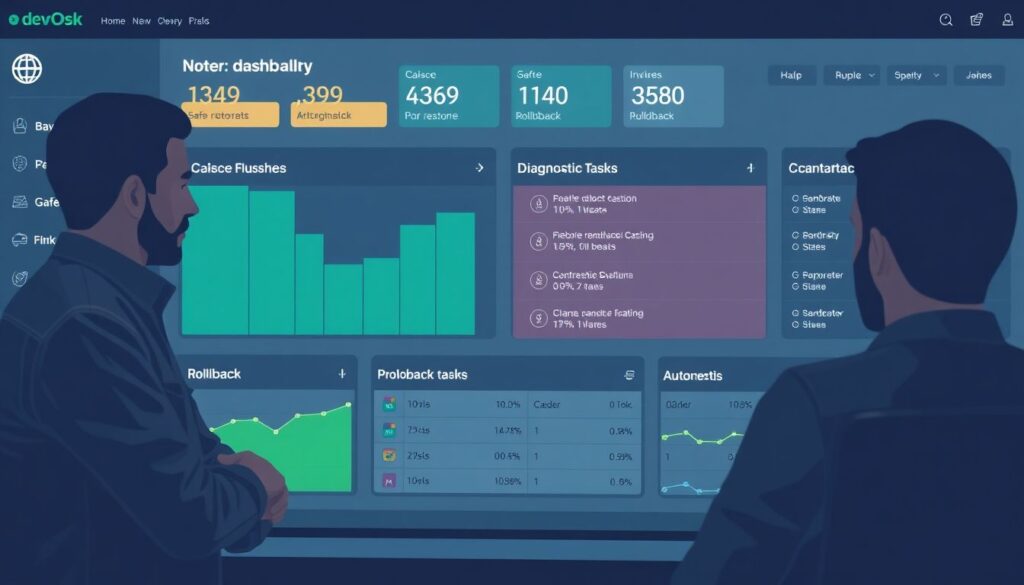
Automate only well-understood, low-risk tasks first, such as cache flushes, safe pod restarts, or diagnostic data collection. Require peer review for all workflows that change production state and ensure every action has a reliable rollback path.
How long should I retain logs and traces for cloud-native workloads?
Retain enough data to investigate typical incidents and meet compliance obligations, then archive or aggregate older data. Segment by environment and data sensitivity, and avoid logging secrets to minimize the impact and cost of longer retention periods.
What is the safest way to test new alert rules?
Deploy rules in a non-paging mode first, sending notifications to a testing channel and comparing them with real incidents. After tuning, enable paging for production while keeping a clear changelog of modifications to your alerting configuration.
How do I integrate multiple monitoring tools without confusion?
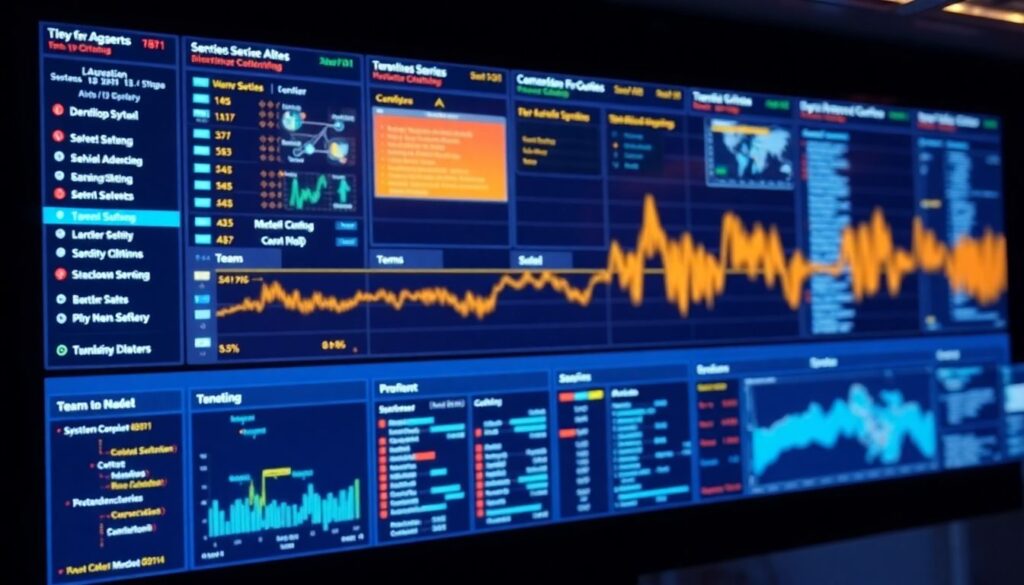
Pick one system as the primary incident entry point and central timeline, then forward alerts from other tools into it. Use consistent naming for services and teams across platforms to ensure that routing, dashboards, and runbooks line up correctly.