Why AWS IAM still matters in 2026 (and more than ever)

AWS IAM used to be treated as dull infrastructure plumbing. In 2026, with AI-heavy workloads, multi-account setups and stricter regulations, it has quietly become one of the most sensitive layers in your cloud stack. For medium and large teams, a sloppy IAM model means noisy alerts, blocked developers, and worst case: silent privilege escalation. A solid, practical guide to secure AWS IAM is no longer “nice to have”; it’s a survival toolkit. The good news: with some structure, you can turn a messy permission jungle into a predictable system that scales with people, projects and compliance pressure without killing developer speed.
Step 1 – Design your account and identity strategy first
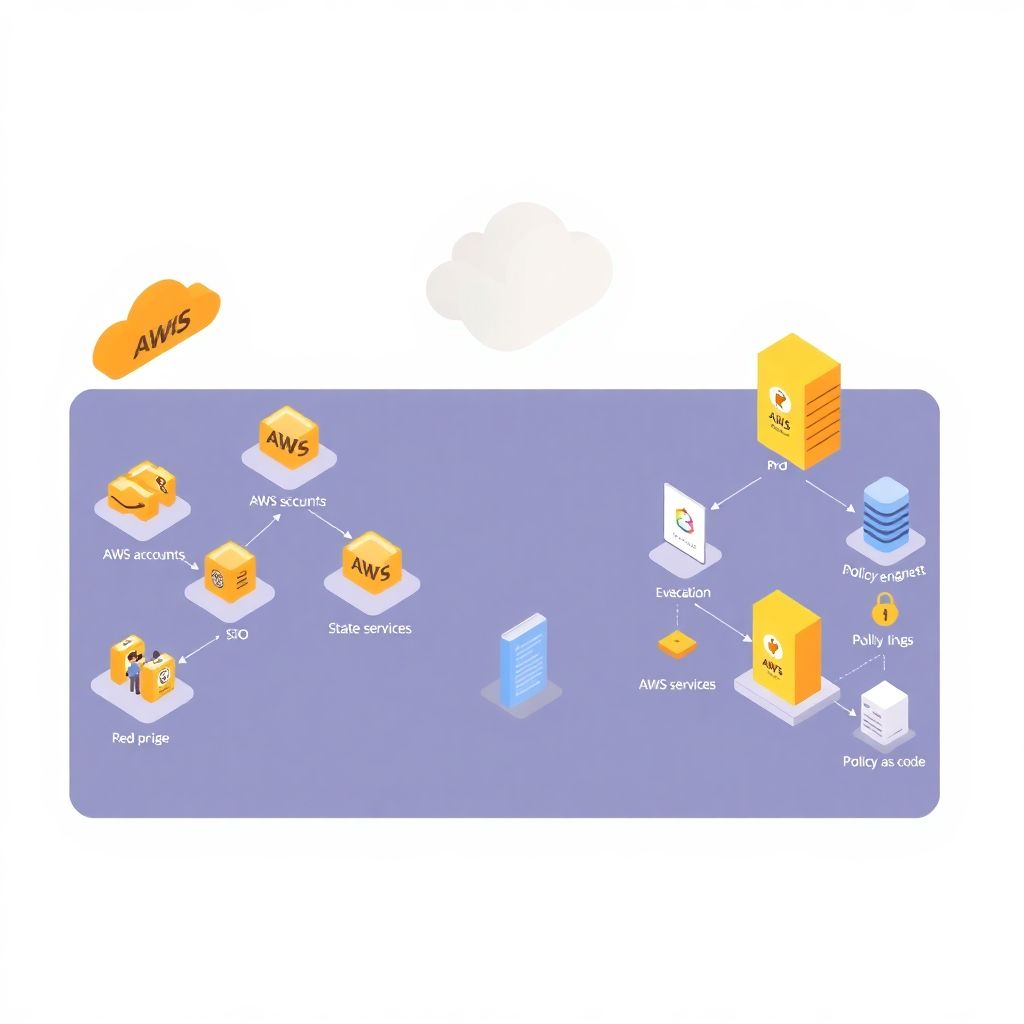
Before talking policies, you need to decide *who* enters the AWS universe and *from where*. In 2026, the baseline is: no long‑lived IAM users for humans. Instead, use an IdP (Okta, Entra ID, Google Workspace, etc.) with SSO and assign people to AWS accounts via roles. This puts services gestão de acesso e identidade na aws at the center of your architecture. For medium and large teams, plan a multi‑account structure (prod, non‑prod, security, shared services) and use AWS Organizations to centralize guardrails. The earlier you lock this in, the easier it is to keep access consistent and auditable over time.
Common pitfalls to avoid at this stage
Many companies start with a single “main” account, then grow fast and try to retrofit structure later. That usually ends in weekend migration sprints and half‑broken pipelines. Another classic mistake is mixing people and machines in the same IAM constructs: a developer IAM user might also be used by a CI job, making it impossible to track who did what. Newcomers often underestimate how hard it is to remove legacy IAM users once they’re embedded in scripts. Decide early: humans = IdP + roles; machines = IAM roles with short‑lived credentials. Draw this on a whiteboard before you touch the console.
Step 2 – Role-based access instead of user-based chaos
For medium and large teams, you should never manage permissions at the individual level. Instead, think in “job roles”: backend engineer, data scientist, FinOps analyst, security engineer. Each job role has one or more AWS IAM roles attached. People get mapped to job roles in your IdP, then assume AWS roles dynamically. This is where consultoria segurança aws iam typically starts: refactoring a legacy mix of custom policies and user-level grants into a clean role catalog. The payoff is huge: onboarding, offboarding and internal mobility become simple group changes, not a week of manual IAM surgery.
Practical tips for newcomers
If you’re starting from scratch, begin with just a handful of roles and iterate: “ReadOnly”, “Developer”, “PowerUser” (for platform team), “SecurityAudit”. Over time, split these into more specialized roles per team and per account. Avoid naming roles after individuals or projects that may disappear; use functional names that will age well. Document which groups in your IdP map to which AWS roles so HR and team leads understand the mechanics. When in doubt, lean toward fewer permissions and add more as you see real friction, rather than trying to anticipate every future need.
Step 3 – Modern principles for secure IAM policies
The core idea hasn’t changed: least privilege still rules. What *has* changed by 2026 is how we enforce it in practice. Instead of hand‑crafting JSON in the console, teams now use policy libraries, infrastructure as code, and automated validation. Melhores práticas configuração aws iam para empresas today include using AWS managed policies only as a starting point, then replacing them with custom, scoped policies dedicated to a single role or service. Tie each policy to a business purpose (“S3 read access for analytics data”) and keep conditions strict: region constraints, tags, MFA requirements, and time‑based controls where it makes sense.
Dangerous anti-patterns
The number one anti-pattern is still `”Action”: “*”, “Resource”: “*”`, often wrapped in a “temporary” policy that becomes permanent. Another is stacking multiple broad managed policies onto a role “just to make it work”, then forgetting to clean up. In 2026, attackers are very good at chaining small misconfigurations (overly broad logs access + mis‑tagged resources, for example) into serious breaches. Use conditions generously—especially `aws:PrincipalTag` and resource tags—to narrow the blast radius. Treat IAM JSON like code: review it, version it, and don’t edit it hurriedly in production consoles late at night.
Step 4 – Separate humans from machines cleanly
A core pillar of implementação política de segurança aws iam para grandes equipes is a clean split between human and machine identities. Humans enter via SSO and assume roles, while workloads use IAM roles assigned to compute (EC2, ECS, Lambda, EKS service accounts via IRSA). Avoid access keys for applications whenever possible; in 2026, long‑lived keys should be considered legacy debt. When you really need them—for third‑party integrations, for example—wrap them in Secrets Manager, rotate automatically, and tightly constrain their permissions. Make sure you can answer, in one dashboard, “which workloads can touch production data and how?”
Checklist for machine identities
– Use IAM roles attached to compute, not embedded keys in code
– Limit role scope to the minimum set of resources and actions
– Add conditions by VPC, subnet, or specific service if feasible
– Enable CloudTrail and AWS Config rules to track role usage
– Define ownership: every machine role must have a responsible team
This approach prevents the classic “orphaned key in a Git repo” incident that still haunts many organizations.
Step 5 – Automate IAM with IaC and policy as code
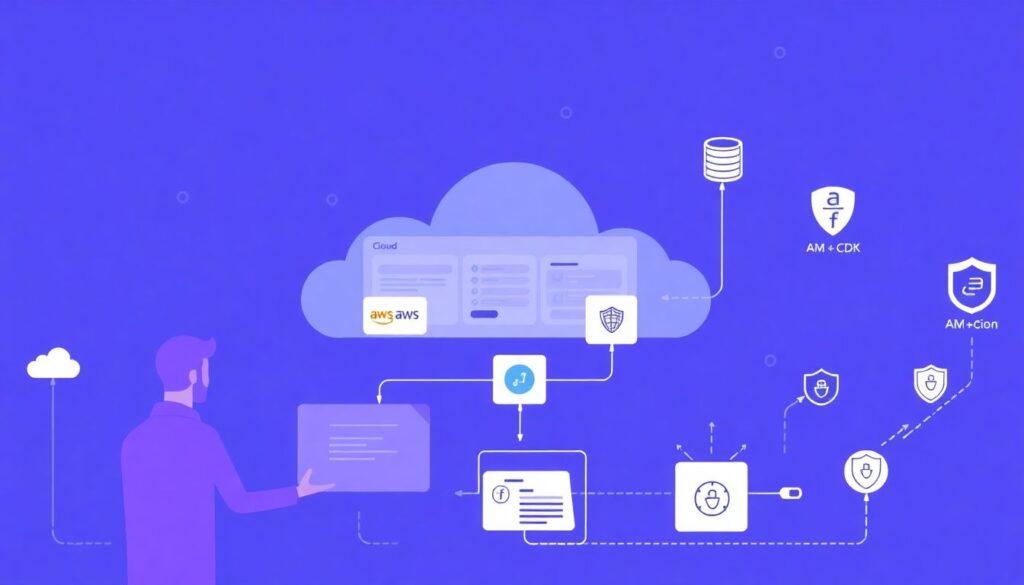
Manually editing IAM in the console doesn’t scale beyond a small startup. Medium and large teams should manage IAM via Infrastructure as Code—Terraform, AWS CDK, or CloudFormation—and enforce reviews through pull requests. Combine that with policy-as-code tools (Open Policy Agent, Checkov, IAM Access Analyzer, or native AWS tools) to catch dangerous patterns before they reach production. This also brings IAM into the same SDLC as your apps: versioned, reviewed, testable. Over time, you’ll build reusable modules for common roles and machine profiles, reducing the chance that a rushed engineer invents a new overly‑permissive pattern.
Modern tooling trends in 2026
We’re seeing more AI‑assisted IAM analysis: tools that scan your CloudTrail logs, infer real usage, and propose narrower policies automatically. Some consultoria segurança aws iam services already bundle this, offering “rightsizing” of roles periodically. Don’t treat these tools as magic; they’re recommendations, not gospel. Still, they help cut through the noise, especially in large estates where no one truly knows which permissions are still needed. The key is integration: make these checks part of your CI/CD pipeline and periodic security reviews, not ad‑hoc experiments that vanish after one enthusiastic engineer leaves.
Step 6 – Strong governance: reviews, approvals, and exceptions
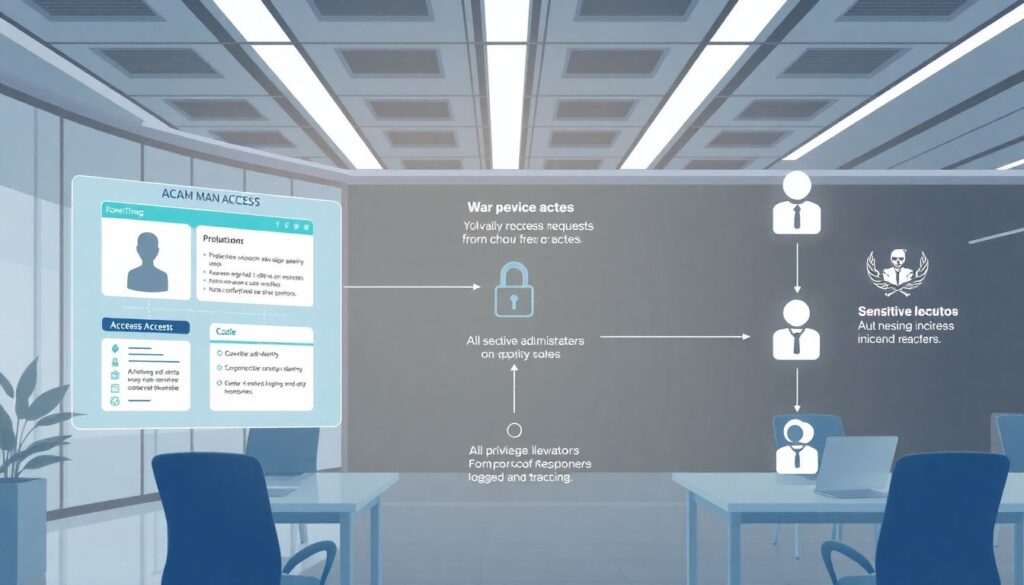
Good IAM is as much process as technology. Define clear workflows: who can request new access, who approves, and under what conditions. Use ticketing systems or access management tools to tie every privilege elevation to a traceable request. For sensitive roles (production admin, security incident responders), require multi‑party approval and temporary elevation with automatic rollback. Overly rigid processes can frustrate engineers, so balance friction and speed: offer self‑service paths with guardrails for low‑risk access, while protecting high‑impact permissions with stronger controls and more scrutiny.
Exception management done right
There will always be exceptions: debugging incidents, urgent hotfixes, data exports. Instead of pretending they won’t happen, design a safe lane for them. Use just‑in‑time access tools that grant a powerful role for a short window, with mandatory justification and automatic logging. Make security reviews these logs regularly, not only after something goes wrong. This turns exceptional access into a controlled, auditable event instead of a shadow system of hidden admin keys and “break‑glass” accounts no one really monitors.
Step 7 – Continuous auditing and permission right-sizing
In a corporate context, auditoria e revisão de permissões aws iam corporativo is not a one‑off compliance exercise; it’s a recurring cycle. At least quarterly, review who has access to what, which roles are actually used, and where drift occurred. Use IAM Access Analyzer, AWS Config, and CloudTrail insights to flag unused roles, policies with wildcards, cross‑account trusts, and public resources. For medium and large teams, assign IAM ownership to a security or platform squad that curates policies, runs reviews, and leads clean‑up initiatives. Over time, your permission surface should shrink or stay stable, not expand without control.
Helpful review practices
– Run reports of unused roles, policies, and user-group mappings
– Identify “top 10 most powerful roles” and validate each regularly
– Cross-check access with HR data to catch stale accounts
– Publish simple, visual dashboards so managers see the big picture
The aim is not to chase perfection, but to ensure that dangerous combinations of permissions do not linger unnoticed for years.
Step 8 – Balancing security and developer experience
Security that slows everyone down will be bypassed—usually in creative and risky ways. A modern AWS IAM strategy needs great UX: clear role names, predictable access models, quick approvals for low‑risk tasks, and good documentation. Offer developers templates: “this is the standard role for a new microservice”, “this is what you use for data analytics experiments”. Tie these to landing zones and pre‑configured pipelines so the secure path is also the fastest. When people understand *why* policies exist and see that they’re not arbitrary, adoption jumps and shadow IAM patterns decline.
Where to start on Monday
If your current setup is messy, don’t try to fix everything at once. Start by mapping accounts and roles, then migrating humans to SSO and roles, then refactoring the noisiest or most powerful policies. Document a minimal set of rules, socialize them, and iterate. Bring in external serviços gestão de acesso e identidade na aws or a focused consultoria segurança aws iam engagement if you lack bandwidth; an outside view can help you avoid repeating common mistakes. Treat IAM as a living system to be evolved, not a static configuration you “set and forget”, and it will support your teams instead of holding them back.