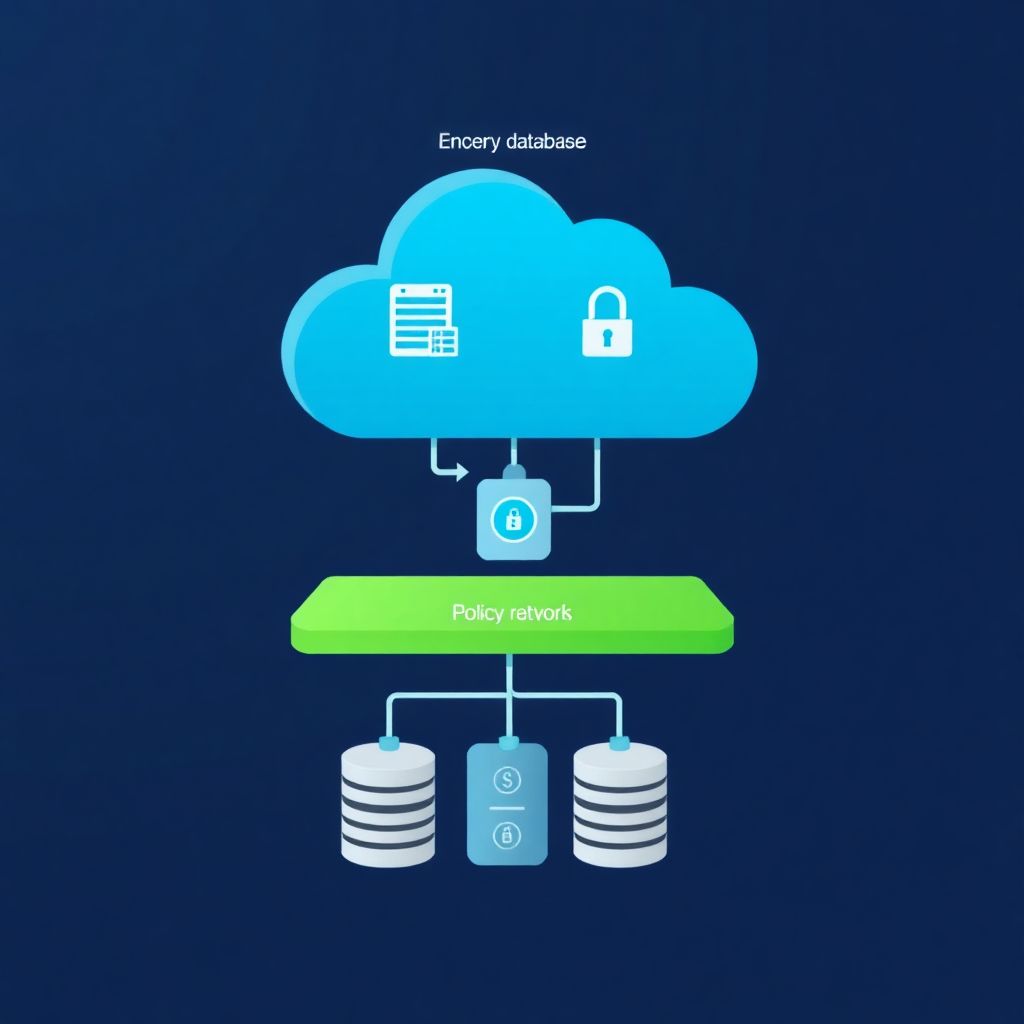
To avoid misconfigurations in cloud storage buckets and managed databases, standardize configurations as code, enforce least-privilege access, isolate resources on private networks, enable strong encryption by default, and add continuous monitoring plus policy-based checks. Combine provider-native guardrails with independent tools so mistakes in one layer are caught by others.
Essential controls to prevent storage bucket and managed DB misconfigurations
- Turn off anonymous/public access by default for all buckets and managed databases.
- Apply least-privilege IAM roles and rotate credentials tied to applications, not people.
- Force private networking with VPC peering, private endpoints, and restrictive firewall rules.
- Enable encryption at rest and in transit as mandatory, not optional.
- Use IaC and policy-as-code to standardize and audit configurations across environments.
- Continuously monitor logs, alerts, and configuration drift for early detection of risky changes.
- Practice incident playbooks for exposed buckets and compromised database credentials.
Common misconfiguration patterns in buckets and managed databases
These practices are relevant to engineering and security teams deploying workloads to AWS, GCP and Azure in Brazil (pt_BR), especially those managing shared environments with multiple squads.
Avoid this approach if you are looking for ad-hoc, manual one-off fixes only. The guidance assumes you can adjust IAM, networking and automation and are willing to centralize guardrails around segurança em buckets de armazenamento na nuvem and managed databases.
| Misconfiguration risk | Typical impact | Mitigation approach |
|---|---|---|
| Public bucket or container with sensitive data | Data exposure, regulatory and reputational damage | Block public access, use per-app IAM roles, enforce org-wide bucket policies and scanners |
| Managed DB exposed to the internet | Credential stuffing, brute-force, data exfiltration | Private endpoints, VPC-only access, IP allowlists, strict firewall rules |
| Overly broad IAM roles for apps and users | Lateral movement, accidental destructive changes | Least-privilege roles, access reviews, automated policy linting |
| No encryption or weak protocol settings | Data interception, compliance failures | Default KMS-backed encryption, TLS enforcement, certificate management |
| Missing logs and alerts | Late or no detection of incidents | Centralized logging, alert baselines, integration with SIEM and on-call |
Access control hardening: IAM, roles, and least-privilege policies
To implement melhores práticas de configuração buckets s3 gcp azure and protect managed databases, prepare the following prerequisites and tools:
- Organization-wide cloud access governance:
- Clear ownership for each bucket and managed database instance.
- Standard naming convention to group prod, staging and dev resources.
- Provider-specific IAM capabilities:
- AWS: IAM users/roles, resource policies, SCPs, S3 Block Public Access.
- GCP: IAM roles, service accounts, organization policies, Cloud Storage uniform bucket-level access.
- Azure: Azure AD, role assignments, RBAC for Storage and Azure SQL, Azure Policies.
- Security tooling to support ferrramentas para evitar misconfiguration em storage cloud:
- Cloud-native config scanners (AWS Trusted Advisor, GCP Security Command Center, Azure Security Center).
- Optional CSPM tools that continuously evaluate policies across accounts/subscriptions.
- Minimal permissions to change IAM and resource policies:
- Admin or security engineer with rights to create and attach roles/policies.
- Change-management process for high-risk modifications (approval, ticket, or pull request).
- Application identity and secret management:
- Use service accounts/managed identities instead of long-lived user access keys.
- Integrate with secret managers and rotate database credentials programmatically.
Safe baseline snippets to guide hardening (adapt to your naming and region):
- AWS S3: deny public access in one shot
{ "Version": "2012-10-17", "Statement": [ { "Sid": "DenyPublicReadWrite", "Effect": "Deny", "Principal": "*", "Action": ["s3:GetObject","s3:PutObject"], "Resource": "arn:aws:s3:::my-bucket/*", "Condition": {"Bool": {"aws:SecureTransport": "false"}} } ] } - GCP Storage: sample IAM binding via gcloud
gcloud storage buckets add-iam-policy-binding gs://my-bucket --member=serviceAccount:app-sa@PROJECT_ID.iam.gserviceaccount.com --role=roles/storage.objectViewer - Azure Storage: restrict access to a managed identity using CLI
az role assignment create
  --assignee <MANAGED_IDENTITY_ID>
  --role "Storage Blob Data Reader"
  --scope /subscriptions/<SUB_ID>/resourceGroups/<RG>/providers/Microsoft.Storage/storageAccounts/<ACCOUNT>
Network protections: private endpoints, VPC controls, and firewall rules
Before making network changes, be aware of these risks and limitations:
- Blocking public access without planning can break existing applications that depend on public endpoints.
- Private endpoints may add cost and require IP planning inside your VPC or VNet.
- Firewall rules that are too restrictive can disrupt backups, monitoring agents and CI/CD pipelines.
- Changes in shared networks affect multiple teams; always coordinate and document.
- Inventory and classify storage buckets and managed databases
Start with a complete list of buckets and managed databases across AWS, GCP and Azure, including environment tags (prod, staging, dev). Classify them by data sensitivity (public, internal, confidential) before tightening access.- Use cloud asset inventory tools or CSPM to export current resources and their exposure.
- Flag any internet-facing endpoint for priority review.
- Disable direct public access wherever not strictly required
For most internal workloads, you can fully disable public access to buckets and databases. Keep very few, well-justified exceptions for public content only.- AWS S3: enable
Block Public Accessat account and bucket level. - GCP Storage: use uniform bucket-level access and avoid
allUsers/allAuthenticatedUsersroles. - Azure Storage: set public access level to
Privateand use SAS carefully with expirations.
- AWS S3: enable
- Use private endpoints to access storage and managed databases
Configure private endpoints so traffic to buckets and databases stays inside your cloud network. This reduces attack surface and simplifies compliance.- AWS: create VPC endpoints for S3 and interface endpoints for RDS or Aurora.
- GCP: use Private Service Connect for Cloud Storage and Cloud SQL.
- Azure: enable Private Endpoints for Storage Accounts and Azure SQL Database.
- Restrict network paths with security groups and firewalls
Limit inbound and outbound connectivity to only necessary CIDRs and ports. Apply rules to both compute (EC2, GCE, Azure VMs) and managed services.- Allow database ports (e.g., 5432, 3306) only from application subnets or specific IP ranges.
- Create separate security groups per application or tier to avoid global rules.
- Validate DNS and connectivity after changes
After enabling private endpoints and new firewall rules, test resolution and connectivity from each environment.- Use simple tools like
ping(where applicable),nc,psqlormysqlfrom application hosts. - Confirm that public access is rejected while private access paths still function.
- Use simple tools like
- Document and standardize network patterns
Capture the final pattern (e.g., VPC-only RDS with SG allowlist, Storage with VPC endpoint) as an official template.- Share reference architectures so new teams follow the same safe defaults.
- Integrate them into IaC modules and revisão de arquitetura processes.
Data safeguards: encryption at rest/in transit, backups, and retention
Use this checklist to verify that your data protection for buckets and managed databases is consistent and robust:
- All storage buckets and managed databases have encryption at rest enabled with provider-managed or customer-managed keys.
- TLS is enforced for all connections, and applications are configured to reject plain-text or outdated protocols.
- Keys for customer-managed KMS are rotated according to your internal policy and access is audited.
- Backups are enabled for all production databases with clearly defined RPO/RTO objectives (even if only qualitatively documented).
- Backups are stored in separate accounts/subscriptions or regions to limit blast radius from a single compromise.
- Bucket object lifecycle policies match business retention requirements and legal holds where needed.
- Test restores are performed on a regular schedule, with documented steps and responsible owners.
- Access to backups is restricted to a small set of operational identities with strong authentication.
- Database exports and manual snapshots are tracked, tagged and periodically cleaned up.
- When using serviços gerenciados de segurança para bancos de dados em nuvem, verify that their recommended encryption and backup configurations are actually applied in your tenant.
Automation and policy enforcement: IaC, policy-as-code, and drift detection

These are frequent mistakes teams make when automating configurações and trying to como proteger banco de dados gerenciado na nuvem and storage:
- Relying on manual console changes after IaC deployment, which leads to configuration drift and undocumented exceptions.
- Having multiple IaC sources (different repos or tools) managing the same buckets or databases without a clear source of truth.
- Skipping policy-as-code checks in CI/CD, so misconfigurations are only detected after deployment.
- Using copy-pasted IAM and security group examples that are too permissive and never revisited.
- Running drift detection tools without a response plan, leaving known deviations unremediated for long periods.
- Not versioning critical security policies, which makes it hard to roll back when a new rule breaks production.
- Treating dev and staging as “less important” and omitting guardrails there, even though they often become the entry point for attackers.
- Ignoring provider-native policy engines (AWS SCPs, GCP org policies, Azure Policy) that can prevent risky configurations from being created at all.
- Failing to maintain IaC modules, so they lag behind new security features and recommended defaults from the cloud providers.
Operational hygiene: logging, monitoring, alerting, and incident playbooks

There are several viable approaches to operational controls and incident readiness around ferrramentas para evitar misconfiguration em storage cloud and managed databases. The right choice depends on your team size and maturity.
- Provider-native only
Use CloudTrail/CloudWatch (AWS), Cloud Audit Logs/Cloud Monitoring (GCP), and Azure Monitor/Activity Logs as your primary logging and alerting stack. This is suitable for smaller teams that want lower complexity and are mostly single-cloud. - Hybrid with centralized SIEM
Stream logs from all clouds into a central SIEM or logging platform. Add correlation rules for access anomalies (e.g., unexpected public bucket creation, DB firewall change). This works well for organizations with multiple business units and a dedicated security team. - Managed security services
Delegate continuous monitoring and triage to serviços gerenciados de segurança para bancos de dados em nuvem and storage, while keeping final decision-making in-house. This is useful when you lack full-time cloud security engineers but still need 24/7 coverage. - Minimal incident playbooks per scenario
For exposed buckets: immediately remove public access, snapshot logs, notify data owners, and assess object access history. For compromised DB credentials: rotate credentials, force application redeploy, review access logs, and check for suspicious queries or data export operations.
Concise answers on deployment pitfalls and remediation steps
How do I quickly check if any storage bucket is publicly accessible?
Use your provider’s CLI or console filters to list buckets with public access or anonymous ACLs. In AWS, for example, combine S3 inventory with Block Public Access reports; in GCP and Azure, search for buckets/containers where public access flags are enabled.
What is the safest way to expose a public static website from object storage?
Keep the bucket private and expose content via a CDN or front-end service that uses an origin access identity or private endpoint. This way, you avoid broad public ACLs while still serving content over HTTPS from edge locations.
How can I reduce the risk of someone opening my managed database to the internet?
Use organization-level policies and IaC modules that explicitly disallow public DB endpoints. Require all databases to use private networking, and set up alerts for any change that modifies firewall rules or network ACLs to include 0.0.0.0/0.
Do I really need customer-managed keys or are provider-managed keys enough?
For many intermediate workloads, provider-managed keys are sufficient and simpler to operate. Use customer-managed keys when you have strict compliance requirements, need granular key access control, or must separate duties between app and key administrators.
How often should I run misconfiguration scans on buckets and managed databases?
Run lightweight checks continuously via CSPM or native security centers, and schedule deeper reviews at least for each major release or monthly. Align scans with your change cadence so that new environments and services are covered early.
What is the first step after discovering an exposed storage bucket with sensitive data?
Immediately remove or restrict public access, then capture logs and configuration snapshots for investigation. Next, notify stakeholders, evaluate whether data was accessed, and decide on rotation or invalidation of any secrets or download links contained in that bucket.
How can I avoid breaking applications while tightening network and IAM controls?
Introduce changes gradually in lower environments first and use feature flags or configuration toggles. Monitor application health, logs, and connection failures, then adjust rules before promoting the hardened configuration to production.