
Cloud security monitoring with observability means sending all critical cloud logs, metrics and alerts into a central, security-first pipeline. You design a minimal architecture, collect and normalize data, choose security metrics, build focused alerts, define safe retention and access controls, and continuously test and tune to avoid both blind spots and alert fatigue.
Security-Focused Observability Snapshot
- Start from risks: map critical assets, identities and internet-exposed services before enabling logging and metrics.
- Centralize logs from cloud providers, workloads, identity, network and applications into one security data plane.
- Define a compact set of high-signal security metrics that can reliably drive automated alerts.
- Use a cloud SIEM or observability platform with real-time alerting and clear incident routing.
- Apply strict role-based access, encryption and retention controls to all observability data.
- Continuously test detections with safe simulations and tune thresholds to your baseline.
Designing a Security-First Observability Architecture
Security-focused observability in cloud is ideal when you run production workloads in public clouds, have multiple accounts/projects, and must detect misuse of identities, network exposure and data access in near real time. It suits teams already doing basic logging but needing consistent monitoramento de segurança em nuvem com logs e métricas.
This approach is less suitable when:
- You have no internet-exposed workloads and an extremely small footprint (single test account only).
- You lack any team capacity to respond to alerts; you may first need basic backup and access hygiene.
- Your cloud environments are fully managed by a third party that already provides contractual security monitoring.
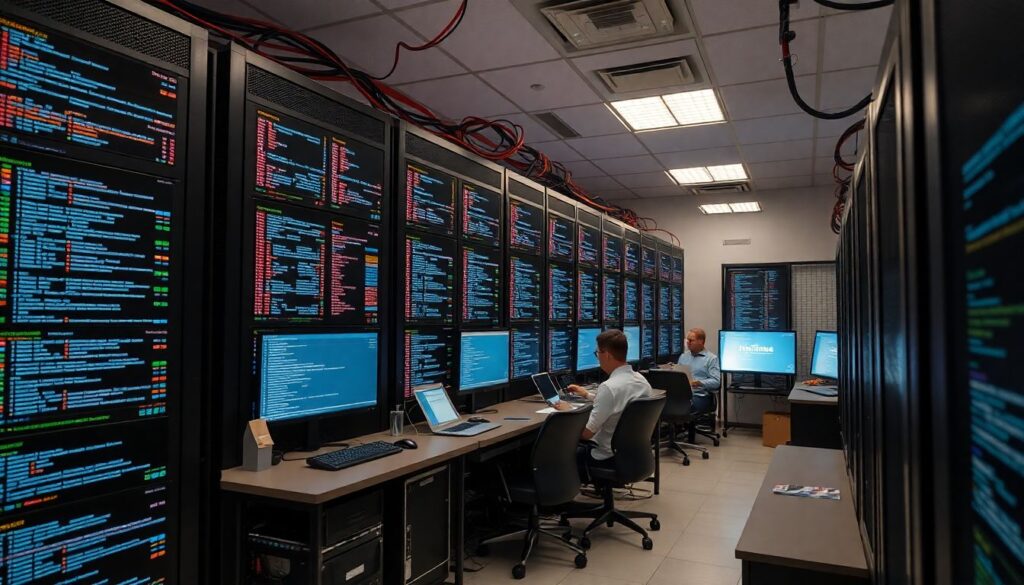
Before choosing specific ferramentas de observabilidade em nuvem para segurança, define a simple target architecture:
- Collection layer: cloud-native logging, agents and integrations pulling logs and metrics from every account and region.
- Transport layer: secure queues or streams (e.g. event bus, message queue, pub/sub) with encryption in transit.
- Storage and analytics layer: SIEM, log analytics or observability platform with index and cold storage.
- Detection and response layer: rules, playbooks, ticketing integration and, optionally, SOAR automation.
Collecting and Centralizing Logs for Threat Detection
To build an effective plataforma de monitoramento e alertas de segurança em ambientes cloud you need a minimum set of prerequisites.
Core requirements and access
- Admin or security-admin rights in each cloud account/project to enable audit and flow logs.
- Permission to deploy log forwarders or agents on virtual machines, containers and serverless runtimes.
- Ability to create cross-account roles or service principals for centralized log collection.
Data sources you must cover
- Cloud control plane logs: configuration changes, IAM changes, API calls.
- Identity and access logs: SSO, IdP, VPN and bastion access.
- Network and edge logs: load balancers, WAF, DNS, firewall, VPC/netflows.
- Workload logs: OS events, application logs, container runtime logs, serverless function logs.
- Security service logs: vulnerability scanners, EDR/AV, key management, DLP.
Tools and platforms to consider
For many teams, the central piece is a solução de SIEM na nuvem com alertas em tempo real, which can be a managed SIEM from a vendor or cloud-native log analytics with alerting. You can complement it with an observability stack (metrics and traces) and cloud-native security services that export findings into your SIEM.
Safe configuration checklist
- Enable provider audit logs at the highest reasonable detail level for production accounts first.
- Configure log export to a dedicated security project/account, not to application accounts.
- Encrypt log storage at rest using managed keys; restrict who can read raw logs.
- Use service identities for agents and forwarders; avoid hard-coded credentials.
- Test end-to-end: generate a harmless event (e.g. role creation) and verify it appears in your SIEM.
Selecting and Instrumenting Security Metrics
Security metrics turn raw events into fast, high-signal indicators. You do not need hundreds; focus on a manageable set that directly supports melhores práticas de logging e métricas para segurança em cloud.
Preparation checklist before instrumentation
- Inventory all critical cloud services, regions and accounts.
- Document key identities (humans, service accounts, roles) with high privileges.
- Clarify your top attack scenarios: credential theft, exposed storage, lateral movement, data exfiltration.
- Verify that required logs are actually being ingested into your metric/alerting platform.
- Decide where metrics will live: metrics backend, SIEM-derived metrics, or both.
-
Define a compact security metric catalog
Start by listing 15-25 candidate metrics grouped by theme: identity, network, data, workload. Prioritize those that correspond to specific threats and can be collected reliably from existing logs or APIs.
- Examples: failed logins by source IP, privileged role assumptions, firewall rule changes, denied data access attempts.
- Defer metrics that require custom code until the basics are stable.
-
Map each metric to concrete log fields
For every metric, specify exactly which log types and fields you will aggregate. This prevents ambiguous definitions and makes the metric portable across tools and clouds.
- Document: log source, filter conditions, aggregation function (count, rate, unique), and time window.
- Prefer provider-independent concepts (e.g. “failed authentication”) plus provider-specific mappings.
-
Implement metrics safely in your observability stack
Create metrics using existing data pipelines instead of adding new agents wherever possible. Apply least privilege when granting access to read logs or metrics APIs.
- In SIEM: define saved searches that calculate rates and expose them as derived fields or metric series.
- In observability platforms: add metric extraction rules on ingestion, not on clients.
-
Baseline normal behavior before setting thresholds
Observe metric behavior over days or weeks to understand normal patterns. Avoid hard-coded thresholds without data; they often cause noisy alerts.
- Look for diurnal patterns, weekday vs weekend behavior and deployment-related spikes.
- Note ranges where incidents historically occurred and keep those for alert design.
-
Add contextual labels and dimensions
Enrich metrics with dimensions like account, region, environment (prod/stage), team or application. This improves filtering, dashboards and per-owner accountability.
- Keep the label set small to limit metric cardinality and cost.
- Use consistent naming conventions across all clouds and tools.
-
Create focused dashboards for security operations
Build 2-3 concise dashboards for identity, perimeter and workload security. Use the metrics as primary widgets, with trend lines and simple color coding.
- Remove charts that nobody uses during weekly reviews.
- Highlight “break glass” metrics that indicate clear incident conditions.
Building Effective Security Alerts and Incident Triggers
Use your metrics and logs to drive actionable alert rules. Your goal is to connect detections to clear response actions while limiting noise.
Alert quality verification checklist
- Each alert rule has a clearly documented purpose, playbook link and on-call owner.
- High-severity alerts are based on strong signals (e.g. multiple conditions, time correlation, or known bad indicators).
- Alert routing integrates with your incident tooling (chat, ticket, paging) without manual copy-paste.
- Alert descriptions include essential context: who, what, where, when, and how to see raw evidence.
- There are time-based guardrails: rate limits, regrouping of repeated alerts and suppression during maintenance windows.
- Rules are tested with safe simulations (test accounts, canary users, synthetic attacks) before being enabled in production.
- Alert severities are consistent (e.g. critical, high, medium, low) and tied to documented response time targets.
- There is a simple way to temporarily disable or downgrade known noisy alerts, with review and approval.
- Monitoring exists for the alerting pipeline itself (e.g. queue failures, lag, delivery errors).
Retention, Access Controls and Compliance for Observability Data
Logs and metrics often contain sensitive data, including secrets, personal identifiers and internal system details. Treat the observability platform as a high-value target.
Common mistakes to avoid
- Keeping unlimited log retention without a defined business or compliance reason, inflating risk and cost.
- Storing production logs in the same accounts/projects as workloads instead of a dedicated security or logging account.
- Granting broad read access to all logs for every engineer instead of using role-based access and just-in-time elevation.
- Failing to classify observability data sensitivity and apply appropriate encryption keys and network controls.
- Allowing logs to contain secrets, passwords or full tokens due to poor application logging practices.
- Not aligning retention periods with regulatory requirements or internal policies for investigations and audits.
- Ignoring backups of log and metric data, which can lead to loss of evidence after an incident.
- Lack of audit trails on who accessed which logs and whether any sensitive exports were made.
Testing, Tuning and Operationalizing the Monitoring Pipeline
Once the initial pipeline is in place, you need a sustainable way to run and evolve it. Different organizations can choose different operational models.
Operational model alternatives
-
Central security team owning a shared platform:
Best when you have multiple product teams and need consistent detections. Security runs the SIEM/observability platform and provides curated rules, while app teams supply context and custom logs.
-
DevSecOps model embedded in product teams:
Useful when teams are mature in cloud and infrastructure-as-code. Each team manages its own alert rules and dashboards using common templates, with a small central group for governance and tooling.
-
Managed detection and response (MDR or MSSP):
Appropriate when you lack 24/7 staff. You still own basic cloud configurations and safe log forwarding, while the provider operates a solução de SIEM na nuvem com alertas em tempo real and handles first-line triage.
-
Hybrid approach with cloud-native and third-party tools:
Fits organizations heavily invested in a specific cloud but needing cross-cloud coverage. You combine native security findings with external ferramentas de observabilidade em nuvem para segurança in a unified workflow.
Whichever model you choose, schedule regular reviews of your monitoramento de segurança em nuvem com logs e métricas, update detections for new services, and keep runbooks aligned with real incidents.
Operational Clarifications for Security Monitoring
How many security metrics do I need to start?
Begin with a small set of high-value metrics that map to real threats, such as failed logins, privilege escalations and denied data access. You can expand later once alert noise is under control and the team can respond consistently.
Should I route all logs into my SIEM or only security-related ones?
Always centralize core security logs like audit, identity and network flows. For high-volume application logs, use filters or sampling and keep the option to send them temporarily to the SIEM during investigations.
How do I avoid sensitive data leakage in logs?

Define logging guidelines for developers, use structured logging, and blocklist obvious sensitive fields. Periodically scan logs for secrets and personal data, then fix sources instead of relying only on downstream redaction.
What is the safest way to test alert rules?
Use test accounts, non-production environments and controlled simulations that mimic real attacker behavior without touching real customer data. Coordinate with stakeholders and clearly label test events so they are not mistaken for real incidents.
When should I consider a managed SIEM or MDR service?
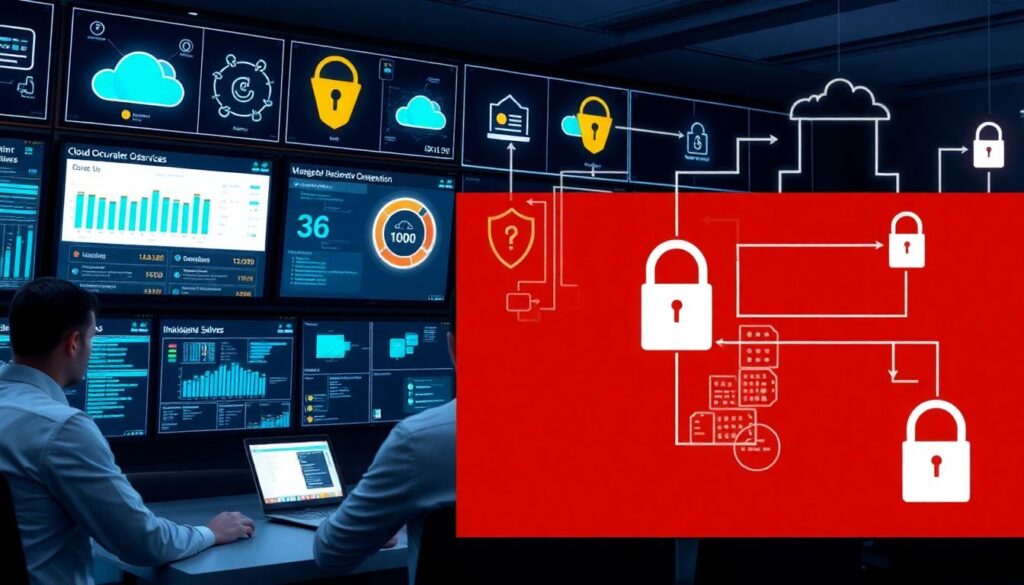
Consider managed services if you cannot staff 24/7 monitoring, lack SIEM expertise, or must quickly meet compliance monitoring requirements. You still need to own cloud hardening and ensure safe, reliable log forwarding.
How often should I review and tune security alerts?
Review alerts at least monthly, and after every significant incident or architecture change. Track noisy alerts, adjust thresholds, and remove rules that no longer map to real risks or environments.
Do I need separate observability stacks for dev, staging and production?
You can use one platform with strict segmentation by environment, or separate stacks if risk or regulation requires it. At minimum, keep production data access more restricted than non-production and avoid mixing them in the same projects or accounts.