Why cloud secret management matters more than ever

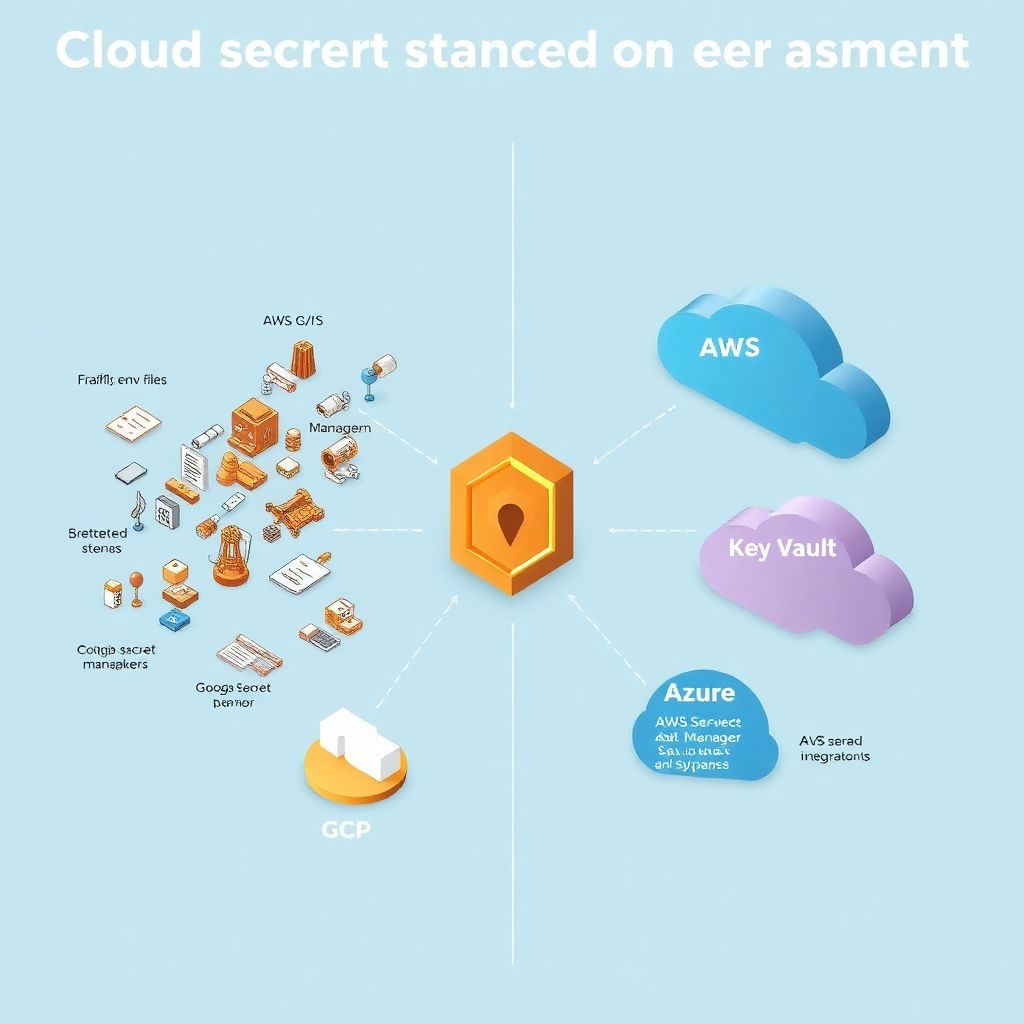
If you’re putting real workloads in the cloud, you’re already juggling API keys, database passwords, TLS certificates, tokens and encryption keys. At small scale, those “temporary” .env files and copy‑pasted secrets in CI configs might feel harmless. But as soon as multiple teams, environments and clouds enter the game, that house of cards starts to wobble. This is exactly where ferramentas de gerenciamento de segredos em cloud like HashiCorp Vault, Google Secret Manager and Azure Key Vault stop being “nice tools to learn” and become the backbone of your security story. They centralize sensitive data, give you audit trails, enable rotation, and let you sleep at night knowing you can revoke access quickly when something goes wrong.
Different philosophies: centralized vault vs cloud‑native managers
At a high level, secret management tools fall into two big camps. On one side, you have a centrally managed platform like HashiCorp Vault, which you can run on‑prem, self‑host in the cloud, or consume as a managed service. It wants to be your single source of truth for everything related to identities, secrets and encryption, no matter which provider you use. On the other side, you have native cloud services such as Google Secret Manager, AWS Secrets Manager and Azure Key Vault, which deeply integrate with each vendor’s IAM, logging and ecosystem. The trade‑off is classic: more control and flexibility with Vault, more simplicity and “it just works” with native services, especially when you live mostly in one cloud.
hashicorp vault vs google secret manager vs azure key vault in real life
It’s easy to get stuck in a slide‑deck comparison, but the real story of hashicorp vault vs google secret manager vs azure key vault shows up in daily operations. Vault shines when you need dynamic secrets (for example, short‑lived database credentials), automated revocation, complicated multi‑tenant setups or hybrid scenarios that mix bare metal, Kubernetes and several clouds. Google Secret Manager is perfect if you’re all‑in on GCP: IAM bindings are straightforward, integration with Cloud Functions, Cloud Run and GKE is smooth, and you don’t maintain servers. Azure Key Vault does two things very well: managing keys and certificates with HSM‑backed protection and acting as the default keystore for most Azure PaaS services, from App Service to AKS. None of them is objectively “better”; the context of your architecture drives the decision.
How successful teams actually use these tools
Look at teams that scaled gracefully instead of being crushed by their own complexity. A fintech company I worked with initially sprinkled secrets across GitHub Actions, Terraform variables and various config files. After a painful incident involving a leaked API key, they adopted Vault as the core of their security design. All app secrets moved there, with policies based on apps and environments. They used Kubernetes auth for pods, LDAP for internal tools, and dynamic credentials for databases. Over twelve months, they slashed mean time to revoke access from hours to minutes and passed a tough external security audit without last‑minute panic. The tool didn’t magically fix culture, but it gave them a consistent, auditable way to enforce the rules they wanted all along.
Cloud‑native wins: a GCP and Azure success story
On the other side, a SaaS team fully committed to Google Cloud took the opposite path. Instead of bringing Vault, they went all‑in on Google Secret Manager and Cloud KMS. They wired deployments so that apps never see raw secrets in the CI pipeline: workloads pull them at runtime via Workload Identity. For customer‑specific encrypt/decrypt operations, they delegate keys to KMS, with Cloud Audit Logs giving a clear trail. In parallel, a data platform team on Azure built around Azure Key Vault and managed identities. Their data pipelines in Data Factory and Synapse never hold passwords; they just reference Key Vault URIs. In both companies, the success wasn’t about picking the “melhor ferramenta para armazenar segredos e chaves na nuvem”, but about fully embracing one consistent model and removing ad‑hoc secrets from day‑to‑day development.
Choosing between AWS, GCP and Azure managers without overthinking
When you’re wondering como escolher secret manager na nuvem aws gcp azure, the temptation is to design the “perfect” multi‑cloud abstraction from day one. That usually backfires. A more pragmatic approach is to start with the cloud‑native secret manager where your main workloads already live. If you’re mostly on AWS, use AWS Secrets Manager plus KMS; if you live on GCP, lean into Google Secret Manager plus KMS; for Azure workloads, Key Vault plus managed identities fit naturally. Only when you truly have critical cross‑cloud traffic or strong on‑prem requirements does something like Vault become the center of gravity. Then you might still keep cloud‑native managers as “edges” for local workloads, with Vault orchestrating rotations and policies globally.
Preço e comparação vault secret manager key vault sem ilusões
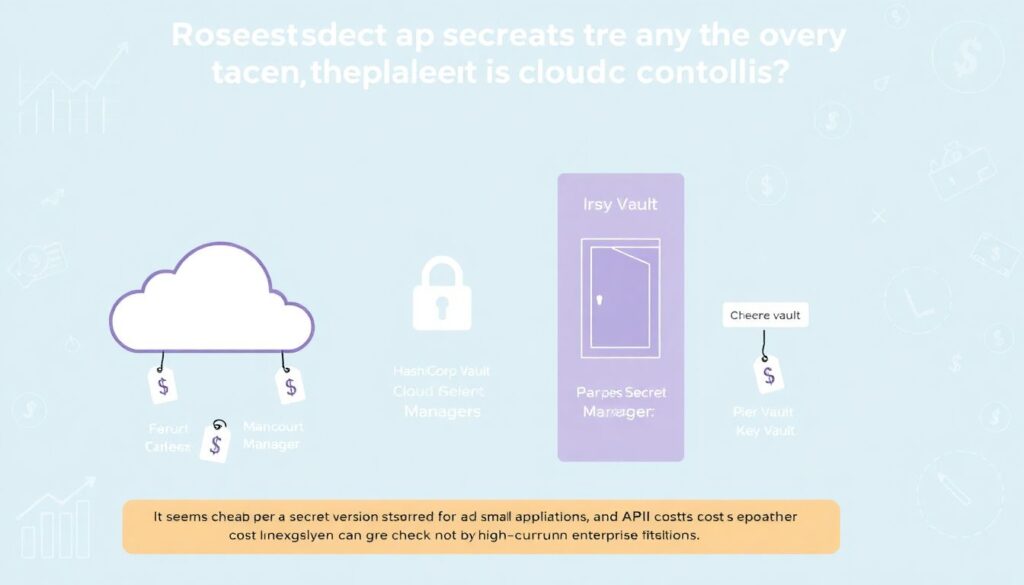
Finances quietly shape many security decisions, so it’s worth looking at preço e comparação vault secret manager key vault in a grounded way. Managed cloud secret managers typically bill per secret version stored and per API call. That looks cheap for small apps, but can surprise you in high‑churn environments that frequently rotate secrets or store configuration flags as secrets. Vault, self‑hosted, trades per‑call billing for infrastructure and maintenance costs: you pay for servers, storage, HA setup and the operational time of people who keep it healthy. Managed Vault reduces that pain, but you still need to design for availability. The key is to factor in not only direct pricing, but also incident risk, compliance requirements and operational overhead; a slightly more expensive provider that your team can actually manage well is usually cheaper than a fragile “bargain” setup that fails under pressure.
Inspiring examples of doing security without slowing teams down
One inspiring pattern is when companies treat secret management as a developer‑experience problem, not just a security checkbox. A retail startup migrated from environment variables hard‑coded in their CI pipelines to a mix of Vault and cloud‑native secret managers. They built a tiny internal CLI that developers used to request, list and rotate secrets without going through tickets. Under the hood, everything mapped to strict Vault policies and cloud IAM roles, but the interface was friendly and aligned with how engineers actually worked. Adoption shot up, and security stopped being perceived as friction. Another example: a health‑tech org running mostly on Azure pulled all certificate lifecycle management into Azure Key Vault and automated renewal for dozens of services. Developers no longer handled certificates manually, yet uptime improved and compliance reports became much easier to produce.
How to grow your own skills and influence your organization
If you want to drive similar outcomes, technical curiosity plus a few hands‑on experiments go a long way. Spin up a small test environment: a sample app in Kubernetes, a simple database and one chosen secret manager. Practice rotating credentials without redeploying the app, configure short‑lived tokens, and explore how audit logs show access history. Then translate what you learn into language your stakeholders care about: reduced blast radius, faster incident response, easier audit evidence. Over time, position yourself as the person who connects the dots between dev teams, security officers and ops. You don’t need to be the world’s top expert; you need a clear mental model, the ability to explain trade‑offs and the patience to iterate through policies and onboarding with real teams.
Concrete learning paths and resources to move forward
You can build a solid foundation in this area without disappearing into theory for months. Start with official docs and tutorials: HashiCorp has excellent guides for Vault on Kubernetes and dynamic secrets; Google, AWS and Microsoft all maintain scenario‑based labs for their secret managers and KMS services. Supplement that with vendor‑neutral content: OWASP materials on secrets management pitfalls, CNCF talks about secure supply chains and conference sessions on zero trust. Capture your learnings in small internal demos: a short brown‑bag session showing how to move one microservice from plain env vars to managed secrets is often more valuable than a 40‑page policy doc. Over a few quarters, that rhythm of learning, testing in a sandbox and then sharing results will turn you into a go‑to person for ferramentas de gerenciamento de segredos em cloud and help your organization make smarter, more confident decisions.