Por que os WAFs gerenciados em cloud viraram “obrigatórios”
When you move serious workloads to the cloud, you pretty quickly discover that the default security groups and basic firewalls don’t cut it. Modern attacks ride over port 80/443, look like normal traffic, and hit your apps where they’re weakest: logic flaws, sloppy input validation, forgotten endpoints. That’s where a managed WAF in the cloud comes in: it promises to sit in front of everything, filter out the garbage, and let your team sleep at night. In practice, though, choosing and tuning one is less “click and forget” and more like ongoing surgery on a living organism. The same provider that hosts your app also sells you protection, but each platform hides sharp corners behind friendly consoles and prebuilt rulesets, and that’s what we need to unpack.
What a managed WAF actually does (and where it quietly fails)
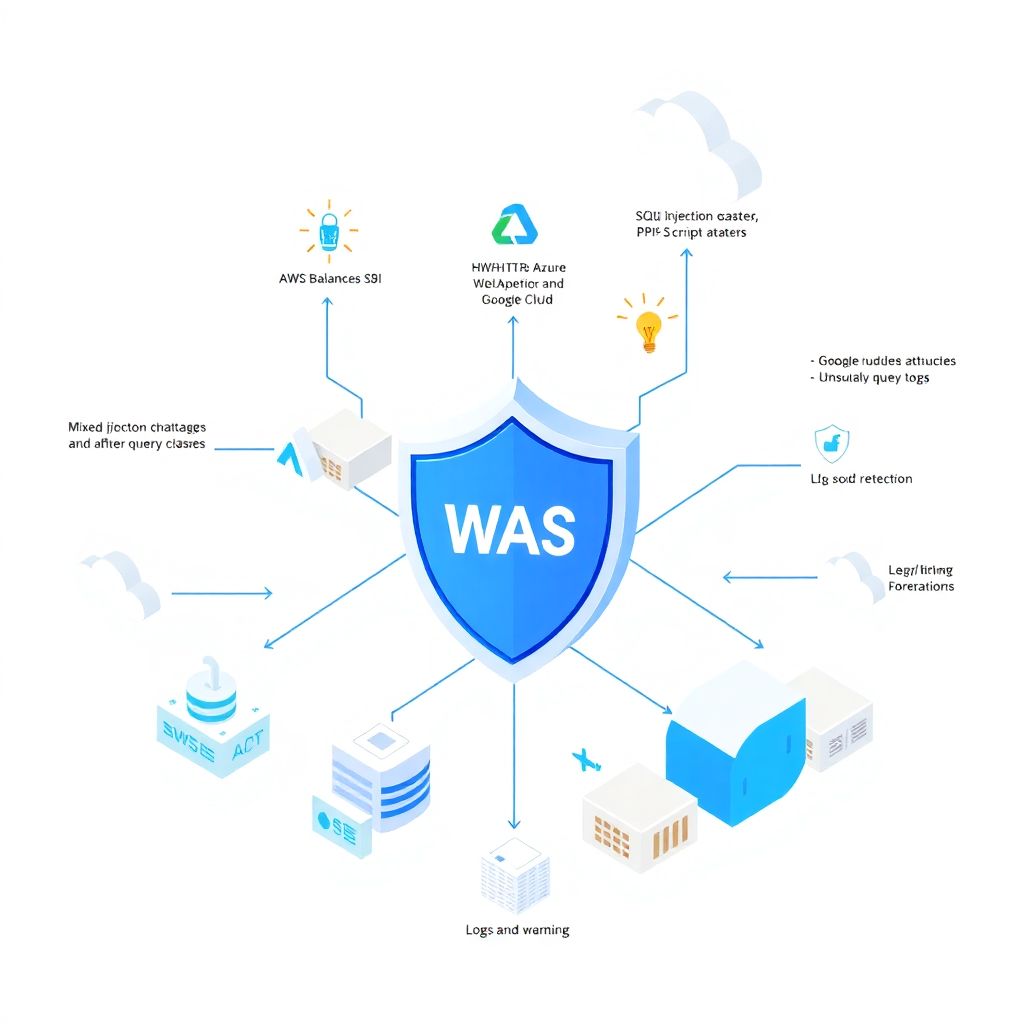
Under the hood, AWS WAF, Azure Web Application Firewall and Google Cloud Armor all try to solve the same problem: inspect HTTP(S) traffic, match it against rules, and block known-bad patterns like SQL injection or XSS. They lean heavily on signatures, rate limits, and some basic behavior analytics; some now integrate with bot management and API protection. The issue is that real-world traffic is messy: mobile apps using odd encodings, legacy SOAP services, microservices speaking gRPC over HTTP/2, CDNs layering their own headers. Out of the box, these WAFs err on the side of caution to avoid false positives, which means that a good chunk of subtle attacks just slip through unless you invest time in tuning and visibility, instead of trusting the marketing slide that says “OWASP Top 10 covered.”
Real cases: when “default rules” were not enough
Take a mid‑size e‑commerce platform that migrated from a monolith to microservices on Kubernetes in AWS. They turned on AWS Managed Rules for common threats, checked “protect my APIs,” and moved on. Everything looked green until a promo campaign drove traffic up and a clever attacker started abusing a search endpoint with complex but valid‑looking queries. The WAF saw nothing wrong; the attack wasn’t classic SQL injection but a logic abuse that caused massive database load and near‑downtime. What saved them wasn’t a new signature set but the combination of log analysis in CloudWatch, custom rules on unusual query patterns, and emergency rate limiting per IP and per API key. The story repeated, almost verbatim, for a SaaS company on Azure, only this time the problem was a partner integration sending payloads that constantly triggered false positives, so the security team had naively added broad exclusions that accidentally opened a perfect tunnel for attackers.
A practical comparativo waf aws azure google cloud
Comparing managed WAFs across AWS, Azure and Google Cloud is less about a single “score” and more about which ecosystem pain you’re willing to live with. AWS WAF is extremely granular and integrates tightly with CloudFront, API Gateway and ALB; you can build very nuanced rules, but the learning curve can be nasty, and visibility depends heavily on how well you wire logs into services like CloudWatch or OpenSearch. Azure’s WAF, especially in front of Application Gateway and Azure Front Door, tries to be friendlier, with strong defaults and a GUI that security teams with less cloud background tend to like, though deep customization sometimes feels like wrestling with the platform. Google Cloud Armor leans on Google’s network edge; it’s powerful for geo‑based and volumetric rules and ties in nicely with load balancers, but historically lagged a bit in rich application‑aware protections unless you combine it with additional services and your own detection logic.
Capabilities that really matter in day‑to‑day ops

On paper, everyone covers OWASP Top 10, does IP reputation, and supports rate limiting. What actually changes your day‑to‑day life is how easy it is to go from “something weird is happening” to “here is the rule that will stop it without killing customers.” For AWS, rule expression power and integration with managed rule groups is excellent, but you’ll need discipline in tagging, versioning and maybe even infrastructure‑as‑code to keep sanity. In Azure, the managed rule sets are decent, and the new generation of WAF engines improved false‑positive handling, yet troubleshooting often involves hopping across multiple blades in the portal. Google Cloud Armor shines at edge‑level defense and using preconfigured rules for known CVEs, but for application‑specific quirks you frequently end up building your own detections, backed by Stackdriver logs and maybe BigQuery to understand baselines before enforcing strict blocks.
Limitations you only see after go‑live
The first real limitation you notice is context. Managed WAFs do not understand your business logic; they see HTTP and some metadata. A promotion rule that allows big cart updates looks suspiciously like a brute‑force attack; a mobile app that sends compressed, oddly encoded JSON shocks the parser; an IoT gateway that replays requests due to flaky connectivity appears as a replay attack. Out of the box, the WAF has almost no sense of “this is normal for us,” so you live in a tension between being permissive enough for your edge cases and strict enough to stop creative attackers. The second major limitation is latency and cost: stacking the WAF in the wrong place in your architecture, or routing traffic inefficiently between CDN, WAF and origin, can add just enough delay to annoy real users and enough egress and request fees to surprise your finance team.
Preço waf gerenciado em provedores cloud: the hidden bill
Cost comparisons are tricky because each vendor slices pricing differently: per million requests, per policy, per rule group, sometimes even per protected resource. When you compute preço waf gerenciado em provedores cloud honestly, you need to factor not just direct WAF line items but also side effects, like extra logging volume, more complex load balancer configs, and maybe traffic tromboning between regions. A startup that tried to secure everything via a single global WAF layer in front of multiple test and staging environments discovered that internal test loads, CI tools and QA scripts generated more WAF‑billed requests than real users. They ended up isolating non‑production behind simpler network controls and keeping the heavy WAF only where user‑facing traffic hit. The subtle lesson is that “secure everything by default” can morph into “pay for everything forever” if you don’t segment environments and apply policies surgically.
How to actually choose: beyond “waf gerenciado na nuvem melhor provedor”
If you search the web, you’ll find endless arguments about who offers the waf gerenciado na nuvem melhor provedor, but in practice there is no universal winner. The “best” choice has a lot more to do with where your apps already live, what skills your team has, and how much complexity you’re willing to own. If most of your stack is deeply embedded into AWS, jumping to an external WAF might give you fancy dashboards, yet cost you latency, operational overhead and extra contracts. On the other hand, if you’re multi‑cloud or hybrid, being chained to one provider’s WAF may make portability painful. A more useful way to think is: pick the WAF whose limitations you understand and can compensate for, not the one with the fanciest marketing claims or the largest feature matrix.
Key questions to ask yourself before committing
Instead of obsessing over benchmarks, ask pragmatic questions. How will my security team debug a false positive on a Friday night? Can I roll back a bad rule in minutes, and is the process clearly automated? Are logs structured enough to feed into our SIEM without heroic parsing? Does the WAF integrate cleanly with our CI/CD so that security rules can evolve alongside code, not lag months behind? In multi‑tenant environments, can I logically separate policies per customer or environment without duplicating everything? Once you answer these, you’ll often discover that “qual o melhor waf gerenciado para aplicações web” for your situation is whichever platform makes your worst‑case incident response less painful, even if another vendor looks slightly stronger in raw features.
Como escolher waf gerenciado em cloud para empresa, de forma realista

For a company choosing its first serious WAF, the temptation is to run a shallow proof‑of‑concept, flip on the default OWASP rules in “block” mode, see that most traffic still works, and declare victory. A better approach is to deliberately stage an uncomfortable pilot: route a representative subset of production traffic, including mobile clients and partner integrations, through the WAF in “monitor only” mode, then spend a few weeks studying logs. Look for patterns: do you see consistent false positives from a certain region, a particular API, or specific HTTP methods? Use that data to craft custom exceptions tied to business context, not broad “disable rule X everywhere” actions. This more painful upfront process will pay off later, when real attacks appear and you’re able to tighten policies without breaking legitimate use cases.
Balancing security, performance and developer sanity
The hardest part isn’t choice, it’s governance. Developers just want their features to ship; ops wants stability; security wants fewer horror stories. If the WAF is perceived as a random breakage box, teams will quietly bypass it, put test backdoors on other ports, or reduce its scope. You need shared rituals: security reviews for new exposed endpoints, performance checks after major WAF rule changes, and agreed‑upon playbooks. Consider granting application teams the ability to propose or even edit certain WAF rules via code, while security retains final approval. Treat the WAF configuration as code stored in the same repo ecosystem as the apps; this aligns incentives and spreads knowledge, instead of trapping expertise with one overworked security engineer who holds the keys to an opaque appliance.
Alternative approaches: when the built‑in WAF isn’t enough
Managed cloud WAFs are convenient but not magic, and for some scenarios they’re only one piece of the puzzle. High‑risk fintech or healthcare platforms sometimes layer an external WAF or API gateway (self‑hosted or SaaS) in front of the cloud provider’s solution to gain more advanced bot detection, AI‑driven anomaly spotting, or fine‑grained API schema enforcement. Others push more security into the app itself: strict validation, parameterized queries, strong auth at every boundary, and extensive observability so that anomalies are visible even if they look harmless to a generic WAF. You can also use service meshes and sidecars to enforce mTLS, rate limits and certain filters at the microservice layer, offloading parts of the job from the edge WAF. These alternatives don’t replace a managed WAF but complement it, especially when you deal with complex protocols and very specific business logic.
Non‑obvious combos that work surprisingly well
One particularly effective pattern is pairing the cloud WAF with a robust API gateway. Let the gateway enforce schemas, authentication, throttling and versioning, while the WAF focuses on generic web threats and volumetric control. In practice, this means that even if an attacker bypasses one layer, the other still has a chance to intercept weird payloads or brute‑force attempts. Another underused tactic is to treat your WAF logs as a data science problem: pipe them into a data warehouse, run simple anomaly detection on request rates, URIs and payload sizes per customer, then feed back the results as new rules or alerting conditions. Over time, this closes the gap between static signatures and the evolving way your users—and attackers—actually behave, without waiting for the provider to publish a new managed rule group.
Pro tips and “lifehacks” for professionals
Seasoned engineers rarely rely solely on vendor‑managed rule sets; they build a thin, opinionated layer on top. One lifehack is to start every new app or API with a “default deny” mindset at the WAF: only expose the methods and paths you genuinely need, rate‑limit aggressively at first, and loosen gradually as you observe real usage. Another trick is to maintain a small, well‑tested library of reusable WAF rules—expressed as code—that you can apply across environments and even clouds, which softens the impact when you inevitably face a multi‑cloud setup and your earlier comparativo waf aws azure google cloud research turns into real migration work. Also, don’t underestimate staging: always run rules in “log only” mode for a full traffic cycle (including promotions, end‑of‑month jobs, seasonal spikes) before enabling blocking, so you catch edge‑case behaviors before they blow up in production.
Dealing with false positives like a pro
False positives are the tax you pay for protection, but the way you handle them separates amateurs from professionals. Instead of bluntly disabling whole rule groups when a partner complains, capture a small, anonymized sample of the offending traffic, analyze what makes it unique (specific headers, user agents, parameters), and then craft the narrowest possible exception. Document every exception with a business owner and a time limit, then review them regularly to prune obsolete ones. Over time, this disciplined approach keeps your WAF sharp instead of turning it into a porous filter. And when the next exec asks “como escolher waf gerenciado em cloud para empresa,” you’ll be able to explain not just which product you picked, but the operational practices that actually make it effective—because in the end, the real security value lives in the way you run the WAF, not merely in the badge on its dashboard.