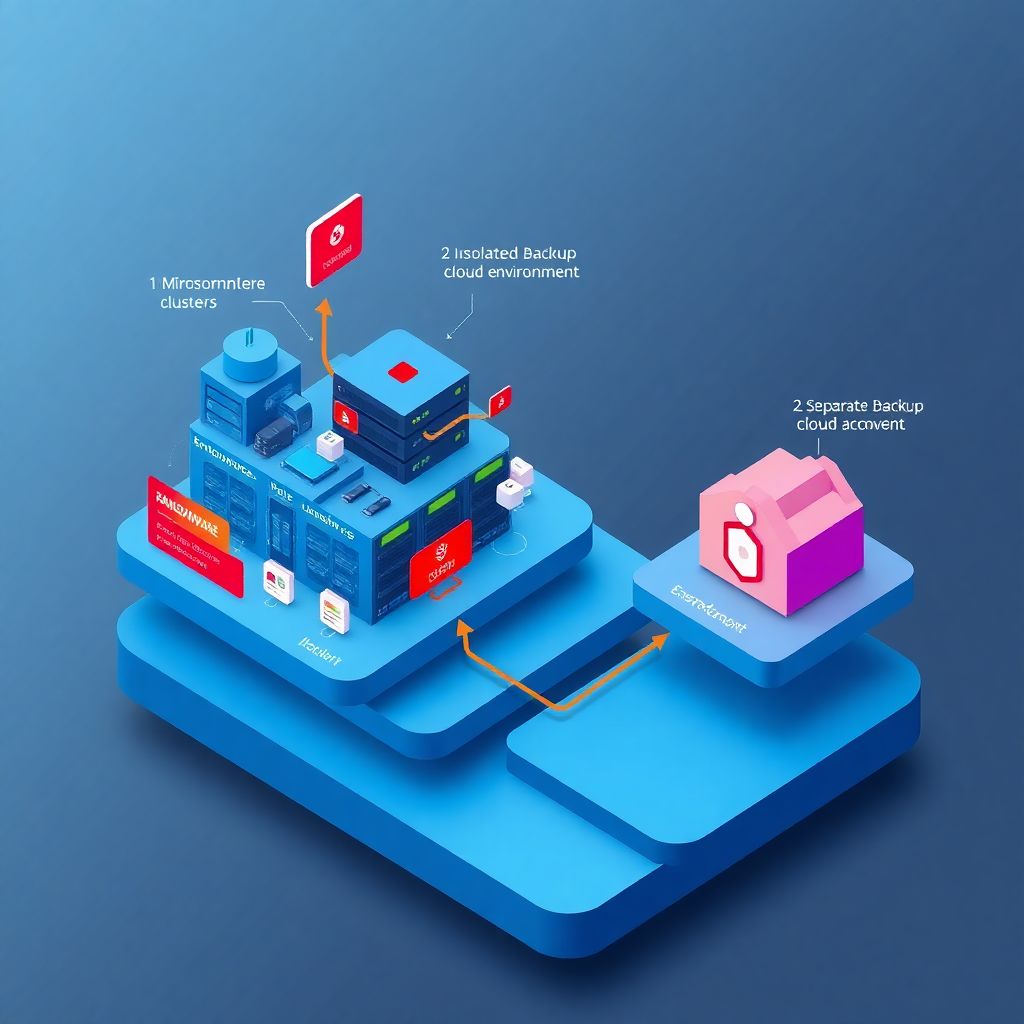
The moment you move critical workloads to the cloud, you’re not just buying elasticity and convenience — you’re also inheriting a new attack surface for ransomware. And attackers already know your backups are the last line of defense, so they go after them first. That’s why “resiliência a ransomware em cloud” isn’t a buzzword; it’s a design requirement.
Below is a practical, hands‑on look at how to build backup, data immutability and recovery in a way that actually survives a real incident — not just looks good in an architecture diagram.
—
Why cloud makes ransomware both easier and harder
In on‑prem days, ransomware often meant a few encrypted file servers and a frantic weekend. In cloud, you can lose *entire* accounts, regions, or Kubernetes clusters in minutes if an attacker gets automation privileges. The same APIs that help you scale your app help malware scale its damage.
The upside: if you architect correctly, you can also scale protection. Snapshots, object locks, cross‑region replication, policy‑as‑code and identity‑aware backups make it realistic to design backup em nuvem contra ransomware that is much harder to tamper with than old tape libraries ever were.
—
Real case #1: When “we had backups” wasn’t enough
A fintech startup had daily backups of its production database in the same cloud account, same region, same IAM administration. On paper, they were covered. When ransomware hit, the attacker got hold of an admin’s cloud credentials via a phishing campaign, created new IAM policies, and:
– Encrypted primary databases
– Rotated keys for the storage buckets
– Deleted backups and snapshots
– Disabled logging to cover tracks
The team thought they could call the cloud provider to “restore” deleted backups. What they didn’t know: most providers only keep soft‑deleted backups for a short retention window, and if those objects weren’t protected by immutability or separate control planes, they’re gone for good.
So yes, they technically had backups, but no *recoverable* restore points. They ended up rebuilding from old CSV exports and logs, losing several days of transactions.
The practical takeaway: backups in the same blast radius as production are almost as fragile as production itself.
—
Non‑obvious design rule: reduce the blast radius of trust
The single best non‑obvious tactic is to treat your backup environment as a different *security universe* from your production cloud. Not a “subsystem”, but almost like another company.
This means:
1. Separate cloud accounts / subscriptions for backup storage and backup orchestration.
2. Dedicated identities (service principals, roles) with strictly one‑way permissions: from production to backup, not the other way around.
3. Admins for prod and admins for backup are not the same people and not in the same SSO groups.
Is it more work? Yes. Does it prevent a huge portion of “we lost both prod and backups” incidents? Also yes.
—
Real case #2: Immutability that actually saved the day
A mid‑sized healthcare provider had been burned by ransomware on‑prem a few years earlier and redesigned their cloud setup with immutability in mind.
They used:
– Object storage with write‑once‑read‑many (WORM) policies
– Time‑based retention locks on backup objects
– A backup management account that could *create* backups but not delete or shorten retention
When a compromised admin account triggered destructive actions on production databases and even tried to remove backup buckets, the attack failed to delete historical restore points because the immutability policies sat *outside* that identity’s control.
They still had massive operational work, but they restored the last clean point, rotated credentials, and were fully back up in about 12 hours. They didn’t pay ransom.
This is what people mean, in practice, when they talk about soluções de backup imutável cloud para empresas: protection that does not rely on “no one will ever click a bad link.”
—
Immutability in practice: what actually matters
Immutability isn’t magic; it’s a set of boring but powerful guardrails. To make it count:
– Enforce write‑once semantics: snapshots and objects, once written, cannot be altered, only superseded.
– Use retention locks, not just lifecycle rules: lifecycle rules are convenient but can often be edited or disabled by an attacker with high privileges. Retention locks should be governed from a different trust boundary.
– Version everything: for critical buckets, enable versioning so “delete” only hides the latest version rather than erasing data.
– Key management separation: store keys (KMS, HSM) for backup encryption in a separate security boundary so an attacker cannot just rotate or disable them to destroy readability of your archives.
And test that an “all‑powerful” prod admin *cannot* delete or shorten retention for your immutable copies. If they can, your design is theoretical.
—
Not‑so‑obvious backup strategies that help against ransomware
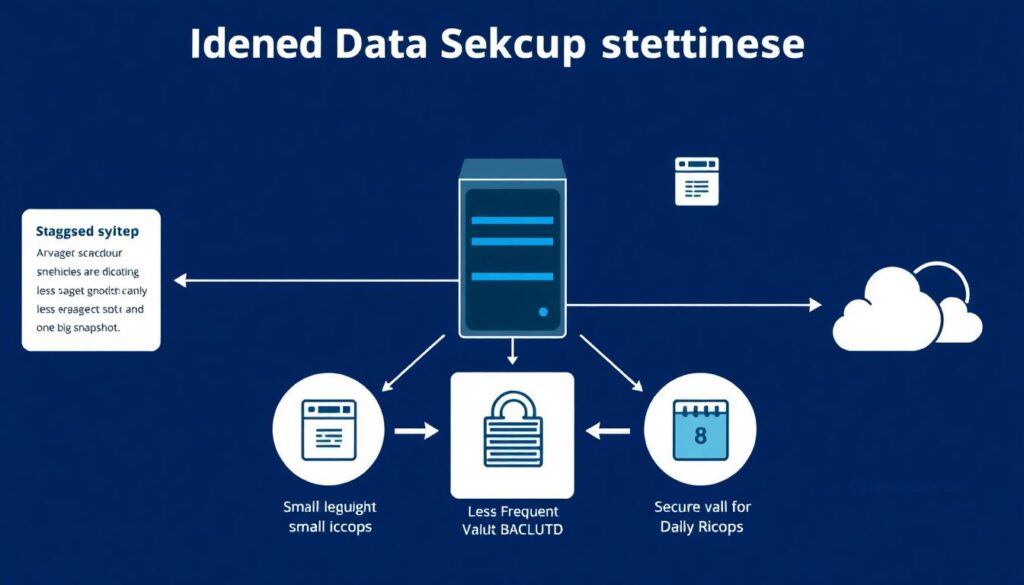
Beyond the basics, there are some patterns that dramatically improve your odds but don’t get talked about as much:
1. Staggered backup schedules across multiple technologies
Don’t only rely on one big daily snapshot. Combine frequent lightweight snapshots with less frequent, heavier, cross‑account backups. This gives you more timepoints and more diversity of protection mechanisms.
2. Delayed replication windows
For certain tiers, replicate backups with a delay (for example, 4–12 hours) to a remote region or account. If ransomware encrypts data and that change immediately replicates everywhere, all copies become corrupt. A delay increases chances that at least one side remains clean.
3. Backup validation with canary datasets
Plant known “canary” records and files in critical systems and check them automatically after backup jobs. If checksums diverge or content is unexpectedly encrypted, you get early warning that something is off *before* you need to restore.
4. Infrastructure‑as‑Code for backup policies
Put IAM roles, bucket policies, retention rules and snapshot schedules into version‑controlled code. Tools like Terraform or native templates reduce the risk of a well‑meaning admin weakening a control “just this once” and forgetting to revert it.
—
Alternative methods: going beyond classic backups
Sometimes the best ransomware resilience doesn’t look like traditional backup at all. A few alternatives worth considering:
– Immutable log streams: streaming critical database changes and application events into append‑only logs in object storage or dedicated log services. Even if the main database is gone, you can replay transactions from a known baseline.
– Continuous data protection (CDP): instead of nightly backups, CDP captures every write operation or near‑real‑time snapshots, giving you a fine‑grained timeline to roll back to “five minutes before encryption started.”
– Blue/green and ephemeral environments: if your production workloads are mostly stateless containers and ephemeral infrastructure, you can rebuild them from code in a clean environment and focus backup complexity on the relatively small stateful core.
These are especially powerful when combined with serviços de proteção de dados e imutabilidade em cloud that offer APIs for automating policy, encryption and retention instead of scattering one‑off scripts.
—
Concrete recovery strategies when ransomware hits

Planning “how we restore” is as critical as planning “what we back up”. Otherwise you just have a pile of data and no idea which bits matter under pressure.
Here’s a practical, testable sequence:
1. Freeze the blast radius
Immediately revoke or rotate compromised credentials, cut outbound internet where feasible, and lock down automation. Don’t start restoring while the attacker still has active access.
2. Identify the clean restore point
Use logs, EDR alerts, and monitoring timelines to estimate when encryption or lateral movement started. Your goal is to pick the last known‑good point before compromise, not just the most recent backup.
3. Restore into an isolated environment
Bring backups up in a quarantined VPC / VNet, separate accounts, or an alternate environment. Verify that services behave correctly and that no suspicious binaries, scripts or scheduled tasks are present.
4. Perform integrity and security validation
Run database consistency checks, file integrity monitoring, and compare against canary datasets. At the same time, perform malware scans and configuration baselines to ensure you’re not restoring the backdoor along with the data.
5. Gradual cutover and monitoring
Only after validation do you cut traffic over, ideally with a phased rollout or limited user segment first, while monitoring for anomalies, repeated ransom attempts, or data exfiltration.
This is where well‑designed estratégias de recuperação de desastres ransomware em nuvem make the difference between a 6‑hour incident and a 6‑week outage.
—
Real case #3: The team that practiced, then actually needed it
An online retail platform ran quarterly disaster‑recovery game days. They didn’t simulate earthquakes; they simulated compromised IAM keys, mass encryption of storage, and deletion of snapshots. They measured:
– Time to detect corruption
– Time to choose a restore point
– Time to bring up an isolated environment
– Time to decide “good enough” to go back into production
When they were finally hit by real ransomware, they still lost some data and had a rough weekend, but they followed their playbook almost step‑by‑step. They didn’t argue over who could make the call. They already knew what “acceptable data loss” meant because they had defined RPO/RTO thresholds up front.
The difference wasn’t technology. It was practice.
—
Pro‑level tips and “under the radar” tricks
For teams that already have basic cloud backups, here are some practical, less obvious tweaks that greatly raise your ransomware resilience:
1. Separate write and delete permissions for backups
Give backup jobs the right to *write* new snapshots and objects, but reserve delete and retention‑change permissions for a different, tightly controlled role that is rarely used.
2. Use hardware or external key escrow for ultra‑critical data
For the crown jewels, consider an external key management system or HSM where deletion or rotation requires out‑of‑band approval. That way, even a complete cloud account compromise won’t immediately destroy decryption capability.
3. Implement “four‑eyes” principle on retention changes
Treat changes to retention and immutability policies like financial wire transfers: require two independent approvals. Most cloud‑native platforms of backup corporativo with resiliência a ransomware support some form of role separation; use it.
4. Tagging and classification first, backup strategy second
You can’t protect what you haven’t classified. Use labels/tags to mark: “mission‑critical”, “regulated”, “internal only”, etc. Then align backup frequency, immutability and replication level with those tags instead of a one‑size‑fits‑all policy.
5. Decoy resources and honeytokens
Create decoy storage buckets and service accounts with attractive names and instrument them heavily. If a script starts encrypting or “backing up” those, it’s often an early sign of automated ransomware tooling at work.
6. Automated runbooks
Put as much of your recovery playbook as possible into automated steps: scripts to snapshot everything immediately, enable extra logging, or isolate suspicious workloads. In a crisis, fewer manual steps means fewer mistakes.
—
Building a realistic, cloud‑first ransomware resilience plan
Ransomware resilience in the cloud is less about buying yet another shiny product and more about combining several boring, robust practices into a coherent strategy:
– Isolate your backup control plane.
– Enforce real immutability with retention locks and separate administration.
– Test recovery in anger, not just assume it works.
– Monitor for early signs of tampering with backup policies themselves.
If you align these with the right serviços de proteção de dados e imutabilidade em cloud and keep your runbooks living documents instead of forgotten PDFs, the day you do get hit will still be painful — but you’ll have options other than paying the ransom and hoping for mercy.
Комментарии