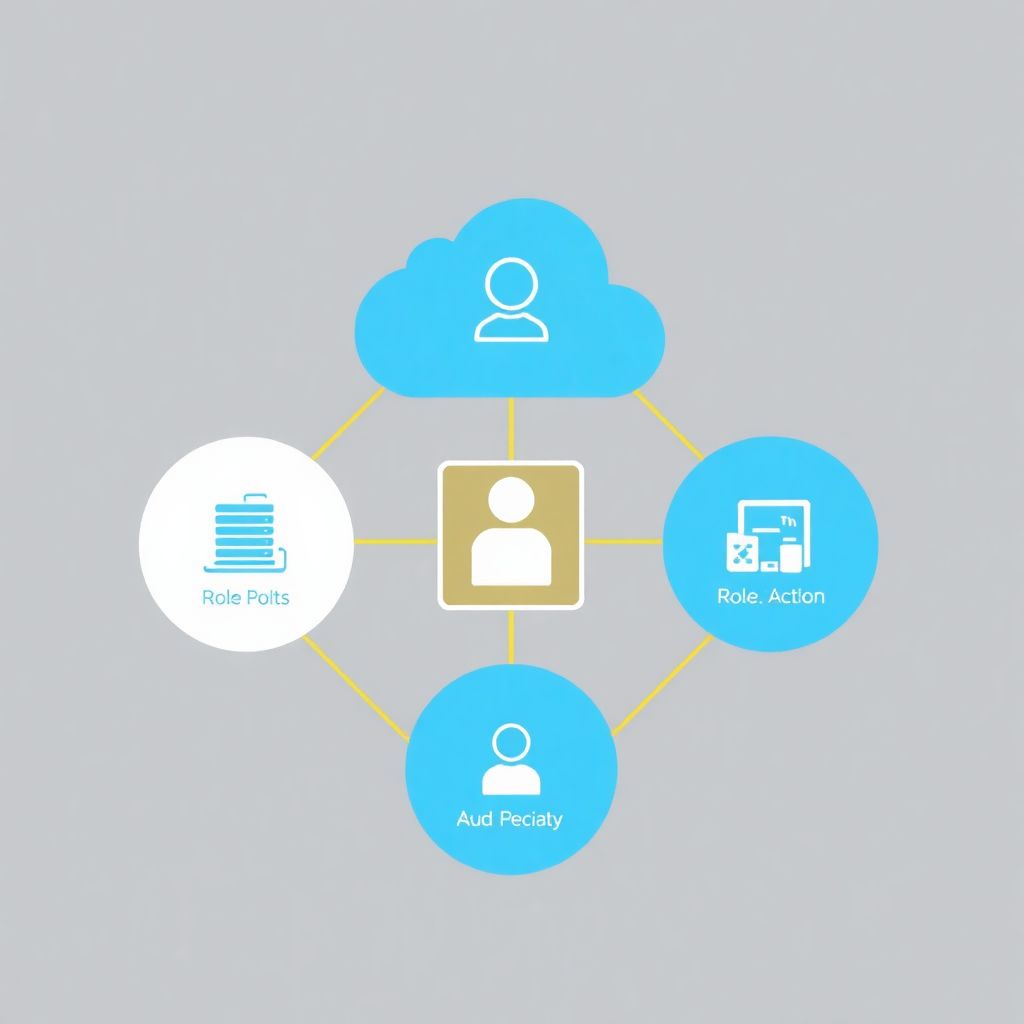
Use a single corporate identity provider, federate it to every cloud, and manage all permissions via roles, groups and policies instead of direct user grants. Separate production from non‑production accounts, apply least privilege with permission boundaries, centralize logging and reviews, and automate rotation of secrets, keys and cross‑cloud credentials.
Core security principles for IAM across multiple accounts and clouds
- Use one authoritative identity source and federation instead of cloud-local users.
- Align accounts, subscriptions and projects with business, risk and billing boundaries.
- Grant access through roles and groups; avoid direct user permissions.
- Apply least privilege and permission boundaries, with periodic access reviews.
- Standardize tagging, logging and reporting across all clouds and accounts.
- Automate secrets and key rotation, avoiding long‑lived static credentials.
- Define operational playbooks for incidents, onboarding and deprovisioning.
Mapping accounts, subscriptions and projects to organizational boundaries
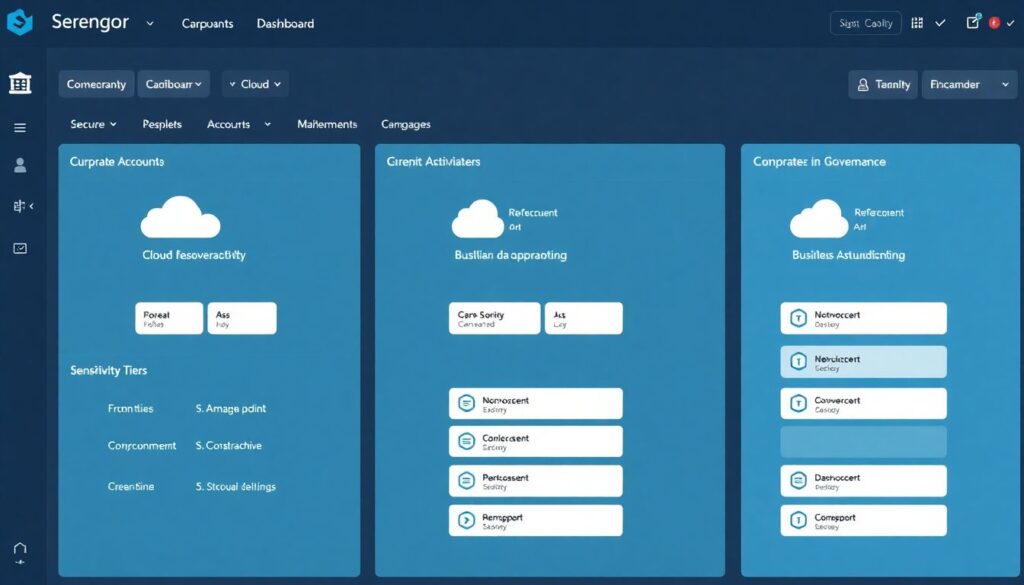
Map cloud accounts, subscriptions and projects to clear organizational units (business units, environments, data sensitivity). This avoids permission sprawl and simplifies billing, compliance and incident response. It suits organizations with several teams or products using multiple clouds; it is overkill for very small teams with a single workload and provider.
| Checklist item | Decision / configuration | Example for multi‑cloud IAM |
|---|---|---|
| Define environments | Separate production, staging and development into distinct accounts or projects. | One production account per product, shared non‑prod account per business unit. |
| Group by business unit | Align accounts with cost centers and leadership responsibility. | Accounts: bu-marketing-prod, bu-finance-nonprod. |
| Isolate high‑risk data | Put regulated or LGPD‑sensitive data in dedicated, tightly controlled accounts. | Separate subscription only for PII processing services and related storage. |
| Define shared services | Create shared accounts for logging, security tooling and IAM centralization. | Central logging project aggregating audit logs from every cloud and region. |
| Cross‑cloud mapping | Document 1:1 mappings between accounts, subscriptions and projects across clouds. | prod-payments account in cloud A maps to payments-prod project in cloud B. |
| When not to split | Avoid excessive fragmentation for very small workloads or teams. | Keep a single non‑prod account for all test projects of a small squad. |
Federation, SSO and identity lifecycle across cloud providers
Use your corporate IdP (for example AD, Entra ID, Okta, Google Workspace) as the source of truth and federate identities to all clouds with SSO. This is the backbone for serviços de gestão de identidades e acessos IAM multi cloud and reduces password fatigue, shadow accounts and inconsistent access revocation.
| Requirement | What you need to prepare | Provider‑agnostic hint |
|---|---|---|
| Authoritative IdP | Choose a single IdP for all employees, contractors and service accounts. | Ensure HR system feeds joiner/mover/leaver events into this IdP. |
| SSO configuration | Enable SAML/OIDC federation for each cloud console and CLI. | Create SSO apps per cloud; test login with short‑lived tokens only. |
| MFA everywhere | Force MFA on IdP and require it for all privileged cloud roles. | Use app‑based authenticators or security keys, not SMS. |
| Lifecycle automation | Automate provisioning and deprovisioning based on HR events. | Use SCIM or IdP provisioning connectors where available. |
| Group‑to‑role mapping | Map IdP groups to cloud roles instead of assigning users manually. | Example: group cloud-finance-read ⇒ read‑only role in all finance projects. |
| CLI access | Require federated, short‑lived credentials for CLI and APIs. | Prefer login --sso style commands over storing static keys. |
Enforcing least privilege with roles, policies and permission boundaries
Design a role model, define reusable policies, and enforce permission boundaries so no team can accidentally over‑grant access. This is where ferramentas de IAM para ambientes multi conta e multi cloud and native cloud IAM services must work together under a consistent naming and review process.
| Prep checklist item | Action before implementation | Practical example |
|---|---|---|
| Inventory identities | List human, service and workload identities per account and cloud. | Export users, groups and roles from each IAM console for comparison. |
| Catalog privileges | Identify which actions each team actually needs on each resource type. | Interview product owners to define CRUD needs for storage, compute and data. |
| Define role tiers | Create standard tiers: viewer, operator, admin, security, billing. | Same tier names reused across all clouds for easier training. |
| Choose boundaries | Decide which high‑risk permissions must be explicitly blocked or gated. | Block policy edits and key management for non‑security teams. |
| Tag strategy | Agree on tags/labels for environment, owner, data sensitivity. | Use tags in policies to scope dynamic access, like env=prod. |
-
Define a consistent role model across all clouds
Create a small set of standard roles (for example
viewer,operator,admin,security-analyst) and apply the same semantics in every account, subscription and project.- Use clear prefixes, such as
app-,platform-,security-, in all role names. - Document each role: purpose, allowed actions, and who can request it.
- Use clear prefixes, such as
-
Inventory existing permissions and remove direct user grants
Export all IAM policies, role assignments and user permissions from each cloud. Replace direct user permissions with group‑ or role‑based access aligned with your new model.
- Search for individual user principals in IAM consoles and migrate them to groups.
- Keep a temporary mapping table from old roles to new ones during migration.
-
Design and apply permission boundaries for high‑risk areas
Use permission boundaries (or equivalent mechanisms) to ensure even admins cannot exceed defined scopes, especially in production and sensitive accounts.
- Separate "break‑glass" roles that bypass boundaries and protect them with extra approvals.
- Block destructive actions (for example key deletion, policy edits) for application teams.
-
Implement least‑privilege policies and test them safely
Create policies starting from the minimum required actions, then test in non‑production before applying to production. Use access simulation tools where available.
- Test new policies on a dedicated test project or sandbox account.
- Leverage "policy simulator" features to validate effective permissions.
-
Automate assignment and periodic review
Connect your HR/IdP groups to role assignments, and schedule recurring reviews to remove unused access. Automation reduces manual errors and keeps least privilege over time.
- Run monthly reports of inactive roles and remove those not used for a defined period.
- Require manager approval for any admin‑level role and log every escalation.
Centralized governance: tagging, reporting and continuous compliance
Establish a single governance view over all clouds and accounts: standard tags, centralized reports, and continuous compliance checks. This is the core of any solução de governança de identidades e permissões em nuvem and is critical when you also consume a plataforma de gestão centralizada de permissões e papéis em nuvem.
| Governance control | What to verify regularly | Example of evidence |
|---|---|---|
| Tagging coverage | All identities, roles and projects tagged with owner, environment and sensitivity. | Report showing < 5% of resources without mandatory tags. |
| Central IAM reporting | Unified view of who has access to what across clouds. | Weekly export from your IAM reporting tool or SIEM. |
| Policy drift detection | Identify policies that became too permissive over time. | Alerts when *:* permissions appear in any policy. |
| Access review cadence | Managers review team access at a defined interval (for example quarterly). | Signed review records linked to tickets in your ITSM system. |
| Exception management | Document any deviation from standards with expiration dates. | Exception register with reason, owner and review date. |
| Integration with security tools | Feed IAM events into SIEM and cloud security posture tools. | Dashboards showing anomalous logins or privilege escalations. |
| Third‑party oversight | Monitor external vendors and consultoria em segurança IAM para multi cloud e múltiplas contas. | Vendor access inventory with contracts and scopes mapped to roles. |
Secrets, keys and cross-cloud credential handling and rotation
Centralize how you issue, store and rotate secrets and keys across providers. Long‑lived static credentials are the most common root cause of multi‑cloud breaches, especially when used outside any managed secrets system or leaked into code repositories and CI/CD logs.
| Common mistake | Risk introduced | Safer alternative |
|---|---|---|
| Embedding access keys in code | Keys leak via version control, logs or client distribution. | Use managed identities or workload identities with short‑lived tokens. |
| Sharing root or owner accounts | No individual accountability and hard‑to‑revoke access. | Disable root use; create admin roles with federation and MFA. |
| No rotation policy | Old secrets stay valid indefinitely and can be abused silently. | Automate rotation and revoke unused keys regularly. |
| Local password managers only | No central control or audit of secrets usage. | Adopt centralized secret managers integrated with each cloud. |
| Unencrypted backups of secrets | Backup storage becomes a high‑value target. | Encrypt backups with strong KMS keys and restrict restore access. |
| Hard‑coded database credentials | Database remains accessible even if app is compromised. | Use IAM‑based authentication or secret injection at runtime. |
| Cross‑cloud keys unmanaged | Different rotation and revocation patterns across providers. | Centralize tracking of all cross‑cloud credentials and owners. |
Operational playbooks: incident response, onboarding and deprovisioning
Create simple, documented playbooks so teams act consistently: how to respond to suspected credential compromise, how to onboard a new squad, and how to quickly deprovision leavers and third‑party access. Practical playbooks often combine native tools with serviços de gestão de identidades e acessos IAM multi cloud or external platforms.
| Approach | When it is suitable | Typical trade‑offs |
|---|---|---|
| Native cloud IAM only | Small to medium environments, limited number of accounts and providers. | Lower cost, but less centralized visibility and more custom scripting. |
| Third‑party IAM governance platform | Large enterprises needing a plataforma de gestão centralizada de permissões e papéis em nuvem. | More automation and reports, but added complexity and licensing costs. |
| Managed security and IAM consultancy | Organizations without in‑house expertise, relying on consultoria em segurança IAM para multi cloud e múltiplas contas. | Faster setup and best practices, but ongoing vendor dependency. |
| Hybrid model | Teams using both native controls and selected ferramentas de IAM para ambientes multi conta e multi cloud. | Flexible and resilient, but needs clear ownership boundaries. |
Implementation clarifications and typical practical questions
How many cloud accounts or projects should I start with?
Start with a minimal structure: at least one production and one non‑production account or project per major business domain. Expand later when you have clear needs (for example regulatory isolation or strong separation between teams).
Do I really need a central identity provider before going multi‑cloud?
Yes. A central IdP with federation and SSO drastically reduces duplicate users, inconsistent MFA, and forgotten accounts in individual clouds. Implement it early to avoid a complex clean‑up later.
How can I gradually enforce least privilege without breaking teams?

Introduce new roles and policies in non‑production first, monitor errors, and adjust. Use read‑only roles by default, then grant write or admin rights only to those who demonstrate a consistent operational need.
What is the safest way to handle CLI access for engineers?
Require SSO‑based authentication that issues short‑lived tokens instead of long‑lived keys. Document standard login commands and avoid encouraging users to store static credentials in local configuration files.
How often should I rotate secrets and keys in a multi‑cloud setup?
Rotate any human‑managed secrets frequently and automatically where possible. For workload identities, prefer ephemeral tokens issued on demand so rotation becomes an implementation detail of the platform instead of a manual task.
When is it worth investing in a commercial IAM governance platform?
Consider a commercial platform when you have multiple business units, several clouds, hundreds of accounts or projects, and recurring audit requirements that exceed what native tools can report easily.
How do I align IAM practices with Brazilian LGPD requirements?
Use tags and roles to identify who can access personal data, log every access, and make sure deprovisioning is immediate for anyone leaving the company. This supports accountability and data minimization principles.