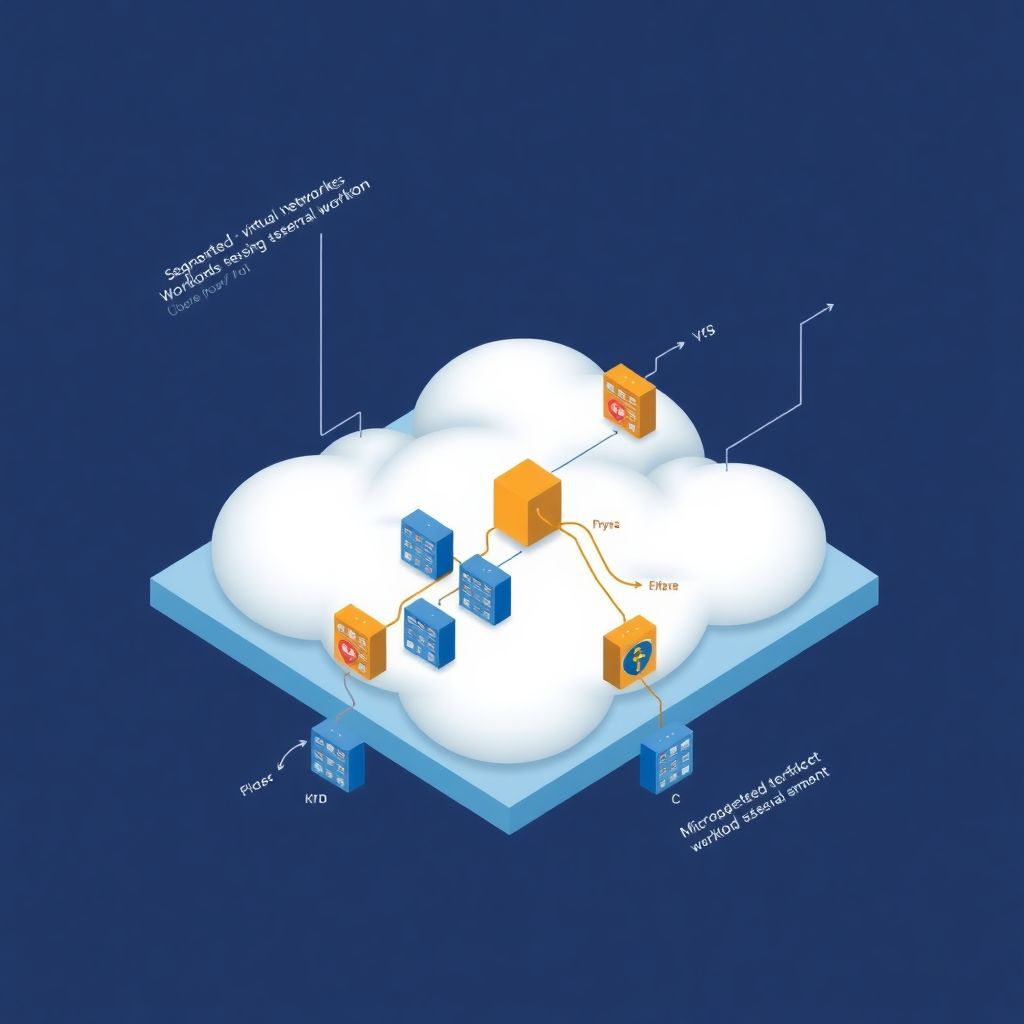
Cloud network segmentation means splitting your cloud network into smaller, isolated zones using private networks, security groups and network policies. You design private VPC/VNet/VPC networks, restrict traffic with cloud firewalls, and apply microsegmentation close to workloads, so that a single compromise does not give attackers lateral movement across your entire environment.
Core concepts snapshot
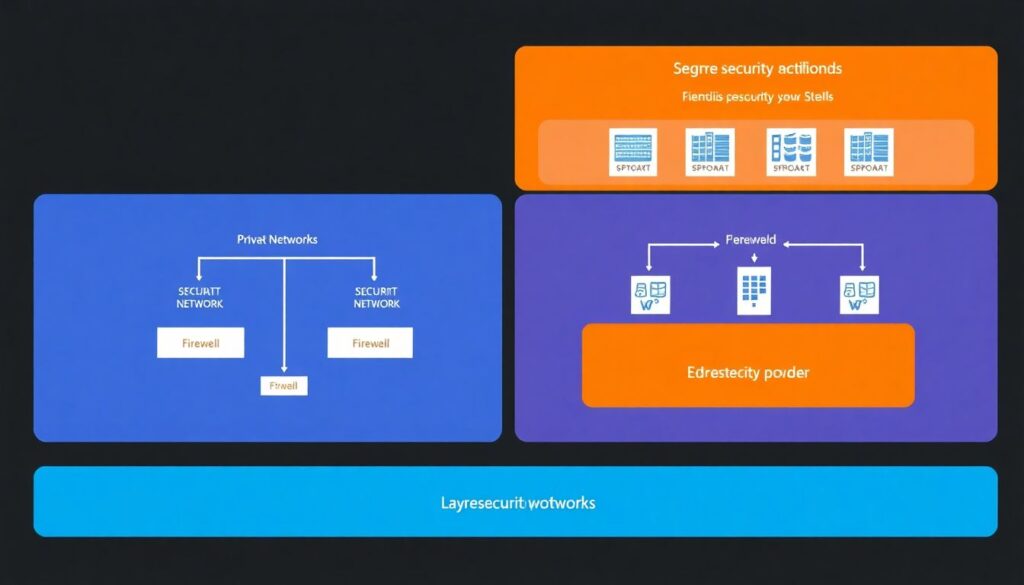
- Use private networks and subnets to separate internet-facing, internal and restricted workloads.
- Apply cloud-native firewalls (security groups, NSGs, firewall rules) as your first enforcement layer.
- Use microsegmentação de rede em ambientes cloud to control traffic workload-to-workload, not just subnet-to-subnet.
- Translate business rules into Kubernetes network policies segurança and equivalent rules in other platforms.
- Adopt Zero Trust: never trust network location alone, always verify identity and context.
- Monitor flows, logs and alerts to validate segmentation and support investigations.
Designing private cloud networks for strong isolation

This guide targets intermediate engineers in Brazil (pt_BR context) who run workloads on AWS, Azure or GCP and need safe, practical steps. It focuses on building private networks first, then layering security controls using standard, vendor-supported features.
Cloud network segmentation starts with the base topology. Use private address spaces, split them into subnets by trust level, and restrict where the internet can reach.
- Public zone: load balancers, API gateways, bastion hosts.
- Application zone: app servers, microservices, functions.
- Data zone: databases, caches, message brokers.
- Management zone: monitoring, CI/CD runners, jump hosts.
When you study como configurar vpc e sub-redes privadas na cloud, aim for:
- One VPC/VNet per environment (dev, staging, prod) to avoid accidental cross-environment access.
- Separate subnets per tier (web, app, data) and per availability zone.
- Dedicated subnets for shared services (logging, security tools, VPN/Direct Connect/ExpressRoute).
When this approach is a good fit

- You run regulated or business‑critical workloads that must be isolated from the internet.
- You manage multiple environments (dev/test/prod) and teams with different access levels.
- You plan to implement deeper microsegmentation later (service mesh, host agents, network policies).
When not to over‑engineer private networks
- Very small, short‑lived test environments with only one or two VMs/containers.
- Simple SaaS‑only usage where you do not host your own compute or databases.
- Early experiments: start with a single VPC/VNet, then refactor when patterns stabilize.
Implementing security groups for layered traffic control
Security groups and equivalent constructs are the main building blocks for segurança em nuvem aws security groups and similar patterns in other clouds. You need permissions, basic network information and clear rules.
Requirements and prerequisites
- Cloud IAM access
- AWS: permission to manage VPCs, security groups, EC2, ELB, RDS (e.g.,
AmazonVPCFullAccessfor admins). - Azure: Network Contributor role on the subscription or resource group.
- GCP: Compute Network Admin or equivalent custom role.
- AWS: permission to manage VPCs, security groups, EC2, ELB, RDS (e.g.,
- Network plan
- Address ranges per VPC/VNet/VPC network.
- Subnets per zone and per tier.
- Ports/protocols needed between tiers (e.g., 443 from web to app, 5432 from app to DB).
- Baseline security rules
- SSH/RDP only via bastion or VPN, never from
0.0.0.0/0. - DB ports never open to the internet.
- Outbound egress restricted to required destinations where feasible.
- SSH/RDP only via bastion or VPN, never from
Quick platform-specific recipes
AWS: security groups and NACLs
# Example: web SG allows HTTPS from internet, to app SG only
# Web SG (inbound)
Type: HTTPS
Protocol: TCP
Port: 443
Source: 0.0.0.0/0

# Web SG (outbound to app)
Type: Custom TCP
Port: 8080
Destination: sg-app

# App SG (inbound only from web SG)
Type: Custom TCP
Port: 8080
Source: sg-web
Use NACLs for coarse subnet-level blocking; keep them stateless and simple (e.g., deny all inbound from untrusted ranges).
Azure: NSGs and Application Security Groups
# Example NSG rule for app subnet
Priority: 200
Direction: Inbound
Source: ApplicationSecurityGroup = asg-web
Destination: ApplicationSecurityGroup = asg-app
Protocol: TCP
Port: 8080
Action: Allow
Attach NSGs to subnets and use Application Security Groups to group VMs by role instead of IP.
GCP: VPC firewall rules and tags
# Example gcloud command for app firewall
gcloud compute firewall-rules create allow-web-to-app
  --network=my-vpc
  --direction=INGRESS
  --action=ALLOW
  --rules=tcp:8080
  --source-tags=web
  --target-tags=app
Comparison of segmentation approaches
| Approach | Scope | Strengths | Limitations | Typical use |
|---|---|---|---|---|
| VPC/VNet & subnets | Network / environment | Clear isolation, routing control | Coarse-grained, not workload-aware | Isolate environments and tiers |
| Security groups / NSGs / firewall rules | Instance / NIC | Stateful, simple, cloud-native | Harder for dynamic microservices | Control tier-to-tier access |
| Kubernetes network policies | Pod / namespace | Label-based microsegmentation | K8s-only, CNI dependent | Segment microservices in clusters |
| Host-based agents | Process / workload | Deep visibility, app context | Agents, cost, complexity | High-security and regulated zones |
Microsegmentation strategies: labels, overlays and host-based agents
This section gives a safe, step-by-step microsegmentation process you can follow in production with minimal risk, assuming you test in non-production first.
- Inventory and label your workloads
Start with a clear list of services, owners and communication needs. In Kubernetes, use labels and namespaces; on VMs, use tags or naming standards.- Kubernetes example:
app=payments,tier=backend,env=prod. - AWS tags:
Environment=Prod,Service=Checkout,DataClass=Sensitive.
- Kubernetes example:
- Define allowed flows by function, not IP
Document which services must talk to which, and on which ports. Avoid IP addresses; use functional names (web, api, db). This simplifies microsegmentação de rede em ambientes cloud as services scale. - Start with “observe only” using flow logs
Before blocking, enable VPC Flow Logs (AWS/GCP) or NSG Flow Logs (Azure) and Kubernetes network observability tools.- Identify unexpected or unused connections.
- Confirm your planned flows match reality.
- Introduce Kubernetes network policies carefully
When working on políticas de rede kubernetes network policies segurança, start with a default-allow model, then move to default-deny per namespace.# Example: deny all ingress by default in namespace apiVersion: networking.k8s.io/v1 kind: NetworkPolicy metadata: name: default-deny-ingress namespace: prod spec: podSelector: {} policyTypes: - IngressThen, add explicit allow policies for required flows:
# Allow web pods to talk to app pods on 8080 apiVersion: networking.k8s.io/v1 kind: NetworkPolicy metadata: name: allow-web-to-app namespace: prod spec: podSelector: matchLabels: tier: backend ingress: - from: - podSelector: matchLabels: tier: web ports: - protocol: TCP port: 8080 - Apply host-based firewalls for non-Kubernetes workloads
Use OS firewalls (iptables/nftables on Linux, Windows Firewall) or host agents as ferramentas de network security para segmentação em nuvem.# Safe example: allow only app servers to DB on Linux iptables -A INPUT -p tcp --dport 5432 -s 10.0.10.0/24 -j ACCEPT iptables -A INPUT -p tcp --dport 5432 -j DROPTest rules with a maintenance window and out-of-band access (bastion or console) to avoid lockouts.
- Introduce overlay or service mesh policies if needed
In larger environments, consider a service mesh (Istio, Linkerd) or SDN/overlay solutions (NSX, Calico enterprise features) for identity-based and encrypted microsegmentation.- Start with mTLS enabled but permissive authorization.
- Gradually tighten authorization policies by service identity and namespace.
- Gradually tighten to default-deny everywhere
Once you validate traffic patterns and logging, move each zone from “allow most, block some” to “deny by default, allow known good”. Do this per namespace, subnet or application group, not globally all at once.
Fast-track mode for safe microsegmentation rollout
- Label or tag workloads by app, tier and environment.
- Enable flow logs and capture at least a few days of normal traffic.
- Create and test allow-only rules for web→app and app→db flows in a staging environment.
- Apply default-deny at the namespace/subnet level, keeping a maintenance window and rollback plan.
- Monitor logs and metrics; roll out gradually to production workloads group by group.
Translating security policy into network policy (CNI, NSX, Calico)
After you write your high-level security policy, you must verify that implementations in CNI, NSX or Calico do exactly what you intend. Use this checklist during reviews.
- Each business rule (e.g., “billing service can call payments API on 443”) clearly maps to one or more network rules.
- Every Kubernetes namespace has a documented default policy (allow or deny) and a plan to move to default-deny where possible.
- For CNI plugins (Calico, Cilium, Azure CNI, Amazon VPC CNI), you confirm how they interpret policies (namespace vs. global, ordering, logging).
- In NSX, security groups and DFW rules are based on tags and VM attributes, not static IPs, and rules are ordered explicitly with no unexpected “any-any allow”.
- Calico policies are applied in the correct order (GlobalNetworkPolicy vs. NetworkPolicy) and your deny rules are tested.
- Changes to policies go through code review (GitOps or IaC), not ad-hoc console edits.
- You have a non-production environment where you can replay flows or run integration tests after policy changes.
- Flow logs or policy logs are enabled (e.g., Calico flow logs, NSX Traceflow) and are checked after each change.
- Rollback procedures are documented: how to quickly revert to the last known-good policy if you block critical traffic.
- Runbooks exist for on-call engineers, including how to temporarily relax policies safely during an incident.
Applying Zero Trust principles to cloud network segmentation
Zero Trust means never assuming trust based on network location alone. These are common mistakes to avoid when applying it to segmentation.
- Assuming that anything inside a VPC/VNet is trusted and allowing wide “internal” access.
- Using only subnet boundaries instead of enforcing per-service access controls.
- Relying on IP-based rules without leveraging identities (service accounts, workload identities, tags, labels).
- Granting overly broad outbound internet access from private workloads “for convenience”.
- Skipping strong authentication and authorization at the application layer, expecting the network to compensate.
- Not encrypting east-west traffic, especially between sensitive services and data stores.
- Creating “temporary” any-any rules that are never cleaned up.
- Ignoring device posture (patch level, agent status) when allowing access from VPN or remote workers.
- Failing to segment critical management planes (Kubernetes API servers, bastions, CI/CD) from general workloads.
- Neglecting continuous verification: no periodic tests, no simulation of attacker movement across segments.
Monitoring, logging and forensic workflows for segmented environments
Different organizations and maturities call for different monitoring and forensic strategies. Here are practical options and when each is suitable.
Centralized cloud-native monitoring stack
Use only native services (VPC/NSG Flow Logs, CloudWatch/Cloud Logging/Azure Monitor, native firewalls) feeding a centralized log analytics workspace.
- Best for: small to medium teams, mostly single-cloud, limited budget.
- Strength: minimal complexity, good default integration, easier compliance reporting.
- Trade-off: less deep packet context; advanced correlation may be harder.
SIEM-centric, multi-cloud approach
Forward all flow logs, firewall logs and Kubernetes audit/network logs into a SIEM (e.g., Splunk, Elastic, Microsoft Sentinel).
- Best for: organizations with multiple clouds and on-prem, existing SOC processes.
- Strength: unified correlation, threat detection across boundaries.
- Trade-off: higher cost and need for tuning to avoid alert fatigue.
Deep network telemetry and NDR tooling
Deploy network detection and response (NDR) systems, packet brokers or traffic mirrors on critical segments.
- Best for: high-value targets, regulated financial/health workloads, or where attackers are likely sophisticated.
- Strength: rich forensic detail, behavior analytics on lateral movement across segments.
- Trade-off: deployment complexity, cost, and data volume management.
Service mesh and application-level tracing
Use service mesh telemetry and distributed tracing (Jaeger, Zipkin, X-Ray, Application Insights) alongside network logs.
- Best for: microservices-heavy Kubernetes environments.
- Strength: correlates network policies with application calls and errors.
- Trade-off: requires engineering investment, good observability culture.
Practical questions and actionable answers
How strict should my first segmentation rules be?
Start permissive but explicit: allow only known good flows between tiers, but do not enable global default-deny yet. Once you validate logs and behavior in staging, move each environment and namespace to default-deny gradually.
How do I test segmentation without impacting production?
Clone rules into a non-production environment with similar traffic patterns. Use synthetic tests (curl, integration tests) and canary deployments to validate policies before promoting them. Always keep a documented, fast rollback path.
Do I need both security groups and Kubernetes network policies?
Yes, they serve different scopes. Security groups/NSGs protect nodes and basic tier boundaries; Kubernetes network policies secure pod-to-pod communication inside the cluster. Combining both reduces lateral movement risks across and within clusters.
What is the safest way to introduce default-deny policies?
Apply default-deny per namespace or subnet after you have allow rules and tests in place. Use maintenance windows, ensure out-of-band access and monitor logs closely for denied but required traffic; then adjust rules before expanding coverage.
How do I choose between host-based agents and a service mesh?
Prefer service mesh for microservices-heavy Kubernetes workloads where you already need traffic management and mTLS. Choose host-based agents when you have many VMs, mixed platforms or strict compliance requiring process-aware controls beyond the cluster.
Can I rely on IP allowlists from the office or VPN?
Use IP allowlists only as an extra layer, not the main control. Combine them with identity-based access, short-lived credentials and device posture checks, so that stolen VPN access or office IP does not automatically grant broad network access.
How often should I review segmentation policies?
Review at least after major architectural changes (new services, migrations) and on a regular schedule. Many teams use quarterly reviews plus on-demand reviews after incidents or critical vulnerabilities affecting exposed services.